MIDI IN MIDI OUT
NORMAL
SINGLE
FINGERED
SPLIT
PERCUSSION
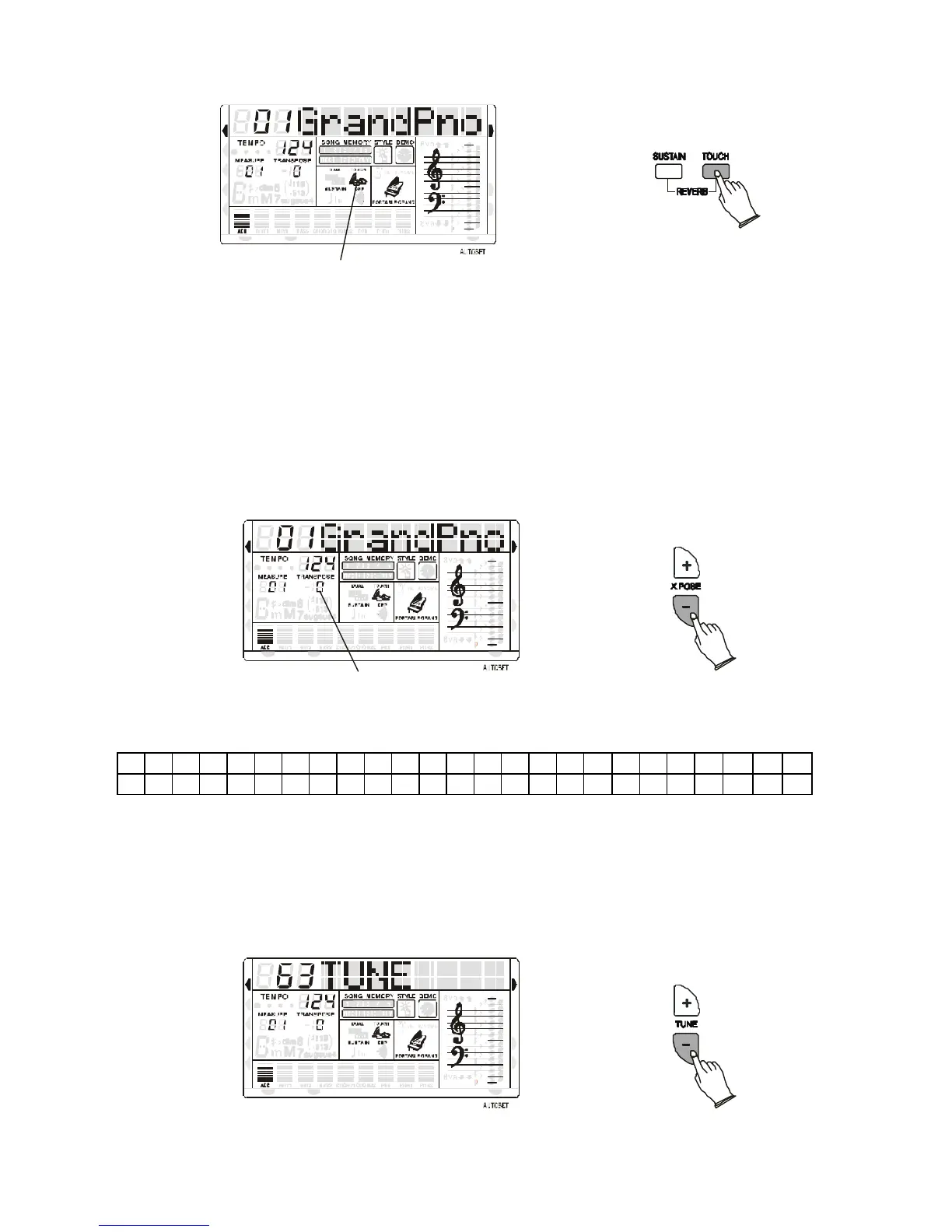
Touch Flag
RIGHT VOICE
STYLE
DEMO
Press [TOUCH] button, you can turn ON/OFF the touch function. When the touch function is
ON, the volume will be varied according to how hard you play on the keyboard.
SUSTAIN
Press SUSTAIN button so that its flag appears to turn Sustain ON. It can be used as a damper
pedal. Turning Sustain on to sustain notes after the keys are released. Press SUSTAIN button
again to turn sustain OFF.
TRANSPOSE
It is possible to Transpose the natural key ( C ) of your instrument up or down.
MIDI IN MIDI OUT
NORMAL
SINGLE
FINGERED
SPLIT
PERCUSSION
Transpose Value
RIGHT VOICE
STYLE
DEMO
To change the key of the instrument use the TRANSPOSE [+] or [-] buttons as many time as
indicated as C0 in the following table,
C C#
- Press the Transpose [+] button to select number 4 to transpose the instrument into E key.
- Press the Transpose [-] button to select number 2 to transpose the instrument into A# key.
- Press both Transpose [-] [+] buttons to restore the C key.
TUNE
The TUNE feature enables the player to tune the pitch of the instrument to match other
instruments.
MIDI IN MIDI OUT
NORMAL
SINGLE
FINGERED
SPLIT
PERCUSSION
RIGHT VOICE
STYLE
DEMO
- Press the Tune [+] or [-] button to adjust the pitch.



 To Next Page