- The display indicates all changes. The PITCH value on the display can be changed
between –64 ant +63.
- The normal pitch value (00) can be recalled by pressing both the two [Tune] buttons at the
same time.
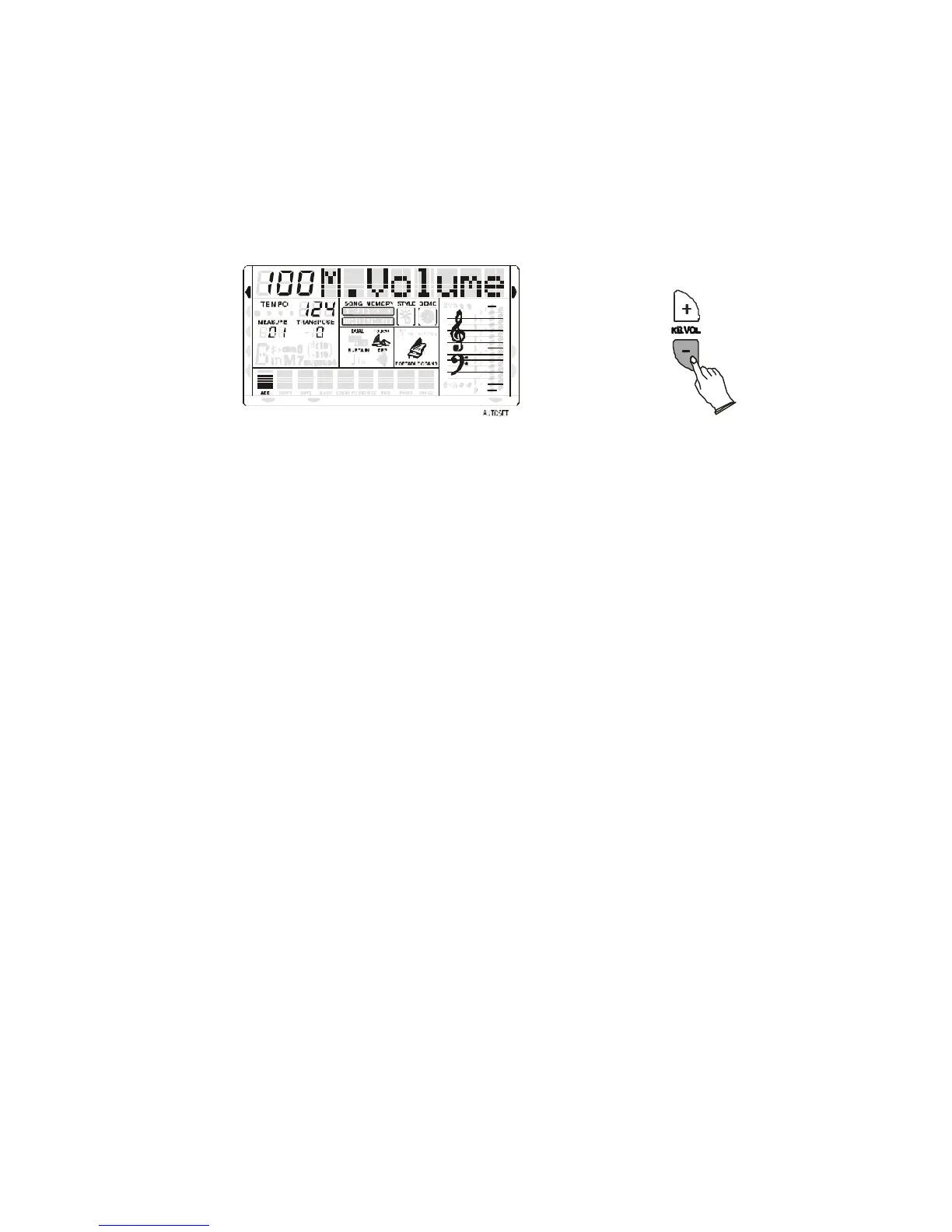
MAIN VOICE VOLUME
The volume of the MAIN VOICE can be controlled with the related volume buttons.
MIDI IN MIDI OUT
NORMAL
SINGLE
FINGERED
SPLIT
PERCUSSION
RIGHT VOICE
STYLE
DEMO
The volume range is from 00 (no sound) to 127 (maximum volume).
Press the two buttons at the same time to restore the Volume default value at 100.
PITCH BEND
The PITCH BEND wheel is located on the left side of your keyboard and can be used to tune the
pitch of the keyboard. By pushing the wheel upwards, the keyboard pitch will be increased. By
pulling the wheel downwards the keyboard pitch will be decreased.
Push the wheel to the top position for approximately 2 seconds. The LCD will display the pitch
range. You can use the data wheel to set the pitch response: 1~12 semitones. When the power is
turned ON, the default sensitivity is +/- 2 semitones.



 To Next Page