AUTO ACCOMPANIMENT
Your instrument has 130 (01-130) accompaniment styles which can be used to provide
fully-orchestrated Auto Accompaniment. When the Auto Accompaniment function is turned
ON, the left part of the keyboard will be used to play automatic accompaniments with
orchestrated chords and bass lines, the right part of the keyboard is available for normal playing.
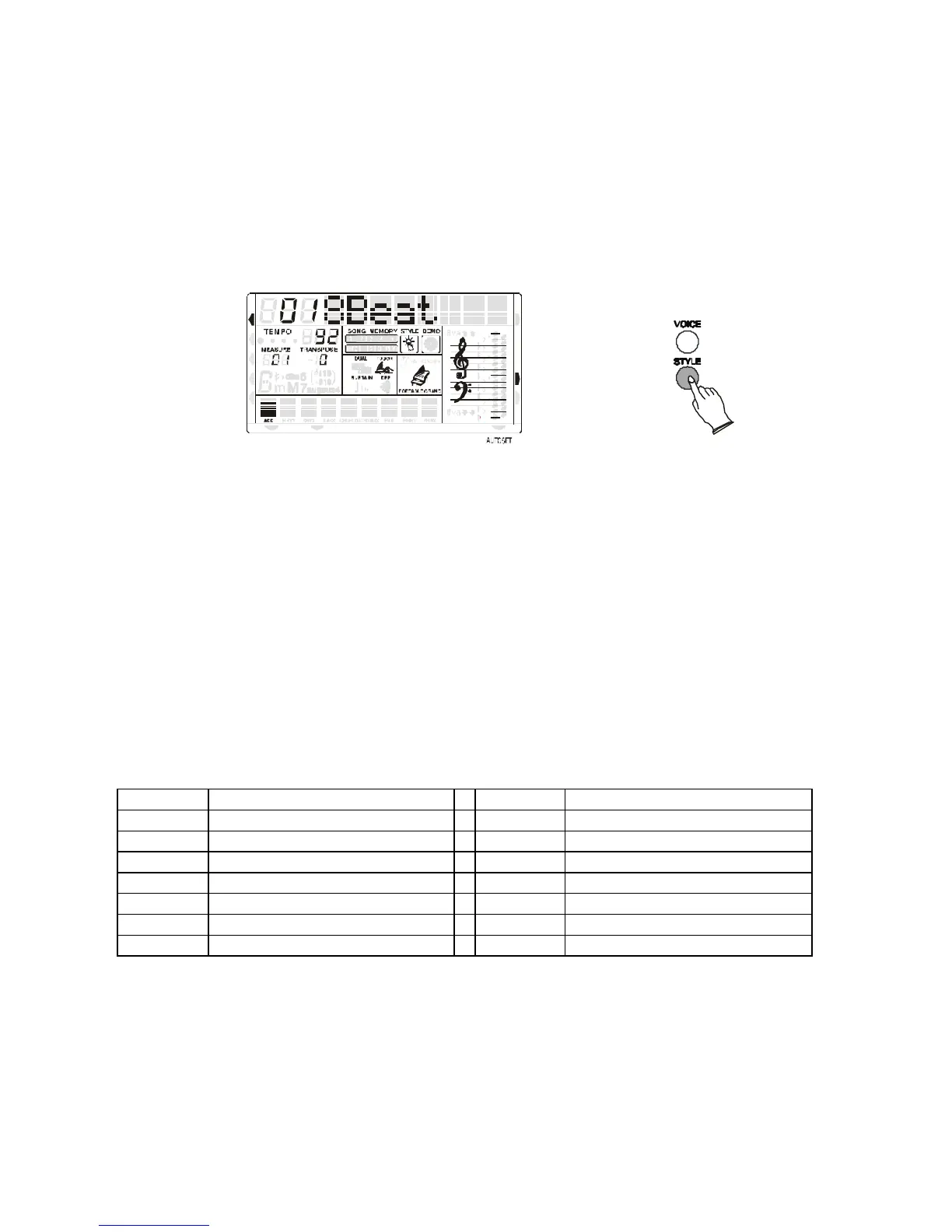
SELECT A STYLE
Press the STYLE button to enter the style select function. The current style number and name
will appear on the Display.
MIDI IN MIDI OUT
NORMAL
SINGLE
FINGERED
SPLIT
PERCUSSION
RIGHT VOICE
STYLE
DEMO
Use the numeric-key pad [0]-[9] or the [+/-] buttons to set the desired style number.
To select a style which number is between 1 and 99, for example 27 RAI, press the [+/-]
buttons until the number 27 is selected on the display.
To select the style 27 using the numeric key-pad buttons follow the instructions:
- press the number 2 button and than the number 7 to select the style.
- the style number 27 RAI, is now selected
To select a style which number is higher than 99, for example 124 Standard Waltz, press the [+/-]
buttons until the number 124 is selected on the display.
To select the style 124 using the numeric key-pad buttons follow the instructions:
- press the number 1 button and hold it until the number 1 followed by two lines ( 1 _ _ )
appears on the display
- press than the number 2 and the number 4 buttons to select the style.
- the style number 124 Standard Waltz, is now selected
Here find the styles listed in Style Groups. Later in the manual is available a detailed Style list.
01 - 30 Arabic 78 - 82 Blues & Gospel
31 - 36 8 Beat 83 - 88 Country
37 - 42 16 Beat 89 - 95 Latin 1
43 - 49 Ballad 96 - 105 Latin 2
50 - 55 Dance 106 - 114
Waltz
71 -77 Rock & Boogie
SINGLE FINGER MODE
The SINGLE FINGER Mode fingering makes it simple to produce beautifully orchestrated auto
accompaniment using major , seventh , minor and minor-seventh chords by pressing a minimum
number of keys.
- Press the SELECT button one time to select SINGLE function in the display.



 To Next Page