SPLIT POINT
The default Left Sound Split point and Auto Accompaniment Split point are in the same
position: the G1 key.
The Left Sound Split point can be set to any other key as follows:
- Using the SELECT button select the SPLIT function on the display and when in the SPLIT
position hold the SELECT button pressed.
- Press now the key on the keyboard where the new Left Sound Split point is desired.
Note that sometimes it is necessary to press the key more than one time to set the new Split
point. This may depend by the status of the internal computer.
- The display shows the new Split point
- Release the SELECT button.
The Auto Accompaniment Split point can be set to any other key as follows:
- Using the SELECT button select the SINGLE or FINGERED function on the display and
when in the SINGLE or FINGERED position hold the SELECT button pressed.
- Press now the key on the keyboard where the new Auto Accomp. Split point is desired.
Note that sometimes it is necessary to press the key more than one time to set the new
Split point. This may depend by the status of the internal computer.
- The display shows the new Split point
- Release the SELECT button.
The new Split Point is now set.
For standard use, when changing the Split point always set the Left Sound Split point and the
Auto Accomp. Split point in the same position.
DRUM KITS AND EFFECTS
Your instrument has 8 different Standard Drum kits that can be played on the keyboard when
selecting voice numbers, 150 through to 157:
150 Standard, 151 Room, 152 Power, 153 Electric, 154 Synth, 155 Jazz, 156 Brush, 157 Classic
It also has 2 different Arabic Drum kits, 158 through to 159:
The Sound number 160 is the Sound Effects preset.
DIGITAL REVERB
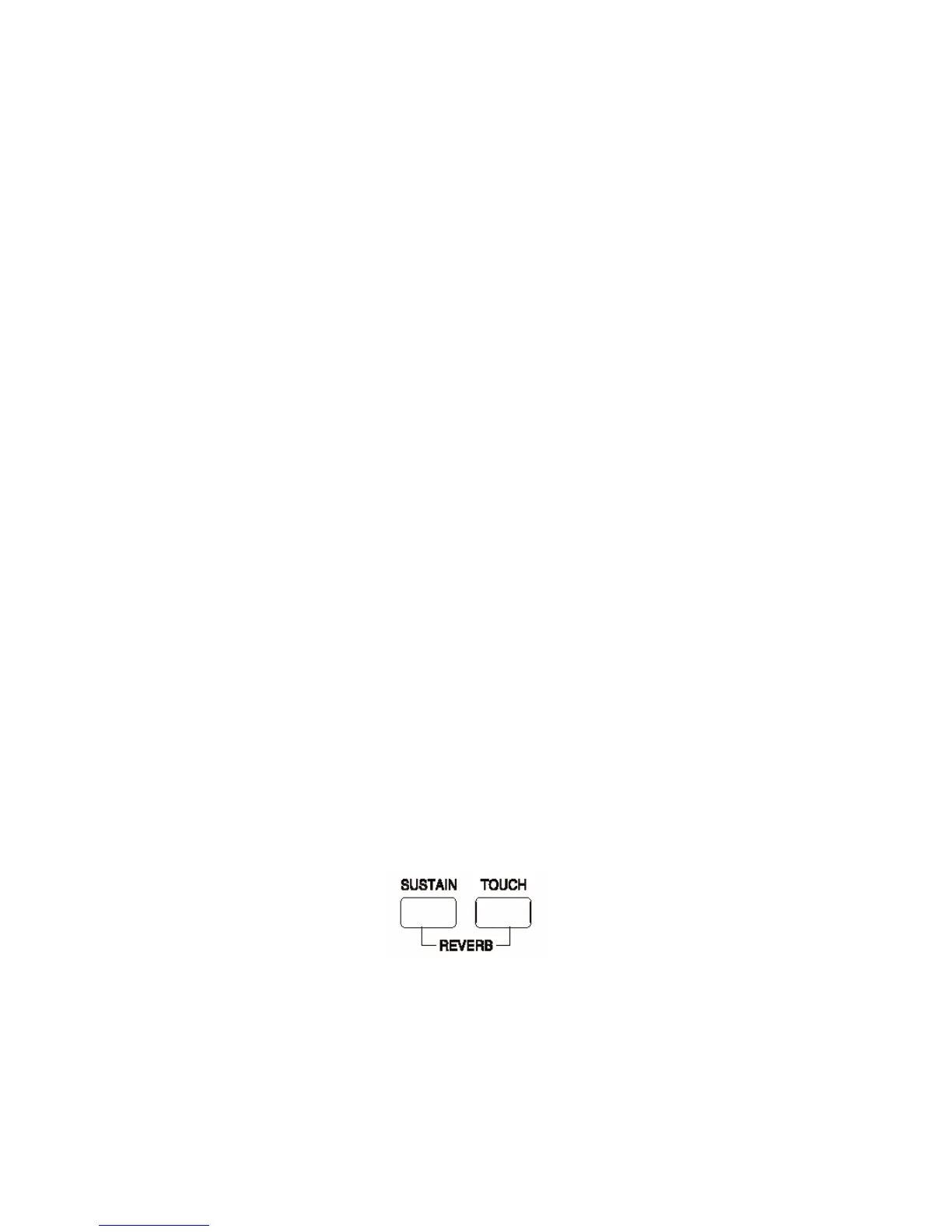
To select the Reverb effect press [SUSTAIN]+[TOUCH] button at the same time, the REVERB
effect will turn on/off.
Use the [+/-] buttons to select the Reverb types form: : Room 1, Room 2, Room 3, Hall 1, Hall
2, Plate, Delay, Pan Delay
TOUCH SENSITIVITY
Just like an acoustic piano, your instrument has a keyboard with velocity control. This means the
level of the audio signal will be in proportion with the velocity of the key pressed. If you play
soft you will have a quiet sound, while if you play very hard you will have a much louder sound.



 To Next Page