SELECTING AND PLAYING THE VOICES
Your instrument has 128 sounds in the internal sound library numbered from 01 to 128, and 10
Drum Kits numbered from 150 to 159. Sound 160 is the SOUND EFFECT preset.
It is possible to play up to two sounds for the right hand (DUAL) and one sound for the left hand
(SPLIT).
The available sounds can be played in three different modes: Main, Dual and Split.
MAIN - plays a single voice over the entire range of the keyboard.
DUAL - mixes two different voices together for rich, complex sounds.
SPLIT - you can select one sound for the Left and up to two sounds to the Right part of the
keyboard.
Here find the sounds available listed in Sound Groups. Later in the manual is available a detailed
Sound list
01 - 08 Piano 81 - 88 Synth Lead
09 - 16 Chromatic Percussions 89 - 96 Synth Pad
17 - 24 Organ 97 - 104 Synth Effects
25 - 32 Guitar 105 - 112
Ethnic
33 - 40 Bass 113 - 120
Percussive
41 - 48 Strings 121- 128 Sound Effects
49 - 56 Ensemble 129 - 149
Arabic Sounds
57 - 64 Brass 150 - 157
Drum Kits
65 - 72 Reeds 158 - 159
Arabic Drum Kits
73 - 80 Pipe 160 Effects
SELECT A MAIN VOICE
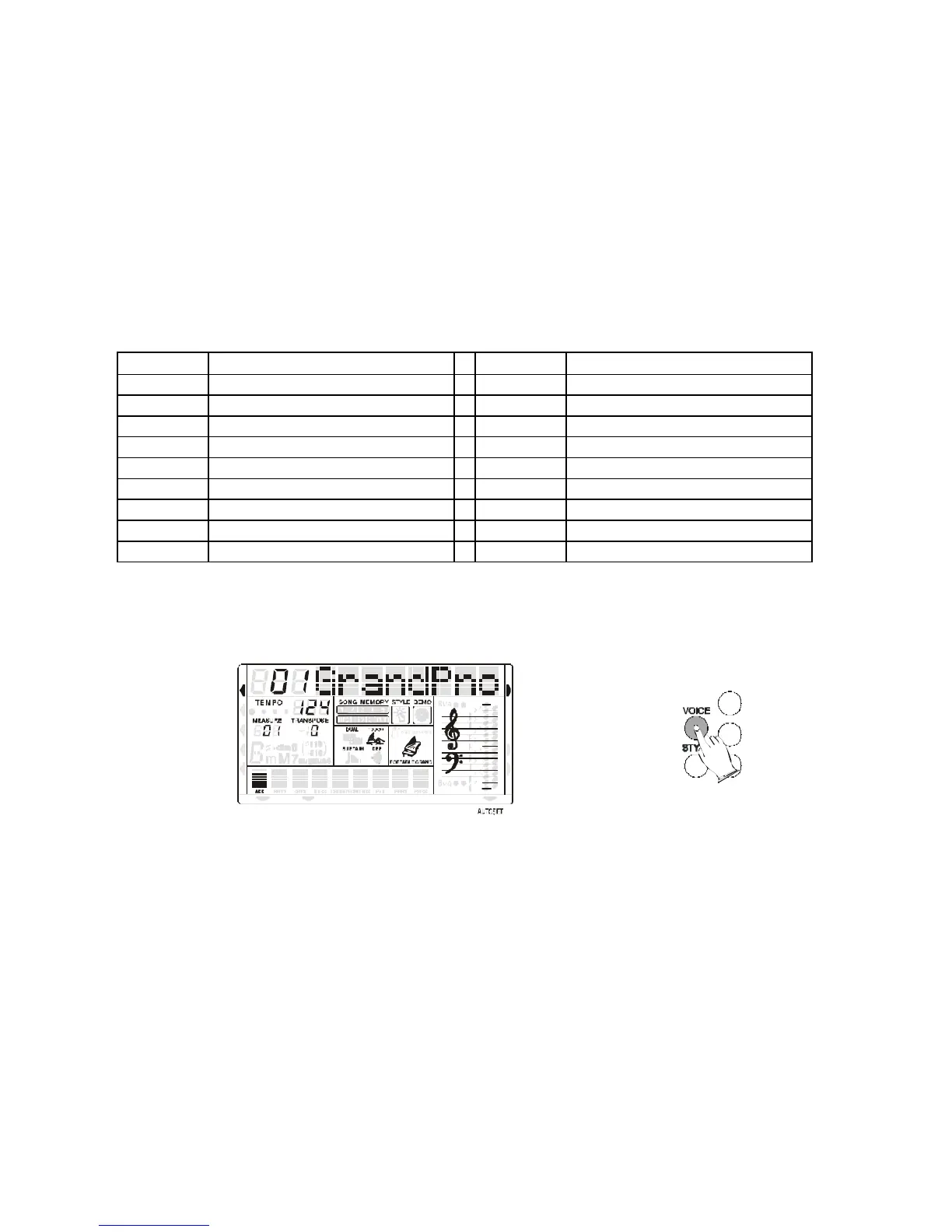
Press the VOICE button - the voice mode is selected and the current voice number and name will
be indicated on the Message Display section.
MIDI IN MIDI OUT
STYLE
DEMO
NORMAL
SINGLE
FINGERED
SPLIT
PERCUSSION
Press the numeric key-pad buttons, or the [+/-] buttons to select the desired voice number
according to the Voice List.
To select a sound which number is between 1 and 99, for example 65, press the [+/-] buttons
until the number 65 is selected on the display.
To select the sound 65 using the numeric key-pad buttons follow the instructions:
- press the number 6 button and than the number 5 to select the sound.
- the sound number 65 Soprano Sax, is now selected
To select a sound which number is higher than 99, for example 129 KANOUN, press the [+/-]
buttons until the number 129 is selected on the display.
To select the sound 129 using the numeric key-pad buttons follow the instructions:
- press the number 1 button and hold it until the number 1 followed by two lines ( 1 _ _ )
appears on the display
- press than the number 2 and the number 9 buttons to select the sound.
- the sound number 129 KANOUN, is now selected.



 To Next Page