INTRO/ENDING
If you press the Intro button before you start the rhythm, the normal rhythm pattern will be
preceded by a special introduction (INTRO). If you press the Ending button when the rhythm is
already running, the instrument plays a final variation (ENDING) and the style will stop
automatically.
Any of your instrument accompaniment patterns can be started with an appropriate introduction
by pressing the INTRO button directly. When the intro finishes playing, the accompaniment
change to the main style.
If you press the SYNC-START button and then the INTRO button, the accompaniment will start
from the introduction as soon as a chord is detected in the AUTO ACCOMPANIMENT section
of the keyboard.
FILL-IN
The fill-in button let you add dynamic variations and breaks in the rhythm of the accompaniment,
to make your performance sound even more professional.
Simply press the FILL IN button as you play, and the fill-in plays automatically.
VARIATIONS
There are three different levels of accompaniment in the instrument. Variation 1 provides a
simple basic arrangement for any kind of music. Variation 2 extra feeling to the accompaniment.
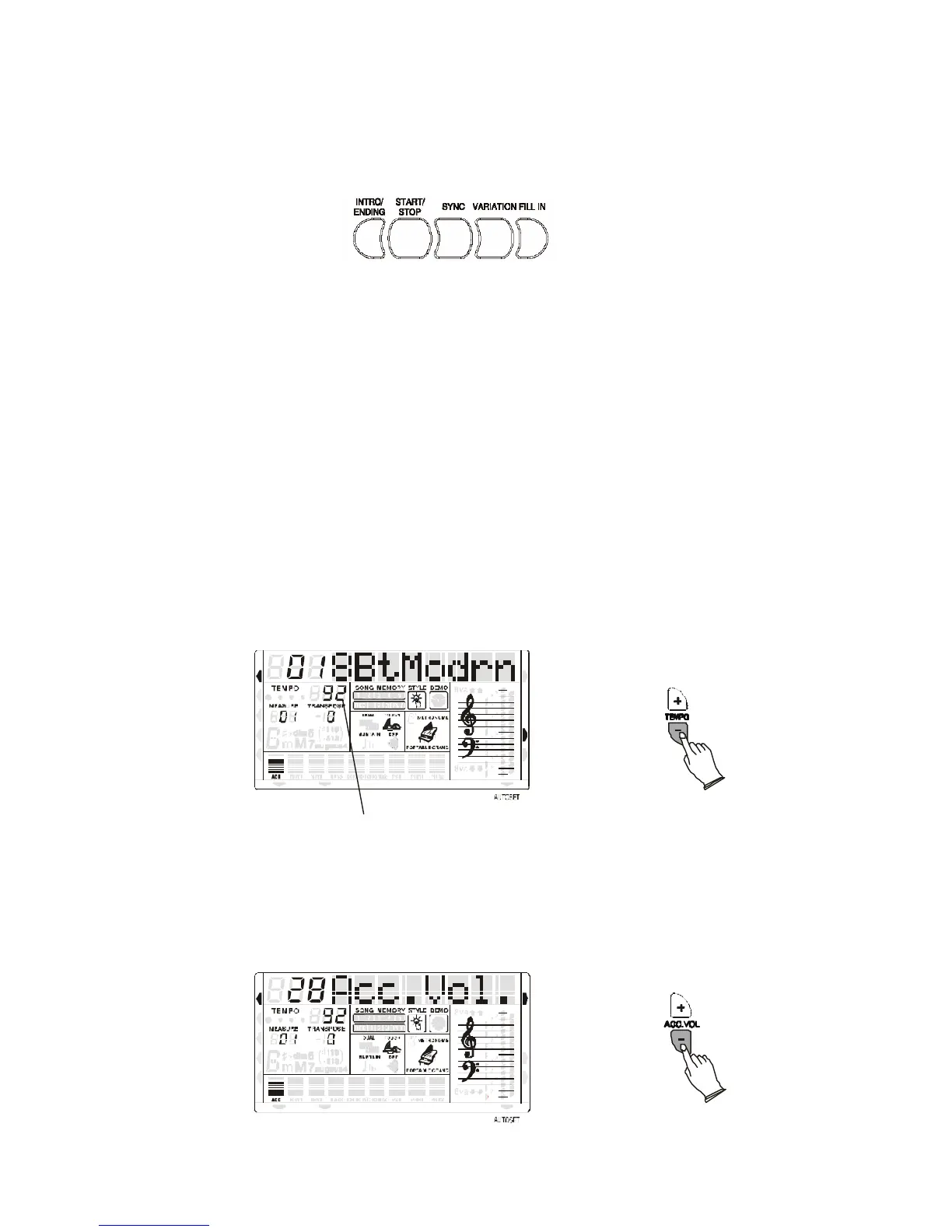
TEMPO
The [-TEMPO+] buttons can be used to control the tempo of the Auto Accompaniment section,
the DEMO songs and the record/play back of a song recording.
MIDI IN MIDI OUT
NORMAL
SINGLE
FINGERED
SPLIT
PERCUSSION
The current Tempo Value
RIGHT VOICE
STYLE
DEMO
Press the [-TEMPO+] buttons to set the desired tempo value (20-280). The current tempo (beats
per minute) will appear on the Message Display.
Press the [TEMPO+] and [TEMPO-] buttons simultaneously to restore the default tempo setting.
ACCOMPANIMENT VOLUME CONTROL
The [ACC+/-] buttons can be used to adjust the volume of the selected accompaniment.
NORMAL
SINGLE
FINGERED
SPLIT
PERCUSSION
MIDI IN MIDI OUT



 To Next Page