EasyManua.ls Logo

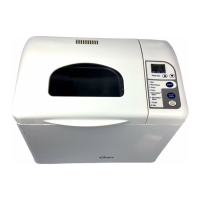
Oster 5839 - The Control Panel

Oster 5839
80 pages
Print Icon
To Next Page IconTo Next Page
To Previous Page IconTo Previous Page
Loading...
14
Stop
Start
Timer Set
Basic Breads
1 • Regular
2 • Large
3 • Large Dark
Whole Wheat
4 • Regular
5 • Large
6 • Large Rapid
Specialty
7 • French
8 • Sweet
9 • Dough
10 Cake/Quick Bread
11 Jam
Select
®
Questions? You can call us toll free at 1-800-526-2832.
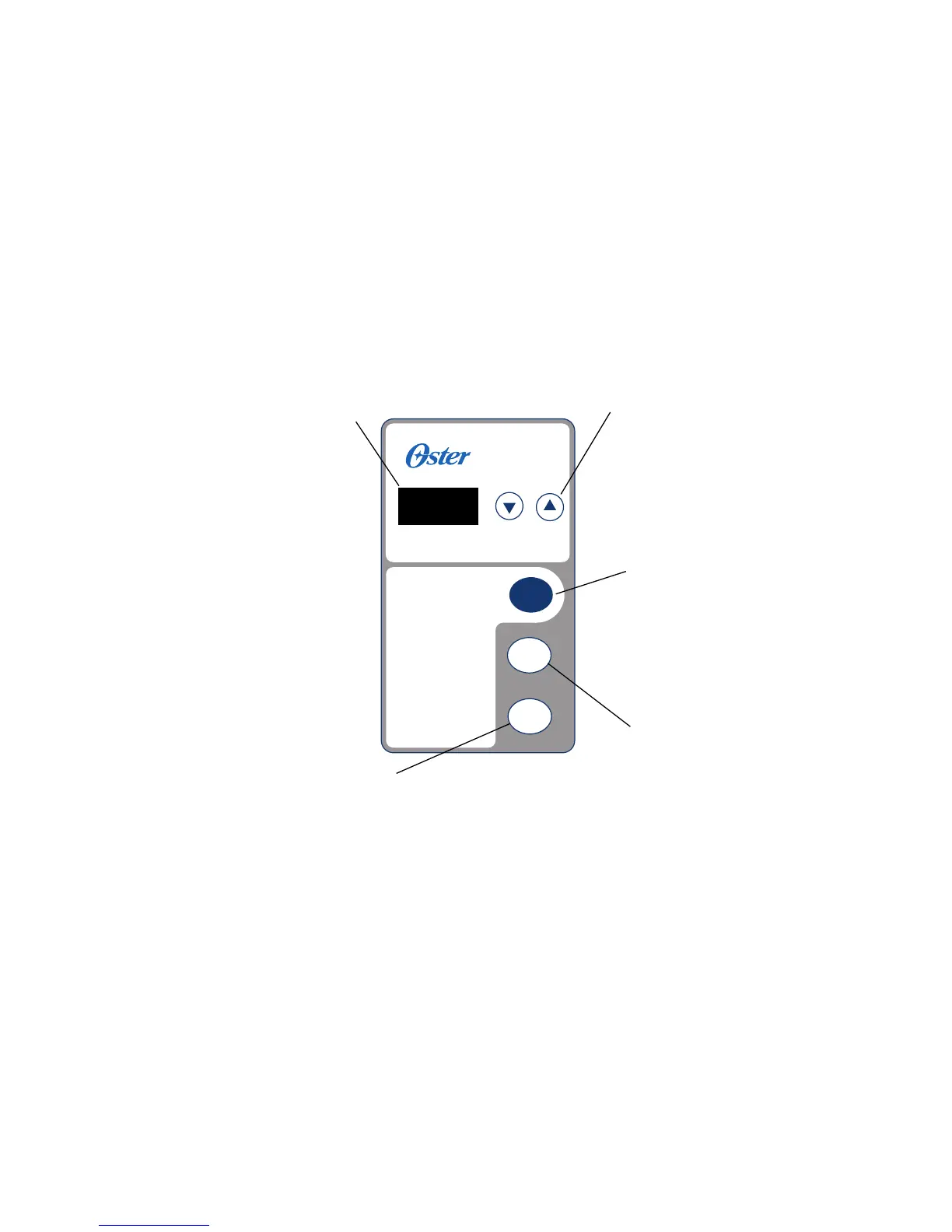
The Control Panel
DISPLAY WINDOW –
Indicates the One
Digit Number for
the selected Bread
Setting. Shows the
minute-by-minute
countdown for
the baking cycle.
TIMER SET –
Allows you to set the
timer for Delay Bake
Function. Has “Up” and
“Down” arrows to set
time. The arrows move
up and down in
10-minute increments.
SELECT –
Press to select desired
bread setting and it
will automatically set
the time needed
to complete the
baking cycle.
START –
Tells the bread
maker to begin
operation.
STOP –
Tells the bread maker
to stop everything.
Press and hold until
you hear the beep
to stop operation
or cancel incorrect
Timer setting.

Table of Contents

Related product manuals