22 23
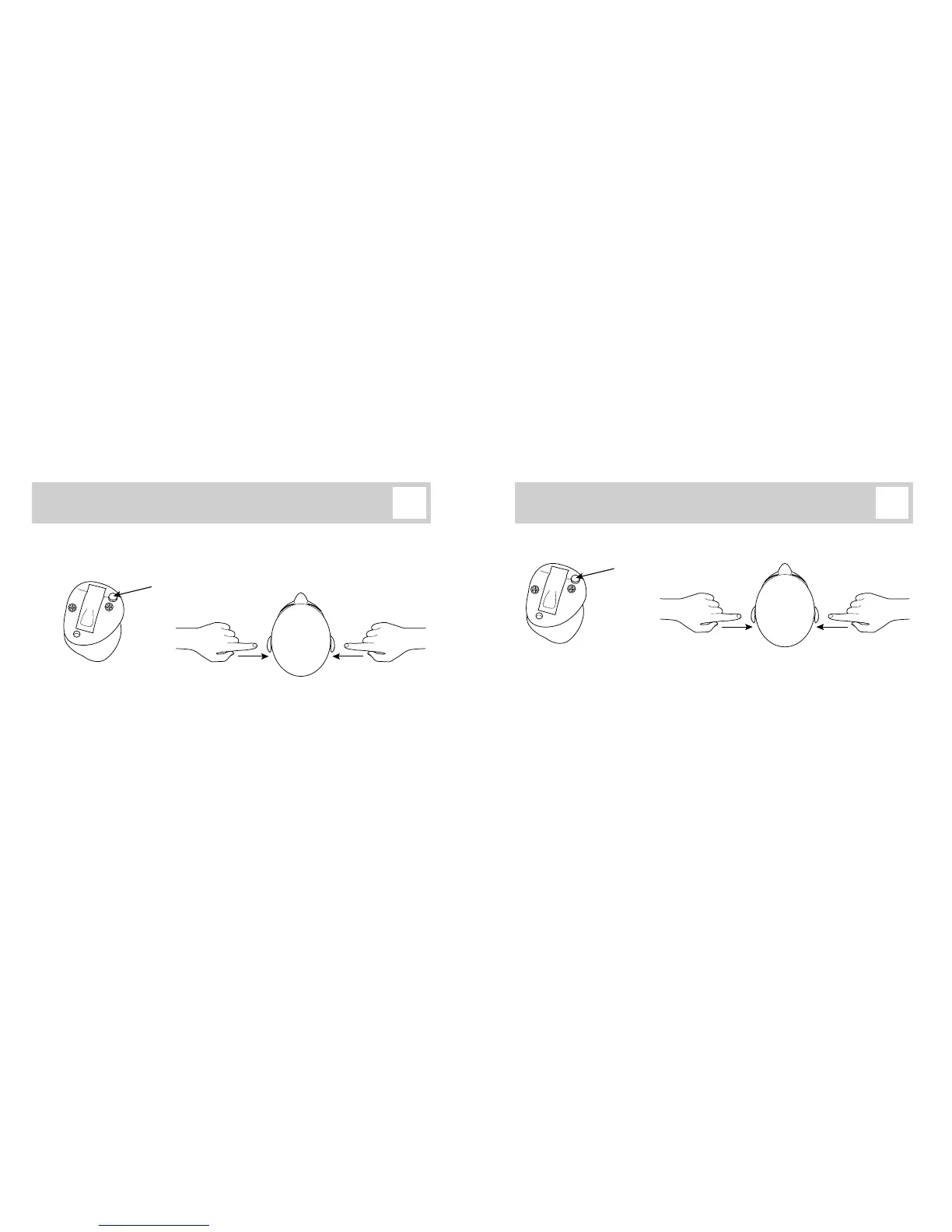
The listening programs available in your hearing instruments are congured by your
Hearing Care Professional. When the hearing instruments are turned on, they start up in
program 1.
Press the push-button briey to change program. Both instruments will change program
and beep. The number of beeps indicates which program you are using (1 beep = program
1).
Coordinated right/left program control Coordinated right/left volume control
Next program
in sequence
Previous program
in sequence
Push-button
When the hearing instruments are turned on, they start up at a preferred volume level.
Press the push-button briey to adjust the listening volume. Both instruments will
change volume and make a ‘click’ sound to give you an impression of volume level.
A double-beep indicates that you have reached the preferred volume level.
Note: Volume indications in your instruments may dier. See last page.
Volume upVolume down
Push-button



 To Next Page