A
2
1
1
2
40 41
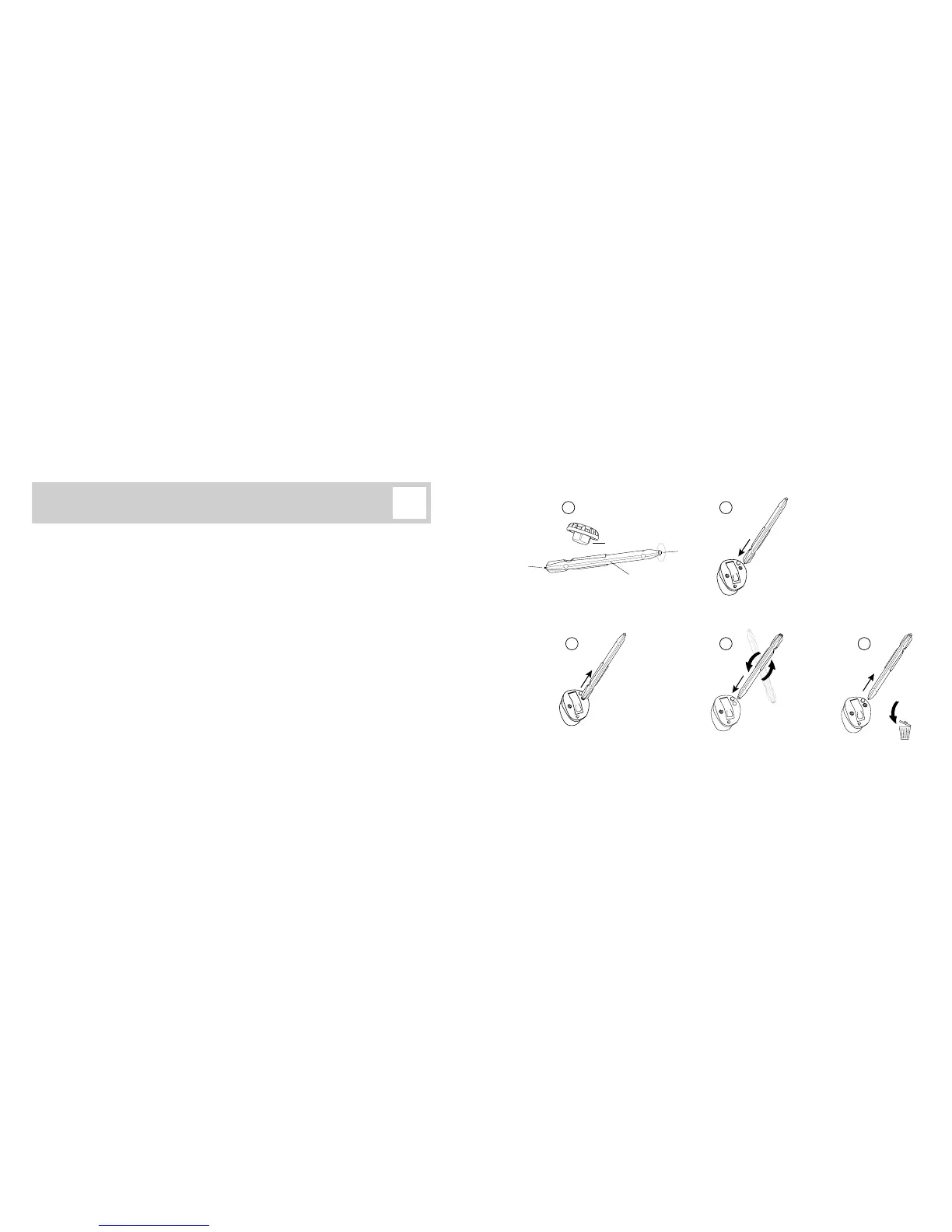
Replacing O-Cap microphone lters
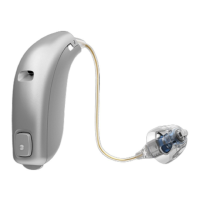
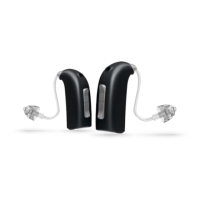
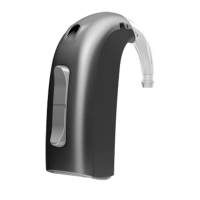
(Instruments with size 312 and 13 batteries)
1. Remove the tool from its packaging. The tool has two ends, one for removal of the
O-Cap (A) and one with the new O-Cap (B).
2. Push the removal end of the tool into the used O-Cap lter.
3. Pull the used O-Cap out with the tool.
4. Using the other end of the tool (1), push the new O-Cap into the opening (2).
5. Remove the tool leaving the O-Cap in place (1). Throw out the handle (2).
If your instrument have two microphone openings, follow the same procedure to replace
also the second O-Cap lter.
B
O-Cap
Handle
4
1 2
3 5



 To Next Page