24 25
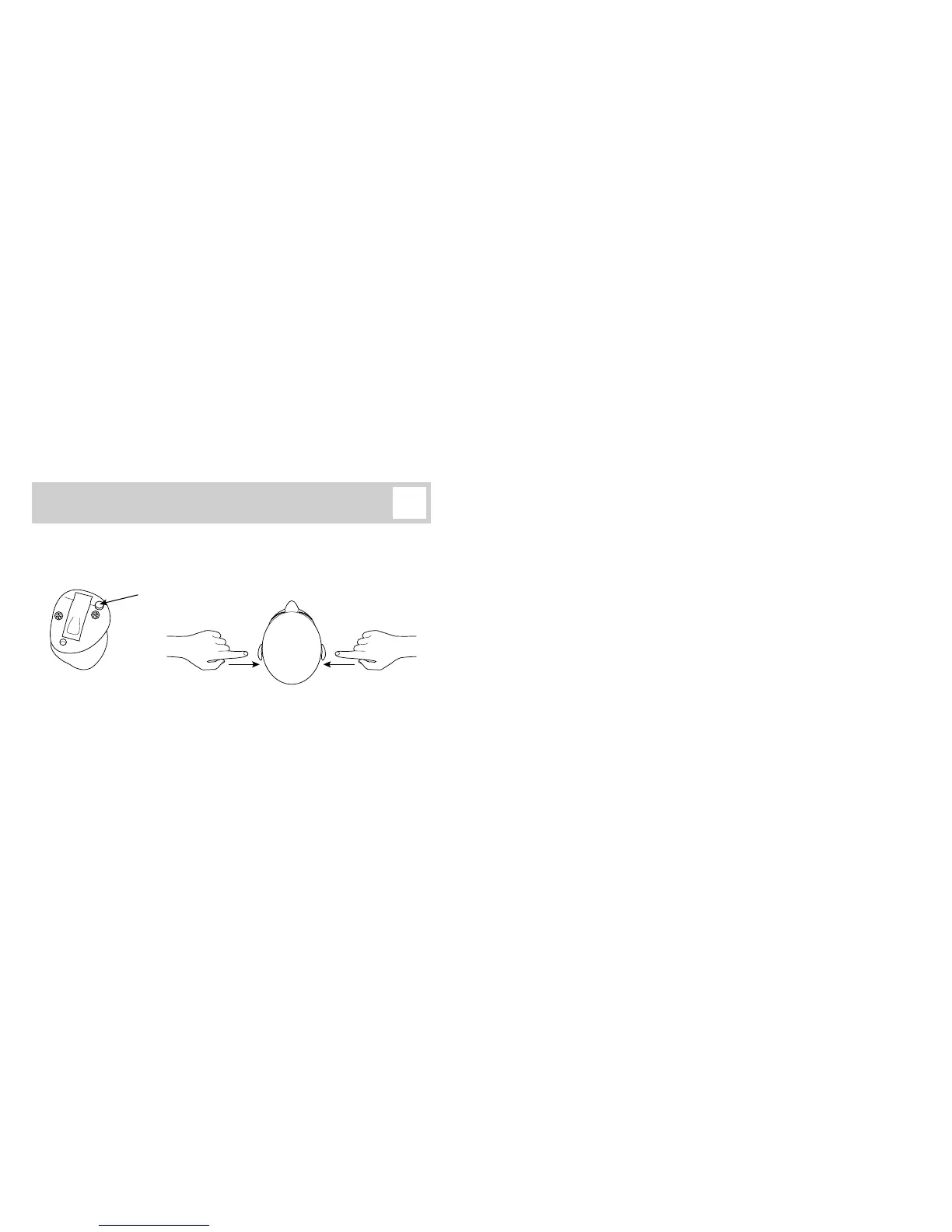
Coordinated right/left program
and volume control
When the hearing instruments are turned on, they start up in program 1 and at a
preferred volume level.
Brief press: Volume (+)
2 sec. press: Program (+)
Brief press: Volume (–)
2 sec. press: Program (–)
Push-button
Press the push-button briey to adjust the listening volume. Both instruments will
change volume and make a ‘click’ sound to give you an impression of volume level.
A double-beep indicates that you have reached the preferred volume level.
Note: Volume indications in your instruments may dier. See last page.
Press and hold the push-button for about 2 seconds to change program. Both instruments
will change program and beep. The number of beeps indicates which program you are
using (1 beep = program 1).



 To Next Page