34 35
Here is how . . .
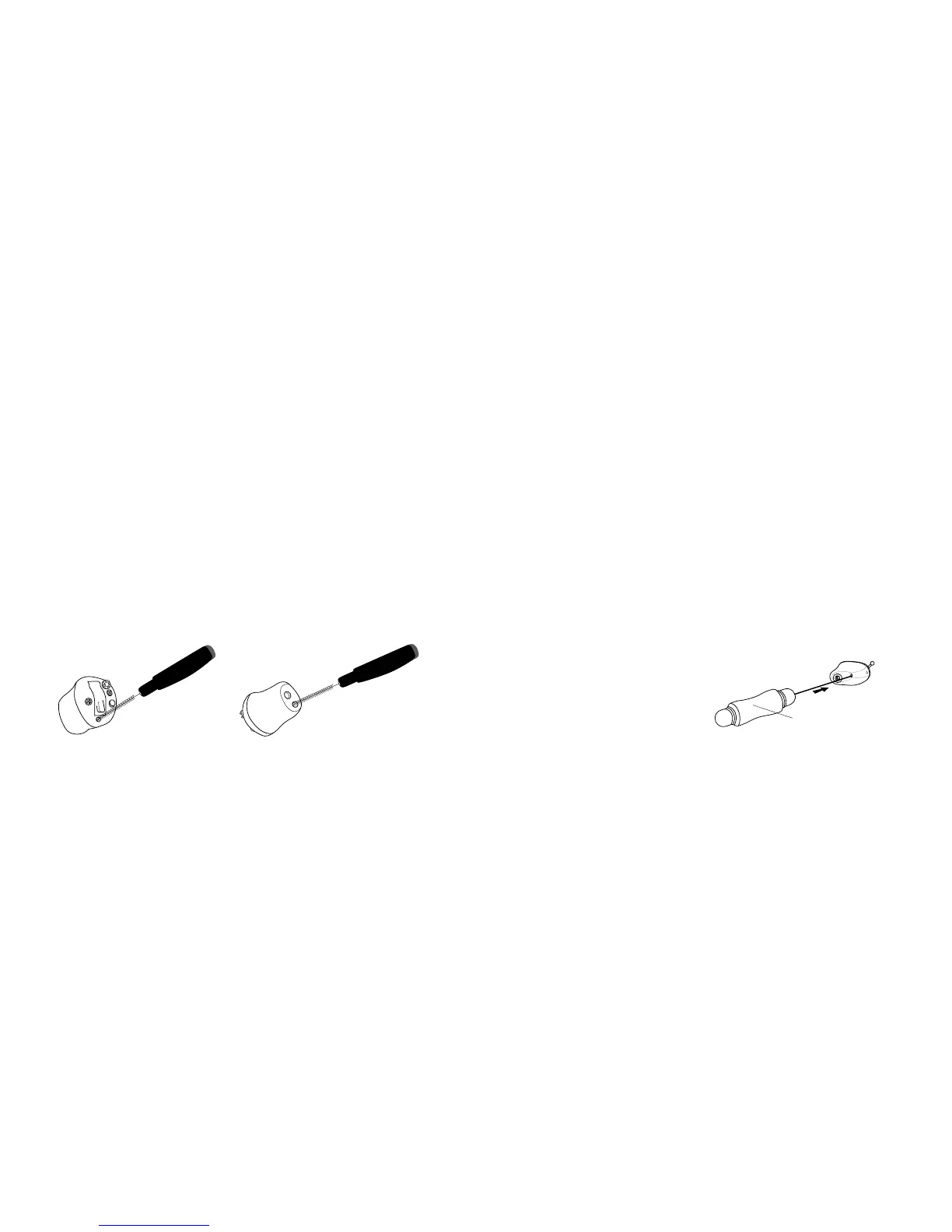
• Clean away any traces of wax from around the ventilation openings, microphone inlets
and sound outlet with the brush. Hardened sediments can be removed by the wire loop
in the MultiTool. If the microphone inlets or the sound outlet are clogged by dust or dirt,
this will aect the performance of the instrument.
• Clean the ventilation opening by pressing the brush through the hole while twisting it
slightly.
• If the ventilation opening is very tiny a special tool may be required for cleansing.
Your Hearing Care Professional can advise.
• Use the cloth to wipe clean the surface of the instrument.
• If the white wax protection system (called ProWax) placed in the sound outlet seems
lled up and blocked by ear wax, it must be replaced.
• If the microphone wax protection system (O-Cap or T-Cap; see page 7a, 7b or 7c seems
lled up and blocked by ear wax, it must be replaced.
Replace the MultiTool brush when necessary. Just pull it out of the handle and insert a
new fresh brush. Press the new one rmly into the handle.
Ventilation Cleaning
Tool for tiny openings



 To Next Page