Table of contents
About
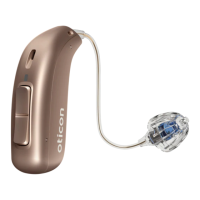
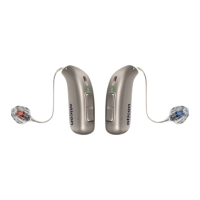
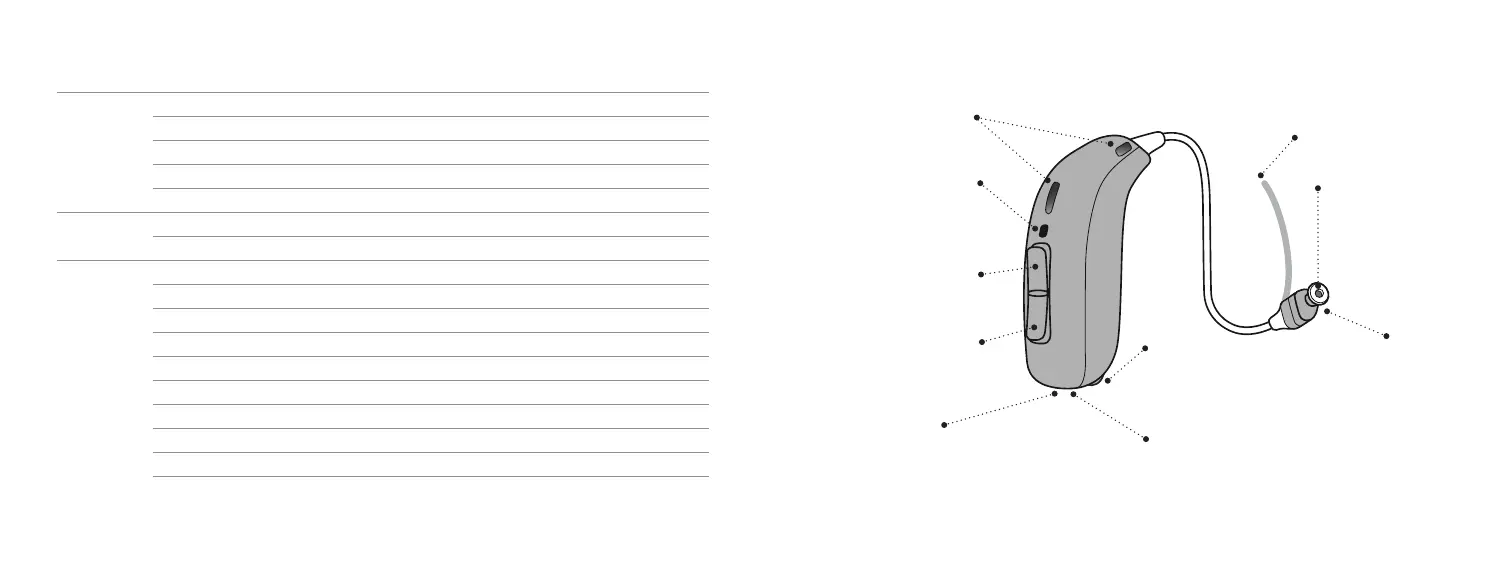
Your hearing aid, speaker and earpiece 11
Getting started
Charging time 14
Battery performance 15
Turn hearing aids ON/OFF using the charger 16
Turn hearing aids ON/OFF using the push button 17
Turn hearing aids ON/OFF 18
Low battery indication 19
Identify left and right hearing aid 20
How to replace the disposable battery — size 312 22
Put on hearing aid 24
Continues on next page
Daily use
Cleaning 26
Replace standard earpieces 28
ProWax miniFit filter 30
Clean customised earpieces 32
Replace ProWax filter 33
Hearing aid storage 34
Change volume 35
Change program 36
Options
Flight mode 38
Mute your hearing aids 40
Using your hearing aid with iPhone, iPad and iPod 42
Using your hearing aid with Android devices 43
Pairing and compatibility 44
Wireless accessories and other options 45


 To Next Page
 Loading...