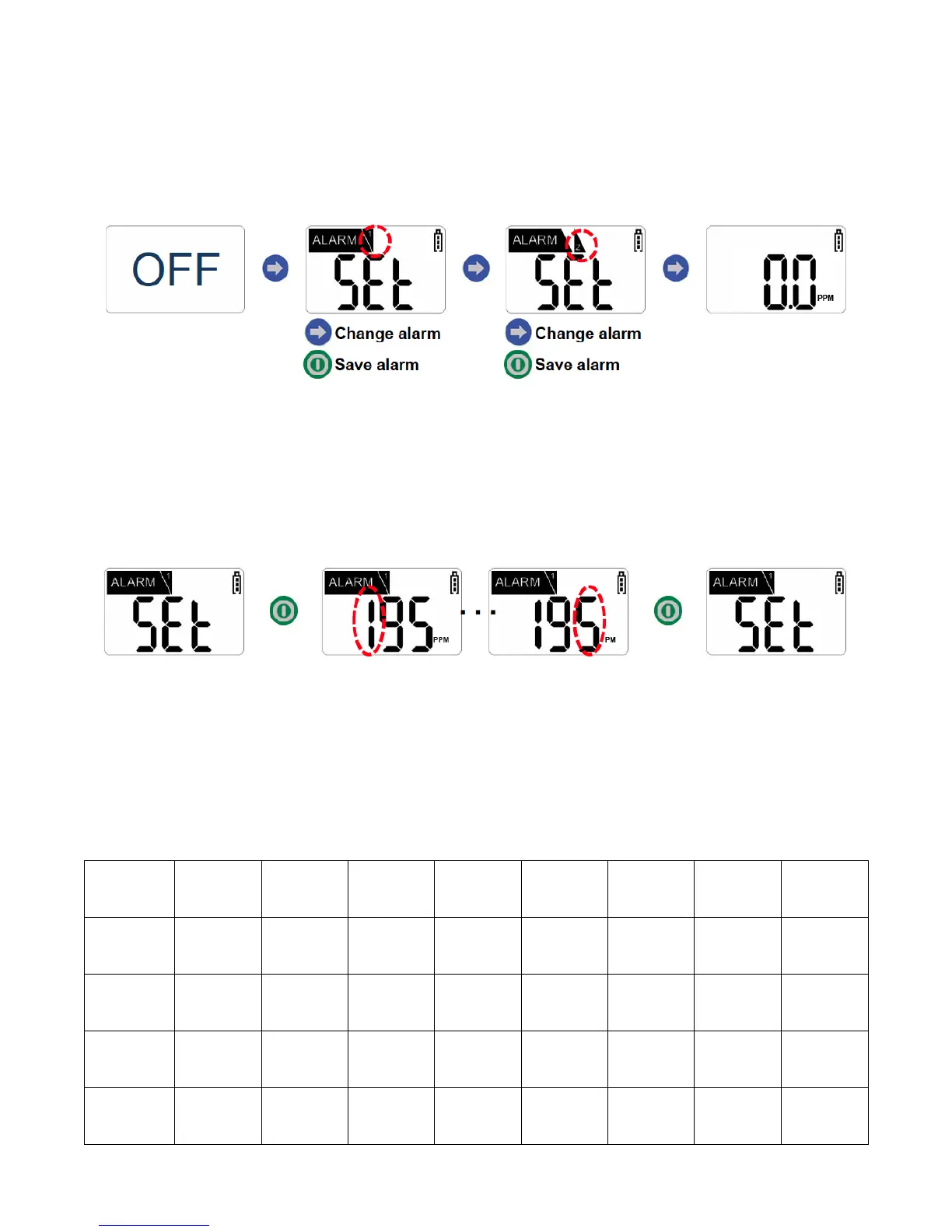
Setting Alarms
1. Power off the device.
2. To enter Alarm Set Mode, press and hold the blue arrow button for
approximately two seconds. The device will enter 1
st
Alarm Set Mode.
3. To change the Low Alarm setting, briefly press the green power button. The
display will indicate the current three-digit Low Alarm setting and the first digit
will flash. Press the blue arrow button to increase the digit by one (per press).
NOTE: Each unit value can be set between “0” and “9.”
4. Once the desired value is displayed on the screen, press the green power button to
save the alarm value (and move to the 2nd Alarm Set Mode). Repeat these steps
for the High Alarm.
5. To return to Gas Measure Mode, press the blue arrow button once.
!
Default Alarm Set Points

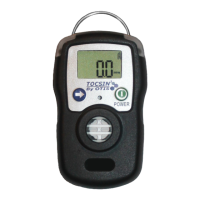

 To Next Page