19
Section 4 Operation
CAUTION
When loosening removable parts from a multiprobe, always point those parts away
from your body and other people. In extreme conditions, excess pressure may
build-up inside any underwater housing, causing the caps, sensors, or other
removable parts to disengage with force which may cause serious injury.
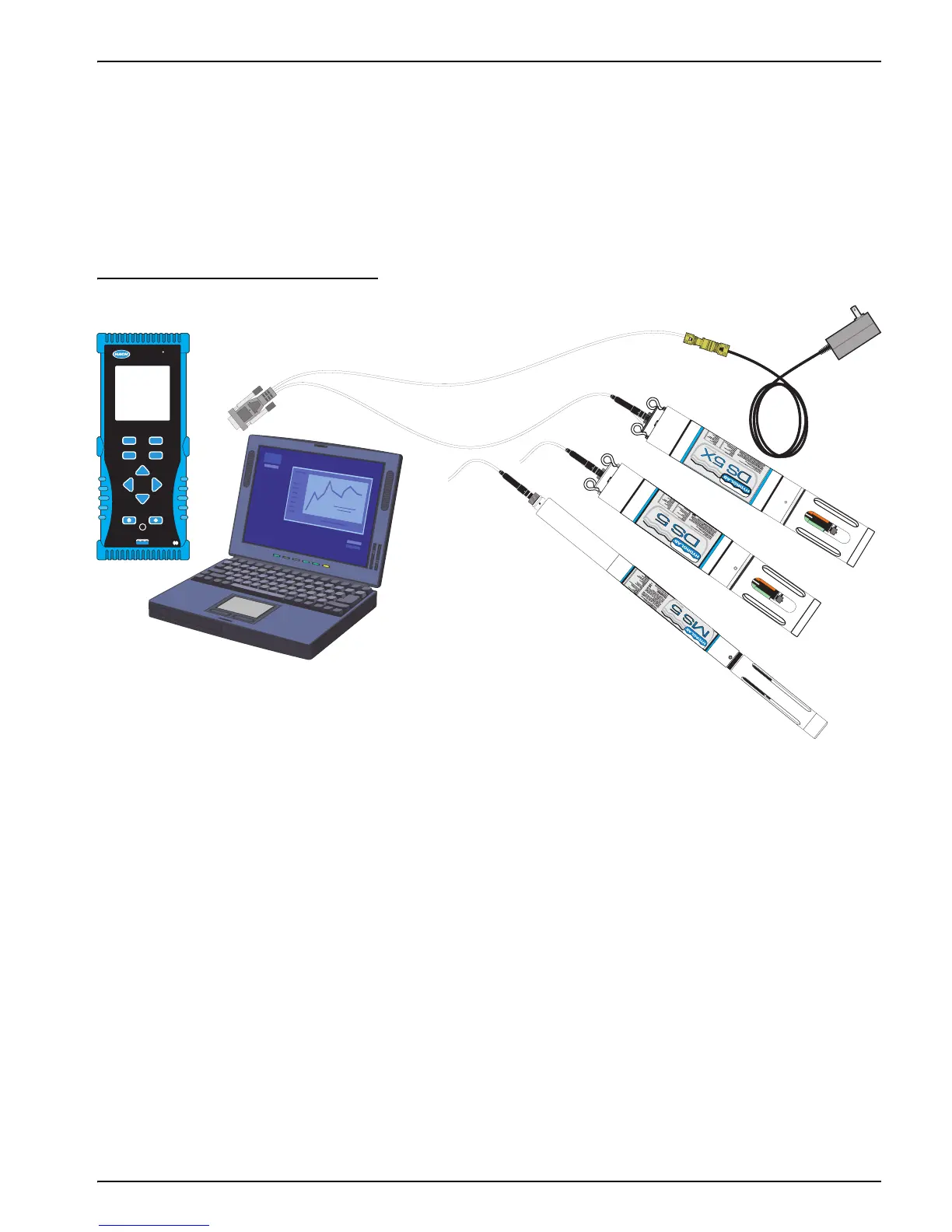
The Sondes use Hydras 3 LT or a Surveyor to set up parameters and calibrate the
sensors.
Figure 6 Operations Setup
4.1 Parameter Setup
4.1.1 Using the Surveyor for Parameter Setup
For more information on the Surveyor, refer to the User Manual (Cat. No. 00719618).
1. Attach the power and data cable to the Sonde. Attach the 9-pin connector to the
Surveyor.
2. Turn on the Surveyor. Wait approximately 10 seconds for initialization.
3. Press
SETUP/CAL. Press SETUP. Press SONDE.
4. Highlight Parameters and press
SELECT.
5. Use the
ARROW keys to highlight the appropriate parameter and press SELECT.
6. Highlight the appropriate function and press
SELECT. A configuration screen will be
displayed. Depending on the application, use the
ARROW keys to change the function,
press
SELECT and DONE to finish.
HYDROLAB
POWERED BY TECHNOLOGY
SURVEYOR 4a
R
Windows 98 , NT , 2000 , XP
®® ®®
Surveyor
®
4a
Power
Adapter
DataSonde
or
MiniSonde
™
™
4-pin
6-pin
9-pin
Calibration Cable


 To Next Page