55
Troubleshooting
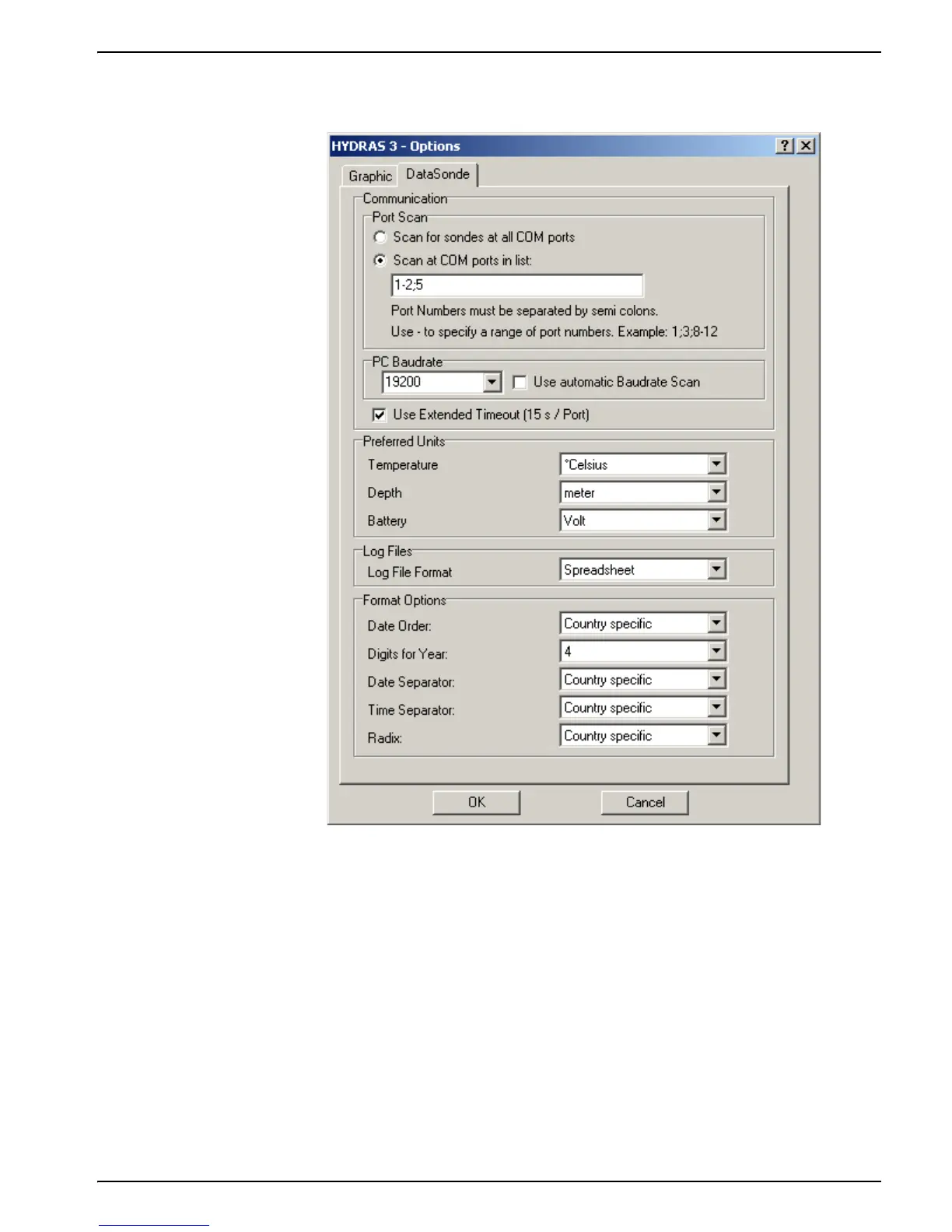
3. In addition, the connection timeout may be extended from 10 to 15 seconds, which will
allow time for additional retries.
Troubleshooting using Terminal Mode
Check the PC and terminal emulation or communication software:
• Start the communications software before connecting the instrument.
• Verify that the PC is on and that communication software is running.
• Verify that the correct communication port was selected (COM 1, 2, 3, 4).
• Verify that the terminal was set to ANSI terminal emulation, and that the correct
baud rate (19200), eight bits, no parity, and one stop bit (19200, 8, N, 1) was
selected.
• If using a 100 meter or longer cable with the Surveyor, make sure the terminal
baud rate is set to 9600 and the Sonde baud rate is 9600.



 To Next Page