54
ADVANCED MENU
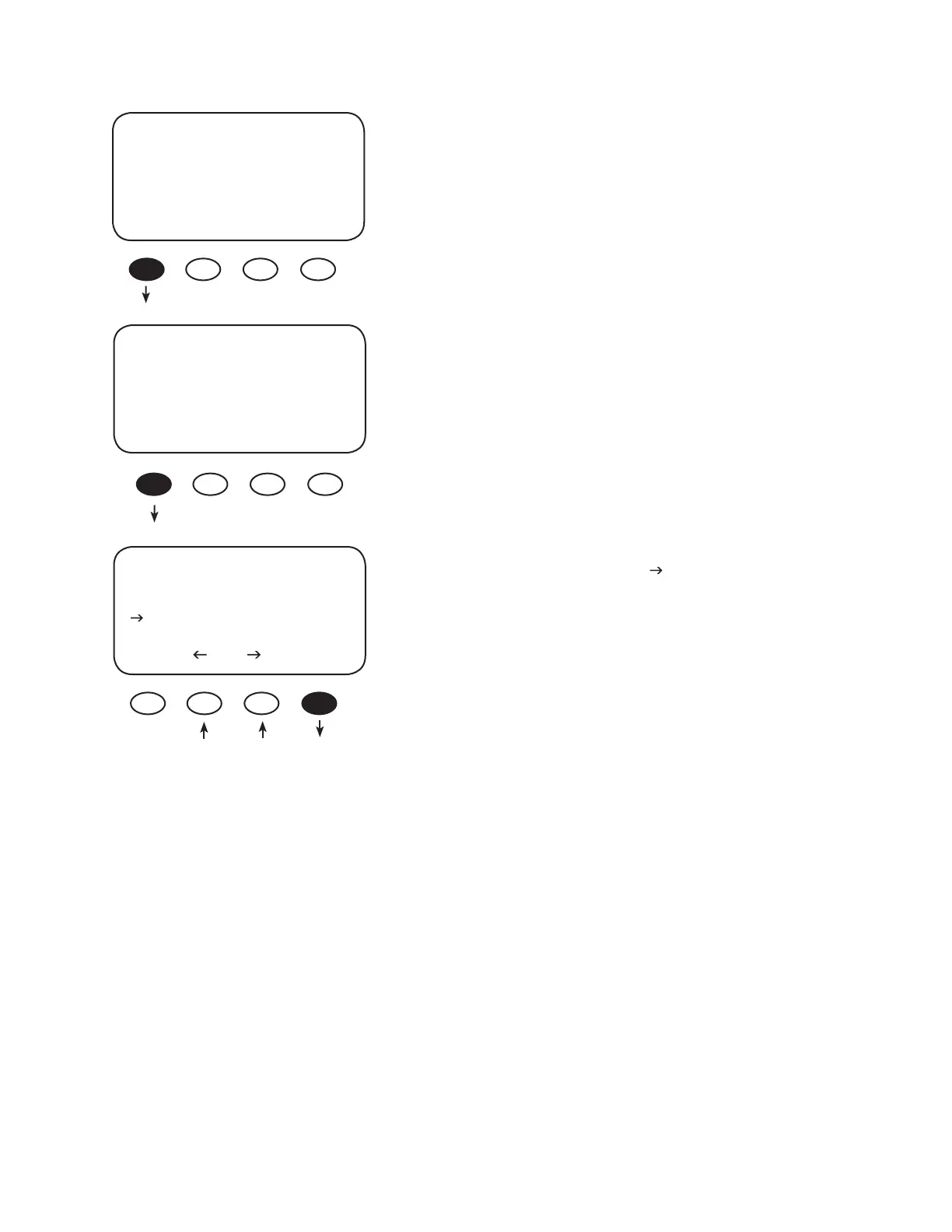
Reset to Defaults?
EXIT NEXT RESET
Pressing the <YES> soft key brings up a Reset to Defaults
screen momentarily before returning to the Reset to
Defaults? screen
Press the <EXIT> key twice to return to the MAIN Menu
screen.
From the MAIN Menu, press the <> soft key to move
the arrow next to the Logging function and then press
the <GO> soft key. This leads to the End of the Day
Summary screen, which is a log of the daily statistics and
can be viewed at any time.
Charger Aux Light
Eq Misc Advanced
Logging Stats
EXIT GO
Are you sure?
Reset to Defaults
YES NO


 To Next Page