Synchronisation:
When the OXI One starts up, Sequencer 1 is selected by default and Internal synchronization
mode is set.
The following sync options can be changed by tapping SHIFT + STOP (sync) button when the
sequencer is stopped:
- INT: OXI One follows internal timing, according to the selected tempo.
- USB: OXI One follows the clock timing received only through the MIDI USB port.
- MIDI: OXI One follows the clock timing received only through the MIDI TRS jack.
- BLE: OXI One follows the clock timing received only through the MIDI BLE. NOT
IMPLEMENTED, at the moment it’s the same as set to MIDI.
- CLK:OXI One follows the clock timing received through the clock input.
- AUTO:NOT IMPLEMENTED
OXI One reads and outputs MIDI clock according to a 24 ppq timing. The analog clock input
and output resolutions can be changed on Configuration.
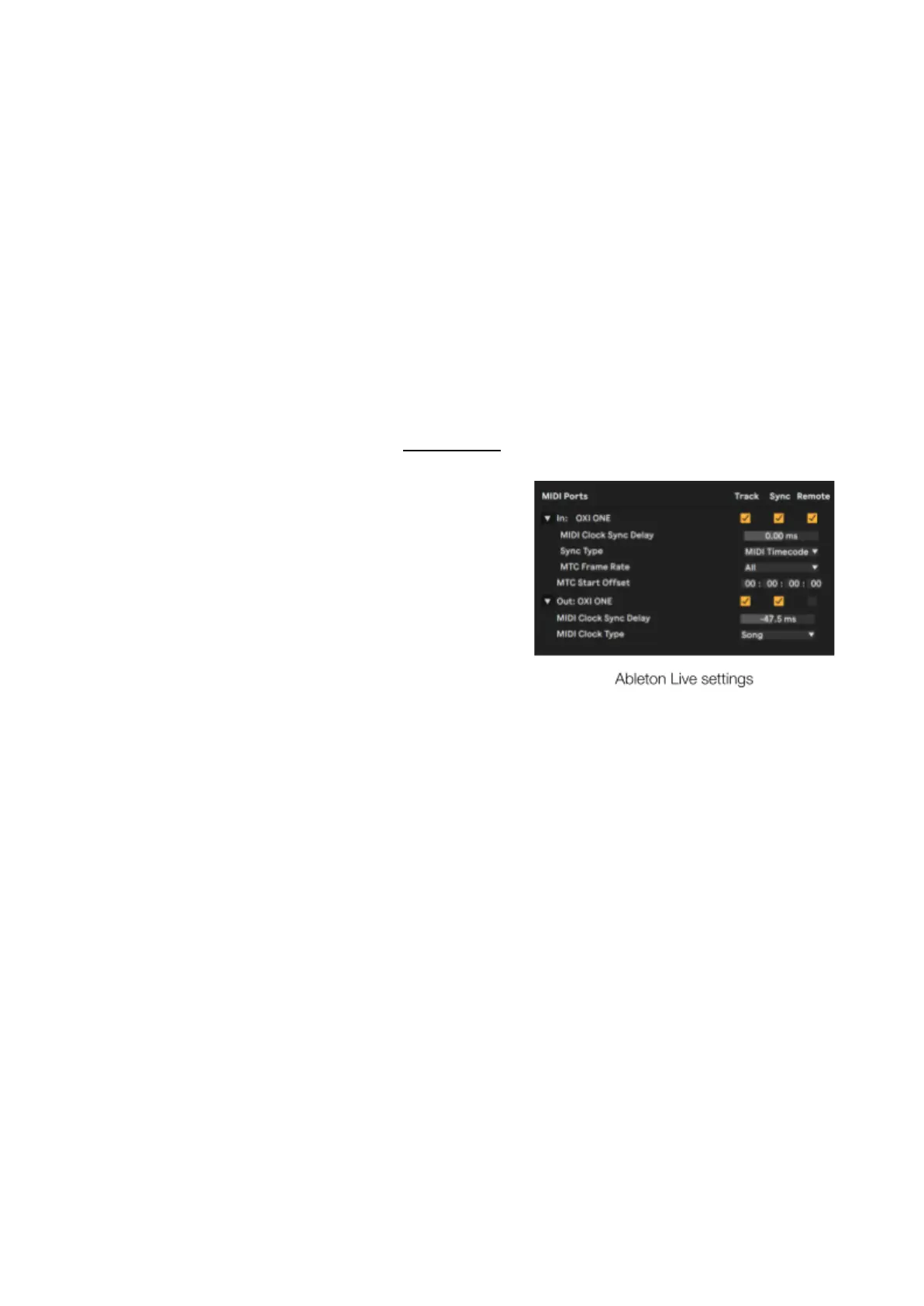
When OXI One is synchronized with a DAW in which either
of them act as a master clock, remember to adjust the
MIDI clock sync delay in your DAW settings to correct
the latency generated by the DAW.
· PREVIEW
Shift + Preview activates/deactivates playback on the grid Piano Roll view when you press a step (or
change the chord type or the step note with an encoder), this way you get instant feedback through
MIDI and CV if configured, of notes and chords you add to the sequences.
· PAGES
Press 16, 32, 48 or 64 to select which step page the grid displays. To access the 80, 96, 114 and
128 pages, hold the corresponding Sequencer button (1-4) and desired page number or double tap
the page number: 16 will show 80, 32 96 and so on, the page button will be lit up in blue in this case.
Shift + Page moves the sequence on the grid according to the arrows displayed. Move the sequence
left, up, down and right one step at a time to rotate horizontally or transpose vertically.



 To Next Page