LFOs can be routed to any CVs out as well. This routing is independent of the Destination parameter
above, so you can have the LFO as internal modulation plus CV out modulation.
LFO can be enabled/disabled on individual tracks in Multitrack mode: the first column will light up
orange, press a pad from the respective track to stop LFO from affecting it.
Access to the CV GATE routing layout by pressing Shift + LFO button. This layout is explained in the
CV Gate section.
· STEP-CHORD - CONDENSE
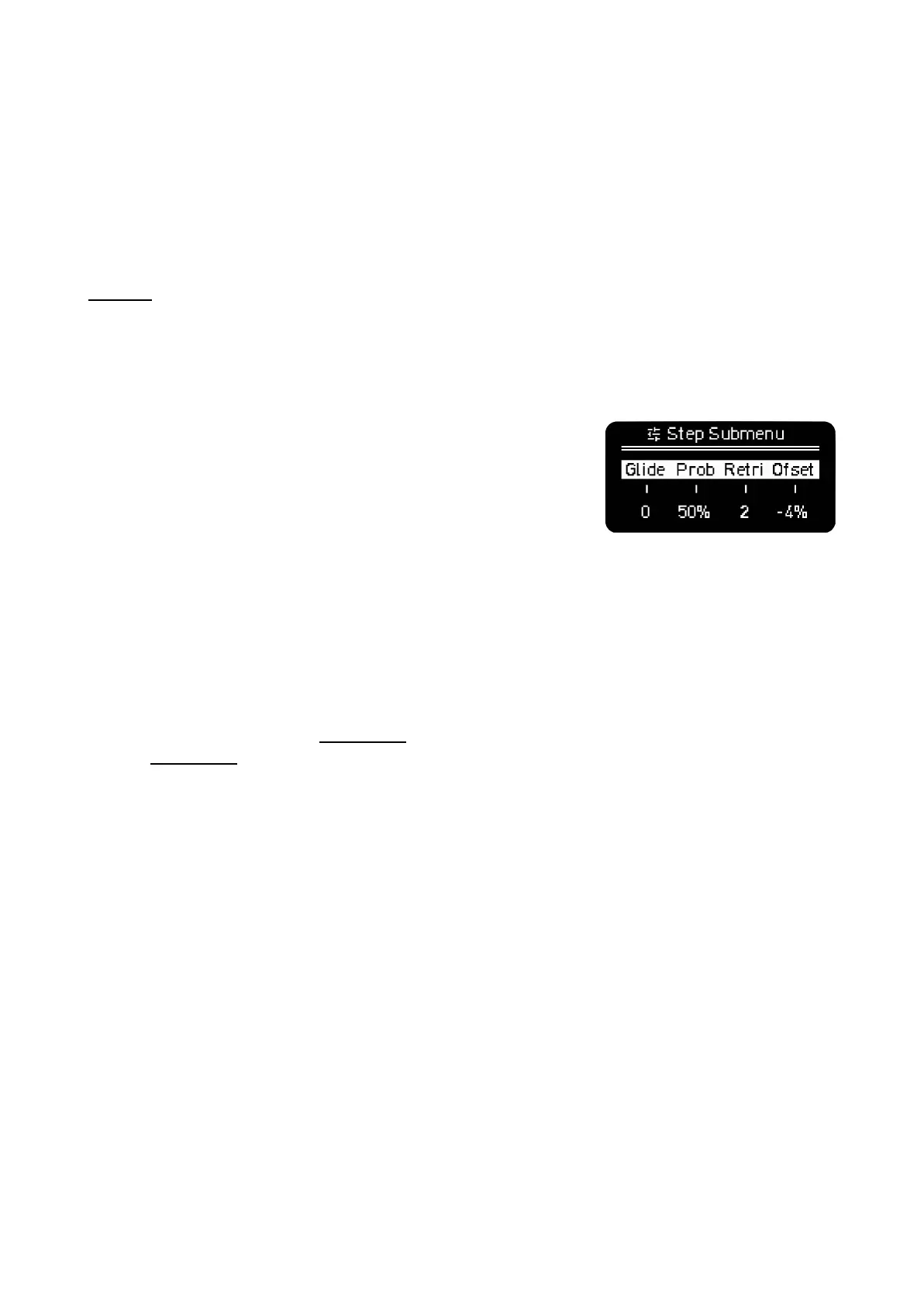
This button allows you to enter additional parameters of the
sequence steps.
The available options depend on the Sequencer Mode so they are
explained in the respective MODEs section.
In general a brief press toggles it on or off. When it is toggled on and
you press any step, the screen will show these additional
parameters.
Shift + Step Chord: CONDENSE, collapses the current sequence into a lower resolution. 1/4 notes
become 1/2 notes. It is a destructive function that can be undone.
· MOD - FOLLOW
MOD (modulation) toggles the CC Perform menu. This feature is deep enough to be placed in its own
section: CC Perform.
Shift + MOD to toggle the Follow function. Press it to automatically change the displayed page on
the grid and to keep track of the steps pages with the play head. Turn it off to keep the selected page
static so you can make changes in specific pages even with the Sequencer running.
If Follow is active and you have at least one step pressed, the page will remain static.
· BACK - CONFIG
Back gets you back to the previous screen.
CONFIGURATION
This menu shows global parameters that affect OXI One as a whole. Many of them are presented as
customization options so the user has the best experience with the instrument. You can choose what
options adapt best to your workflow.



 To Next Page