MODULATION
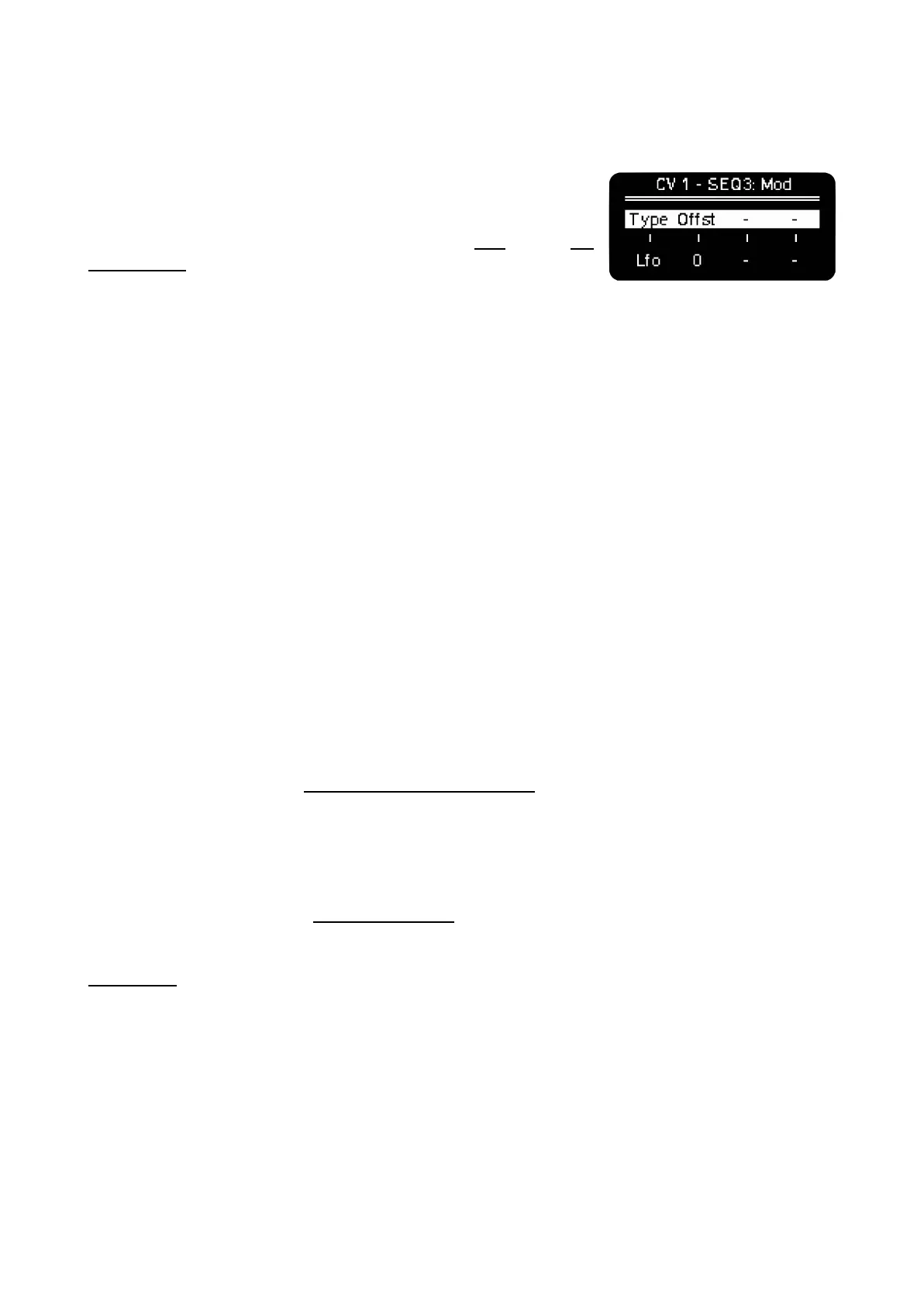
The last source for modulation, at the bottom row, are the LFOs and
the Modulation Lanes. When selected, the 1st encoder lets you
choose from the LFO or Mod 1 to 4 (1 to 8 on Multitrack sequencers)
as source. These are configured respectively on the LFO and the CC
Configuration screens, visit their respective sections to know more.
LFO works independently of the parameter destination set on its configuration screen, and Mod
responds to CC per step value, motion recording and On/Off behavior.
–––––––––––––––––––––
You can perform over your LFOs and CCs routed to MIDI (USB, TRS and BLE) and CVs at the same
time, that means you can create automation, record envelopes manually, offset them and turn them
On/Off affecting all MIDI parameters and CV outputs you want.
–––––––––––––––––––––
By default LFO is bipolar centered on 0V and the Mods are unipolar.
Additionally, both the LFO and the Mod Lanes have an Offset control using the 2nd encoder, with it
you can raise or lower the voltage range of action, independently of the amplitude until you reach
either -3V or +5V.
MIDI to CV conversion
OXI One does MIDI to CV conversion from external MIDI being TRS, USB or Bluetooth.
To do so, just configure the MIDI channel of the Sequencer routed to the CV and Gate outputs you
want to use.
To convert external (MIDI in) or internal (OXI One) CC messages to CV, configure the desired CV
output in the bottom row of CV Out layout, where you can select the internal LFO or Mod number as
modulation source. Mod is linked to a CC number you can select. To know which CC number
corresponds to each Mod see CC Configuration.
CVs and gates come calibrated, but if you need to recalibrate, please follow the instructions on
Calibration.
CV to MIDI conversion
OXI One has one CV input (Clock In) that can be routed to either internal parameters or be sent to
external CC. Double press MOD button to access this menu and select the destination.



 To Next Page