EasyManua.ls Logo

OXO BREW - User Manual

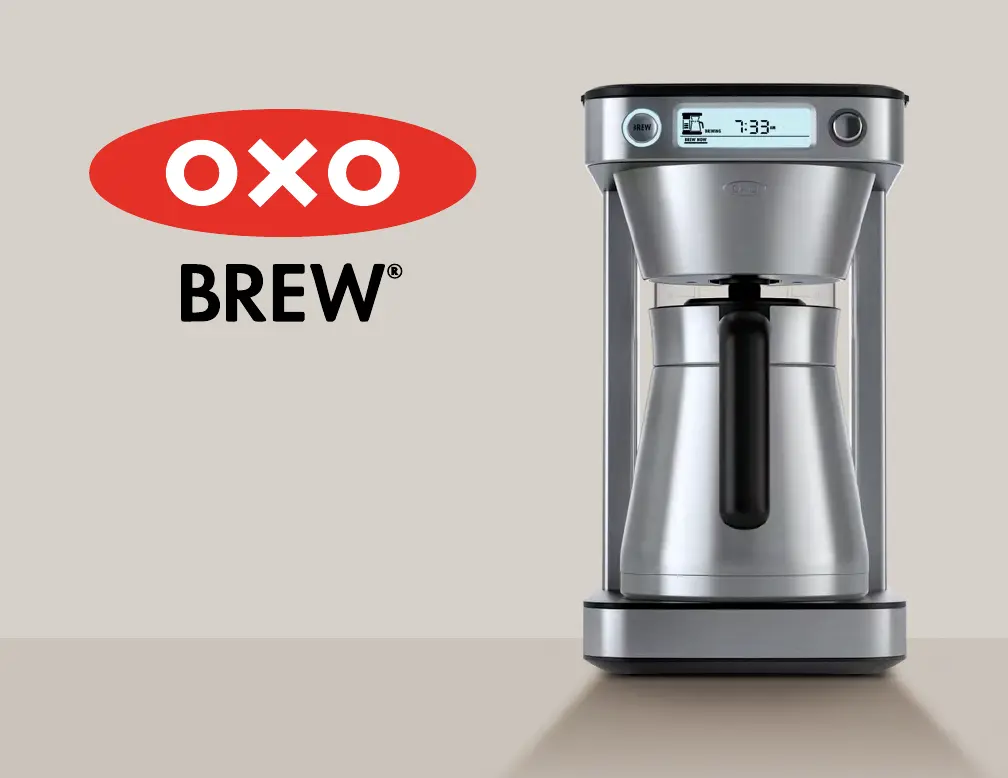
OXO BREW
40 pages
Print Icon
To Next Page IconTo Next Page
Loading...
12-Cup Coffee Maker
with Podless
Single-Serve Function
INSTRUCTION MANUAL

Questions and Answers

  • C
    ckellyAug 19, 2025
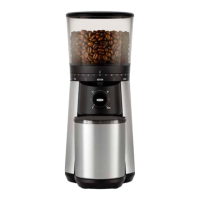
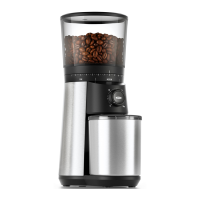
    Why won't my OXO Coffee Grinder start?
    • S
      Scott PriceAug 19, 2025
      If your OXO Coffee Grinder does not start after pressing the button, here are a few things to check: 1. Make sure the bean hopper is correctly attached. Remove and reinstall it, ensuring it is properly seated. 2. The grinder may have overheated. If this is the case, it will pause for 30 minutes to cool down before becoming ready for use again. 3. If you see “-- -” and nothing happens, the scale might not be zeroed properly. Ensure the stainless steel plate, grounds container, and lid are on the scale, then zero the scale.
  • J
    jimrichardsonAug 21, 2025
    How to fix OXO Coffee Grinder that starts but produces no coffee grounds?
    • B
      Brooke GomezAug 21, 2025
      If your OXO Coffee Grinder starts but doesn't produce any coffee grounds, consider these potential causes: * The hopper might be blocked. Try filling it with fresh coffee beans. * The hopper out feed could be blocked. Unplug the grinder, remove the hopper, and inspect the hopper, upper and lower burrs, and grounds chute for any blockages. * The grounds chute may be clogged. Unplug the grinder, remove the hopper, and use a small flexible brush to clean the grounds chute. * Beans might not be flowing out of the hopper. Gently stir the beans in the hopper using a wooden spoon.
  • J
    Jonathan GregoryAug 25, 2025
    Why is my OXO BREW Coffee Maker beeping and showing letters on the screen?
    • C
      Catherine DoyleAug 25, 2025
      If your OXO Coffee Maker is beeping and the screen displays a set of letters like 'HHHH', it means the coffee maker has overheated. Allow the coffee maker to cool down for 15 minutes and then descale it.
  • G
    gomezbeckyAug 26, 2025
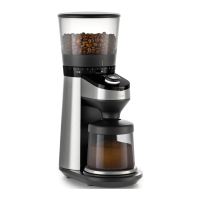
    What to do if my OXO Coffee Grinder stops mid-cycle?
    • M
      Michael ReedAug 26, 2025
      If your OXO Coffee Grinder stops mid-cycle, there might be several reasons: * The bean hopper may be empty, so check if there are enough beans. * A foreign item might be trapped in the burrs. In this case, unplug the grinder, remove the hopper, and inspect the hopper, as well as the upper and lower burrs, to remove any foreign objects. * The grinder may have overheated. If so, it will pause for 30 minutes to cool down before it can be used again.
  • D
    Deborah RamirezAug 28, 2025
    Why won’t my OXO Coffee Grinder let me select the number of cups/grams?
    • Z
      Zachary JohnsonAug 28, 2025
      If your OXO Coffee Grinder won’t let you select the number of cups or grams you want, it could be due to these reasons: * The integrated scale might be detecting coffee in the grounds container. In this case, select the total number of cups or grams you want in the grounds container. * The scale may not be zeroed properly and thinks there is coffee in the grounds container. Check that the stainless steel plate, container, and lid are on the scale, then zero the scale.
  • H
    Heidi ThompsonAug 30, 2025
    What to do if one type of roast continuously clogs my OXO Coffee Grinder?
    • D
      derekbradshawAug 30, 2025
      If one type of roast continuously clogs your OXO Coffee Grinder, it's likely due to dark, oily beans clogging the grounds chute. Unplug the power cord and remove the hopper. Use a small flexible brush to clean the grounds chute where the grounds dispense. If the problem continues, consider using coffee grinder cleaning tablets.
  • R
    robinsonjamesSep 1, 2025
    Why does my new OXO BREW Coffee Maker have water in the tank?
    • C
      Christopher WebbSep 1, 2025
      It's normal to find a small amount of filtered water inside the tank of your new OXO Coffee Maker. Every coffee maker is tested to guarantee quality, and this may leave some residual water.
  • J
    James BrownSep 3, 2025
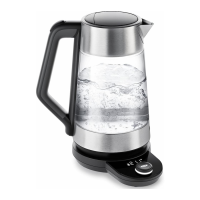
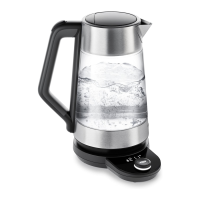
    Why does my OXO Kettle stop at 204°F instead of 212°F?
    • D
      david43Sep 3, 2025
      Your OXO Kettle may be stopping at 204°F because your boiling point is lower than 212°F. The Kettle cannot reach temperatures higher than your altitude’s boiling point. Check your altitude.
  • T
    Theresa MyersSep 5, 2025
    How to change from F to C in OXO Kettle?
    • P
      pchristianSep 5, 2025
      To change the temperature unit on your OXO Kettle while it's in use: press the OXO button for 3 seconds, twist the dial to choose between Fahrenheit and Celsius, and press the OXO button again to confirm. The display will then show the water temperature as it heats.
  • M
    michelle92Sep 7, 2025
    What to do if my OXO Kettle is taking longer than usual to boil?
    • D
      Doris ReyesSep 8, 2025
      Your OXO Kettle might need descaling. Please consult page 12 for descaling instructions.

Summary

Important Safeguards

A Note About Safety

General safety precautions for using electrical appliances to reduce risks.

Shock Hazard

Details regarding the polarized plug and preventing electric shock.

Before You Begin

A Note About Water

Guidance on using the correct amount of water for brewing.

Using the Brew Baskets

Brewing into Carafe

Podless Brewing into Mug

Setting Brew Later Timer

Cleaning & Care

Descaling

Troubleshooting

OXO BREW Specifications

General IconGeneral
Capacity8 cups
Brewing MethodDrip
ProgrammableYes
ColorStainless Steel
MaterialPlastic and stainless steel

Related product manuals