Prepare the location
Version 1.3, 2021-12-14 37
1
2
3
4
5
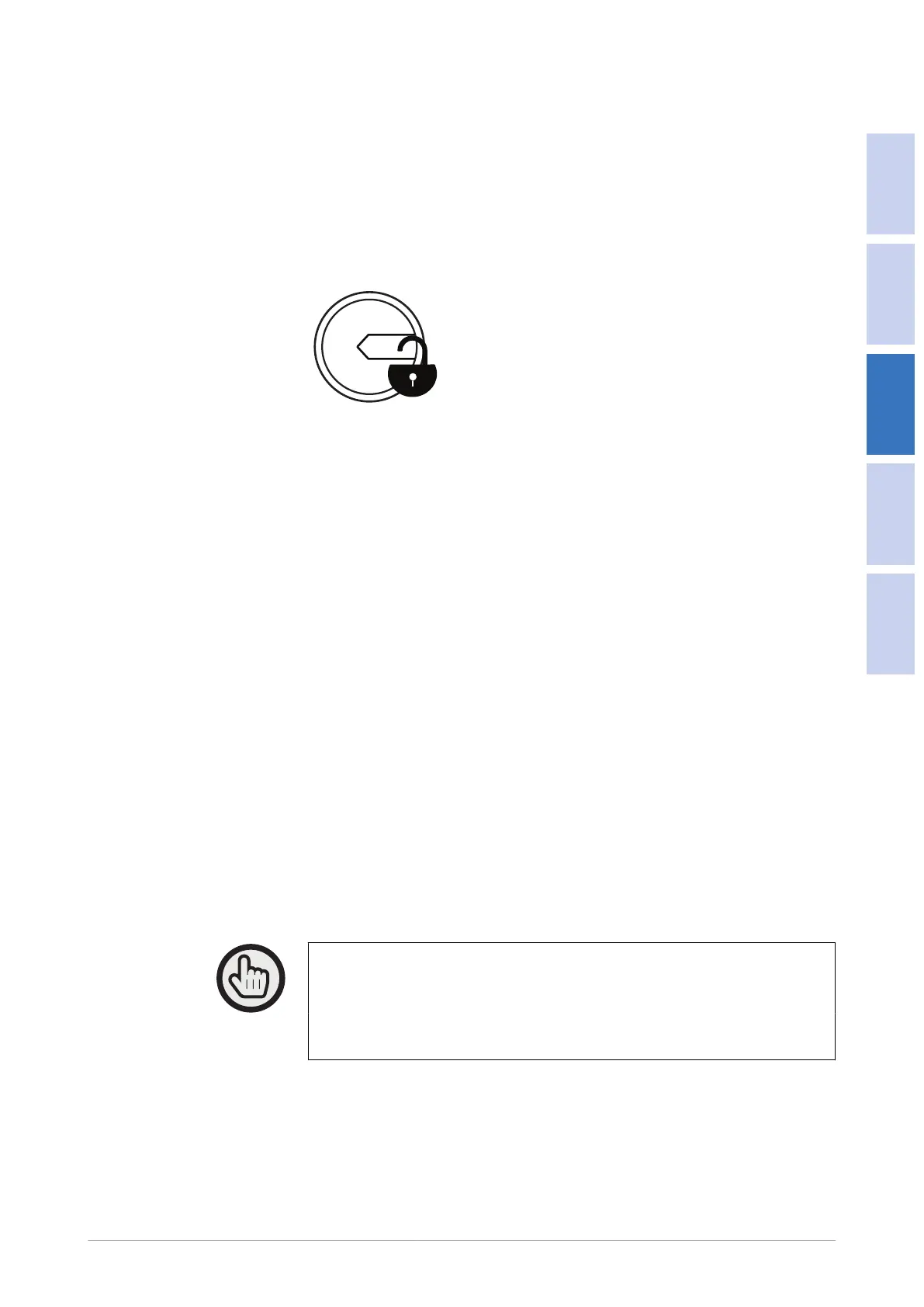
To fully isolate the IntrCooll® from the mains, Oxycom recommends the
installation of an external maintenance switch / padlock switch between the
unit's main connection and the mains AC supply. Make sure the installation is
executed according to local regulations.
Padlock switch (example)
1 Switch ON (unlocked)
2 Switch OFF (locked / unlocked)
An external automated circuit breaker is not included in the package and must be
provided and installed by the contractor.
3.15.4
Mains power outlet
Oxycom recommends to install a mains power outlet near the IntrCooll®. This can
be used by the service technician for maintenance equipment.
3.16
Communication requirements
There are several possibilities to control the IntrCooll®. The correct choice
depends on the situation and specic requirements.
3.16.1
Thermostat control
IntrCooll® can be controlled by a thermostat, unless it is controlled by a BMS
system. The thermostat must be ordered separately.
If more than one IntrCooll®s are available at the location, each IntrCooll® must be
connected to a separate thermostat, unless they are controlled with OxyConnect
gateway (optional) or a BMS system.
Note
See the documentation of the thermostat for information on the connection
cable to the IntrCooll® or OxyConnect.
Note
The cable is not included and must be provided by contractor.


 To Next Page