© 2024 Stinger Solutions
Pacific Accessory Corporation
Page 3
Rev: 1
Date:09242024
Advanced Amplier Interface
for Select Toyota Applications
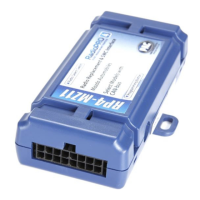
AP4-TY14
Installation (cont.)
Safety Connect (SOS) Retention
In order to retain the factory feature of muting the radio's audio while an SOS call is taking place, the Yellow / Black "SOS
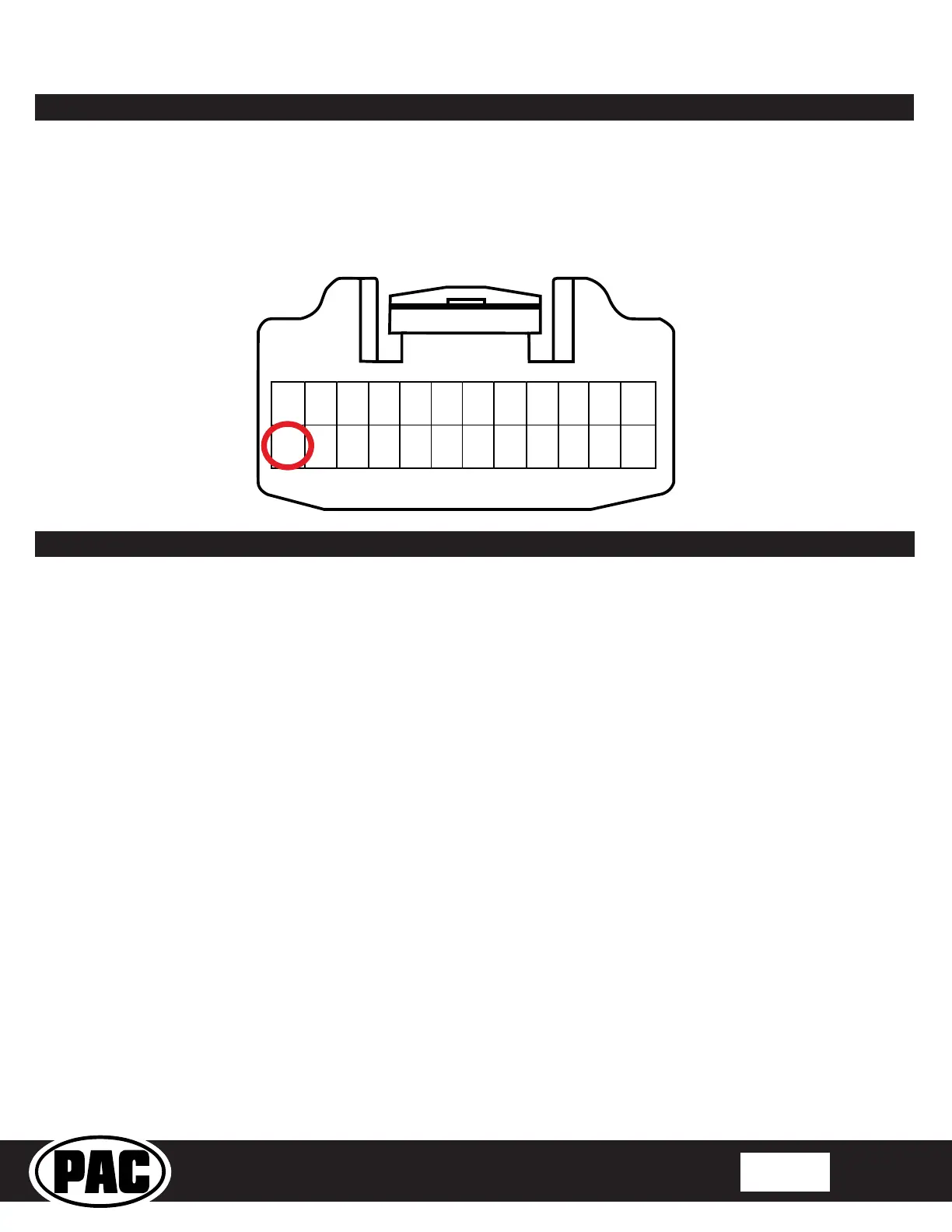
Mute" must be connected to the Telematics Mute Trigger wire in the vehicle. The Telematics Mute trigger wire is in the white
24pin connector at the factory amplier (reference connector image and pin location below). A military splice connection to this
wire will be adequate.
12 11 10
9 8
7
6
5
4
3
2
1
24 23
22 21 20 19
18 17
16
15 14 13
WIRE SIDE
Setup and Conguration
Setting the radio's beep volume using the programming button
1. Start with the level control knob turned all the way down (counter-clockwise).
2. Press the programming button on the side of the interface.
3. LED 1 will turn green and beeps will begin continuously sounding.
4. Turn the level control knob clockwise until the desired beep volume level is reached.
5. You can now either press the programming button twice or wait ten seconds to exit the settings.
Manually Setting the Minimum Volume
If the minimum volume of the radio (factory radio volume level 1) is too loud, you can manually set the level of the minimum
volume using the programming button. If you would like to set the minimum volume using the AmpPRO app, please proceed to
the AmpPRO App section.
PLEASE NOTE: Level control knob must be connected to the module in order to set the Minimum Volume.
Setting the minimum volume using the programming button
1. Start with the level control knob turned all the way down (counter-clockwise).
2. Set the amp gains to the desired level.
3. Set the volume on the factory radio to 1.
4. Press the programming button on the side of the interface twice.
5. LED 1 will turn amber and the chimes will begin sounding every ve seconds.
6. Turn the level control knob clockwise until the desired minimum volume level is reached.
7. You can now either press the programming button once or wait ten seconds to exit the settings.
1. Turn the ignition on. LED 1 on the interface will turn on and the +12v remote output will turn on.
2. Set the amp gain(s) to the desired level. We recommend using an oscilloscope and test tones to set the amp gain(s).
Please refer to the MECP Advanced study guide if you are unfamiliar with this process.
3. Check volume, balance, fade and EQ settings.
4. If you would like to adjust the radio's beep volume or minimum volume, do so using one of the methods outlined below. If
you are happy with the default levels, no adjustments are necessary.
Manually Setting the Radio's Beep Volume
You can manually set the level of the factory radio beeps using the programming button on the side of the interface. If you would
like to set the beep volume using the PC app please proceed to the PC App section.


 To Next Page