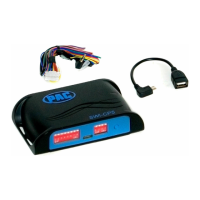
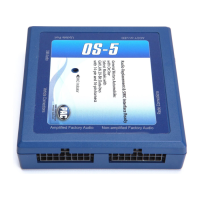
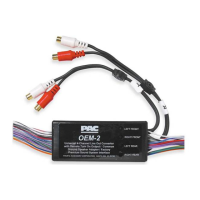
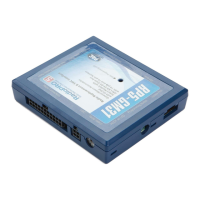
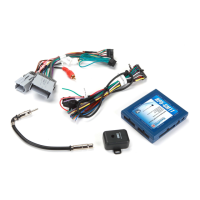
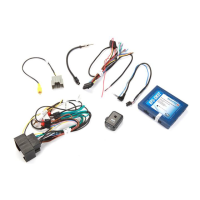
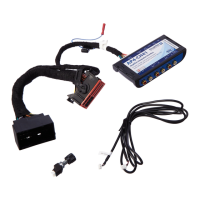
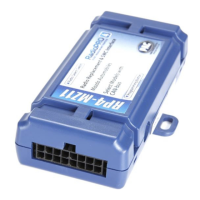
SWI-CP2
Universal Steering Wheel Control Retention Interface
TM
Steering Wheel Control Interface
Rev. 051617
Page 5
Copyright © 2017. All rights reserved. PAC is a Power Brand of AAMP Global.
PAC-audio.com
Troubleshooting and FAQ
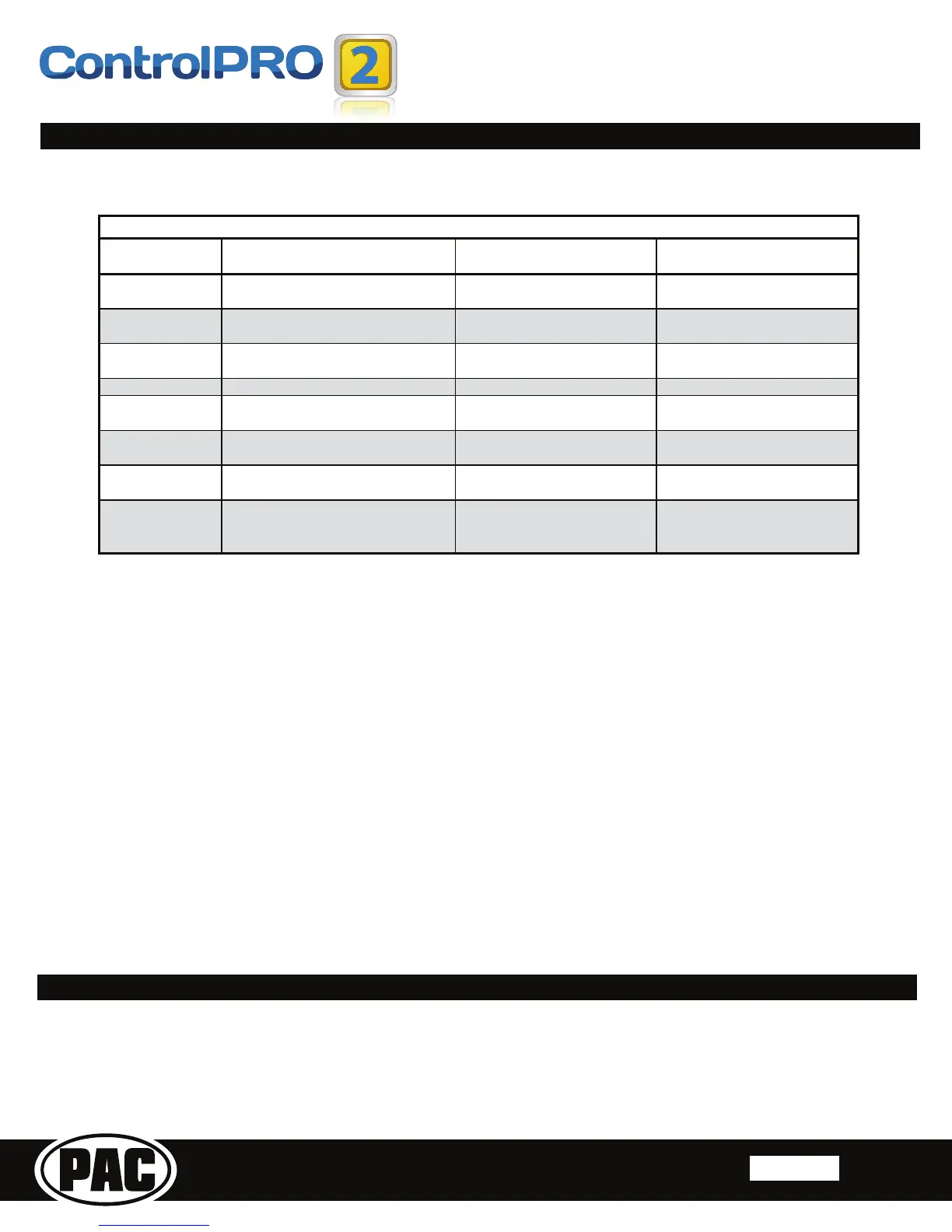
Color DuringNormalOperation DuringManualProgrammingMode DuringOptionalProgramming
SolidRed Accessoryon
Waitingonshortpressbutton
release
Waitingonshortpressbutton
release
SolidGreen N/A Waitingonbuttontobepressed Waitingon buttontobepressed
SolidAmber UpdaterequiredͲPleasecalltechsupport N/A N/A
FlashingGreen Buttonisbeingpressed N/A N/A
FlashingAmberevery
5seconds
ModuleisconnectedtothePCviaUSB
N/A N/A
FlashingRed/Amber
ƌƌŽƌͲDipswitchsettingonvehicle
switchessettounknownconfig
LongPressButtondetected LongPressButtondetected
FlashingGreen/Red
ƌƌŽƌͲDipswitchsettingonradioswitches
settounknownconfig
N/A N/A
Flashing
Green/Amber/Red
ƌƌŽƌͲButtonnotpressedlongenoughor
valueofbuttonistooclosetorestvalue
N/A
N/A
>>ĞŐĞŶĚ
Product Updates (Firmware)
7KH6:,&3FDQEHXSGDWHGZLWKQHZ¿UPZDUHDVLWEHFRPHVDYDLODEOHXVLQJWKH3&DSSOLFDWLRQ:KHQXVLQJWKHDSSOLFDWLRQWRXSGDWHSOHDVH
follow the procedures outlined in the PC application to update your interface.
4:KHUHFDQ,¿QGWKHZLULQJLQIRWRFRQQHFWWKH6:,&3WRP\YHKLFOH"
A. The wiring info can be found within our Android, Apple or PC application. Download @
www.pac-audio.com/controlpro/app
4:KHUHFDQ,¿QGLQIRRQVHWWLQJWKHGLSVZLWFKHVRQWKHVLGHRIWKHPRGXOH"
A. The dipswitch settings can be found within our Android, Apple or PC application. Download @
www.pac-audio.com/controlpro/app
47KHPRGXOH¶V/('LVÀDVKLQJDSDWWHUQWKDWLVQRWFRQVLVWHQWZLWKQRUPDORSHUDWLRQ
$3OHDVHUHIHUHQFHWKH/('OHJHQGDERYHIRU\RXUVSHFL¿FFDVH
4:KDWDOOFDQ,FRQQHFWWRWKH5HG:KLWH$FFHVVRU\2XWSXWZLUHRQWKHPRGXOH"
A. The interface’s accessory output (Red/White) is only rated at 2 Amp. If you require more current capacity an external relay must be used.
4,VWKHUHDZD\WRSHUIRUPDPDVWHUUHVHWWRWKHPRGXOH"
A. The interface can be reset, when not connected via USB, by pressing and holding the programming button on the side of the interface for
seven seconds until the LED turns amber. This reset can only be done while the module is connected to the vehicle.
Q. I have connected all of the wires and set the dipswitches as instructed. I am having an issue where some or all of the buttons are not
functioning correctly or at all.
A. Verify that all of the ground wires (Radio, CP2, and Steering wheel circuit) are connected at the same place. In some vehicles the factory
JURXQGPD\QRWEHDVXI¿FLHQWJURXQGIRUDOORIWKHVHZLUHV,QWKLVFDVHSOHDVHPDNHDOOJURXQGFRQQHFWLRQVWRFKDVVLVJURXQG
Q. I’m using the application and I don’t see my radio listed (Advent, Boyo, Dual, Lightning Audio, Rockford Fosgate or Visteon).
A. When installing any of these brands you will need to select Pioneer as your radio.


 To Next Page