34
Restoring the factory default settings
If you wish, you can restore the user settings and subtitle settings to their factory defaults. All the changes you have
made will be lost and the settings will revert to those that were programmed in the factory. The factory settings are:
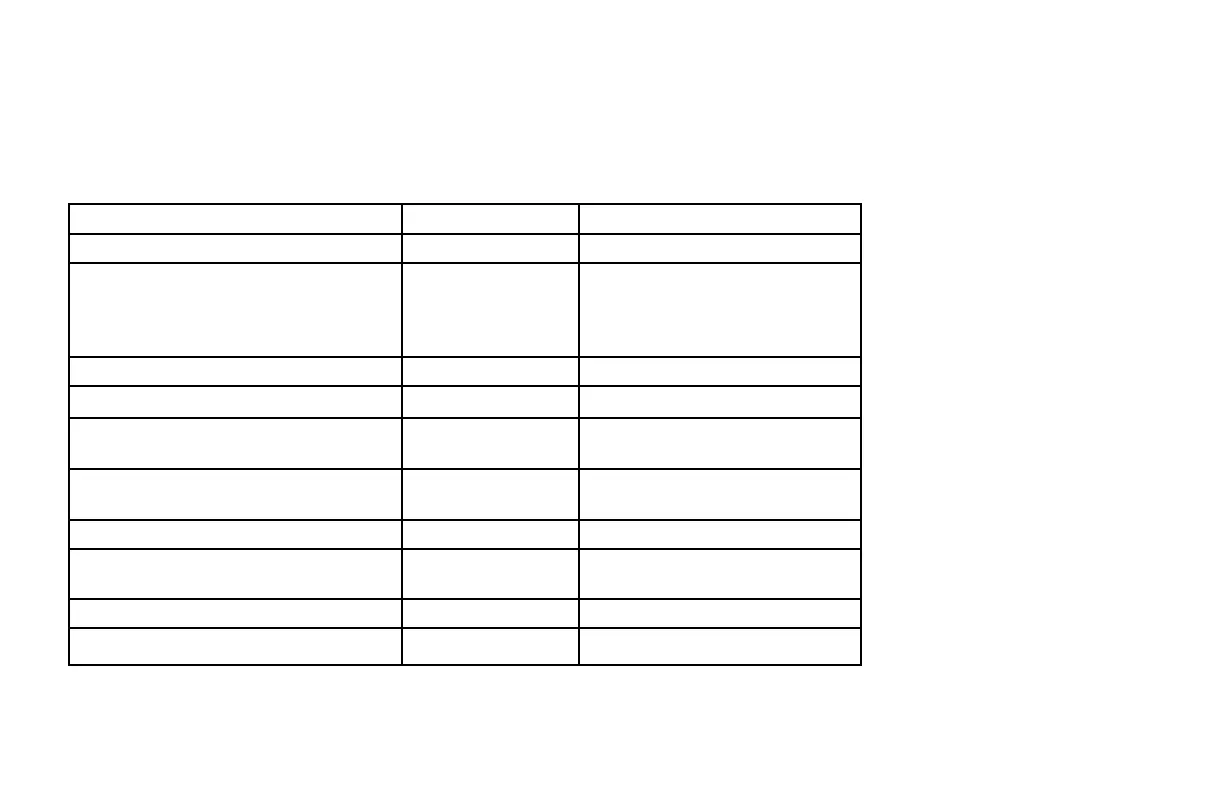
USER/SUBTITLE SETTINGS menu item Options Factory default setting
TV Aspect Ratio – 16:9
TV Display Capability 1080i
720p
480p
480i
Yes
No
Yes
Yes
Auto Pillarbox – No
Closed Captions – Off
Configure Captions Various All Auto except Hi Def CC, which is
Service 1
Front Panel Settings Standby Level
Viewing TV Level
Std
High
Hard Disk Sleep Mode (Standby Sleep Mode) – Yes
HDMI Settings Audio Output Mode
Disable Auto Detect
Auto
No
Subtitles – Off
Subtitle Language – English
To restore the factory default settings, follow the instructions on page 35.
MAKING USER SETTINGS (cont.)



 To Next Page