2.5 Configuring Your System
Applying AC
Power
Carefully check all wiring connections and ensure that J4-6 is not
connected to J4-5. Apply AC power to your controller. The
drive status display LED should be alternately flashing UC(for
unconfigured) after the power up message.
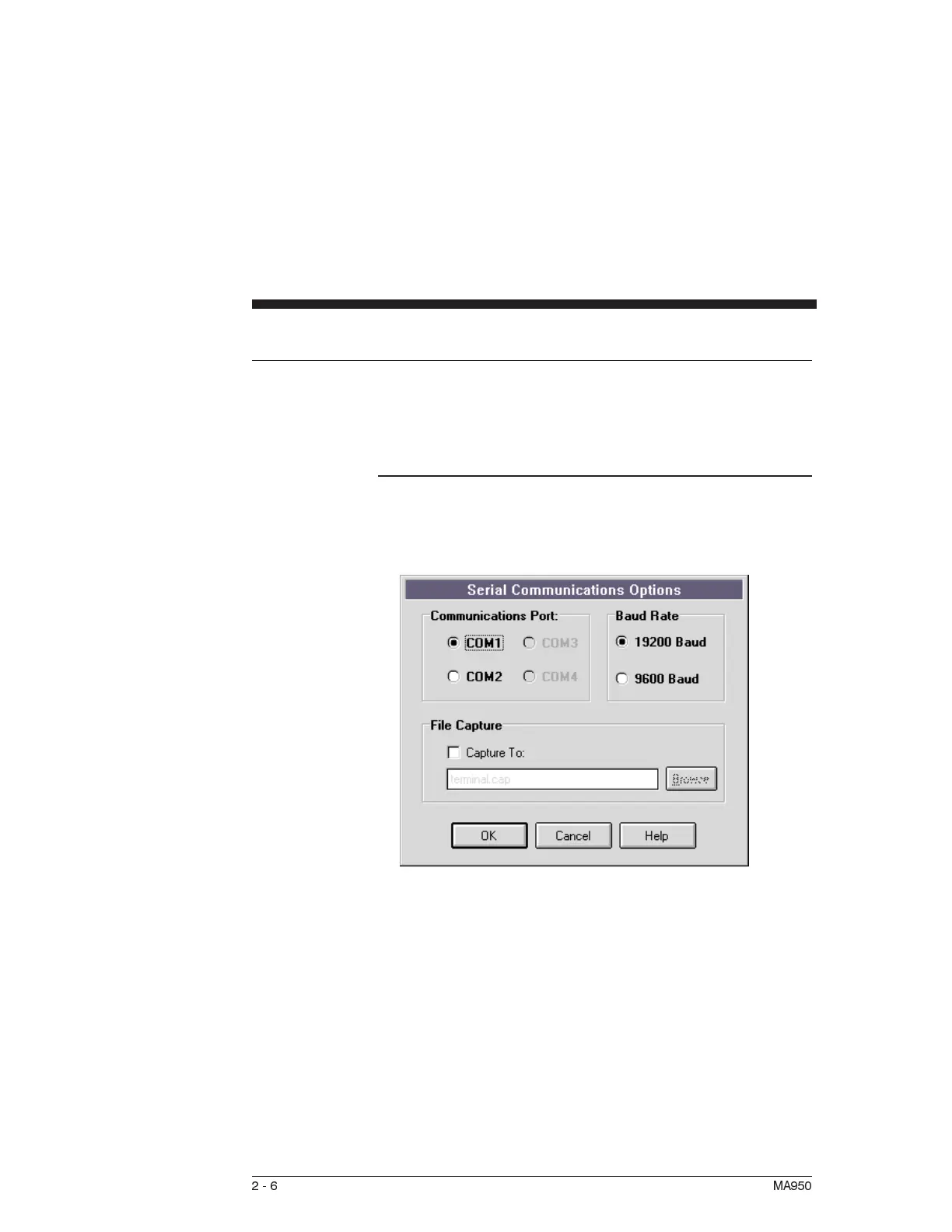
Serial Port To specify the PC serial port that is connected to the OC950:
1. Select Communications from the Options Menu and the
following dialogue box will appear:
2. Specify the serial port that you want to use.
3. Specify the baud rate that you want to use and click on OK.
4. Select Variables from the Compile Menu. Type BaudRate
in the Variable/expression box and press ↵.
5. If the current value is incorrect, <Tab> to the New Value box
and enter the desired baud rate.
2-6 MA950



 To Next Page