Modifying
variables
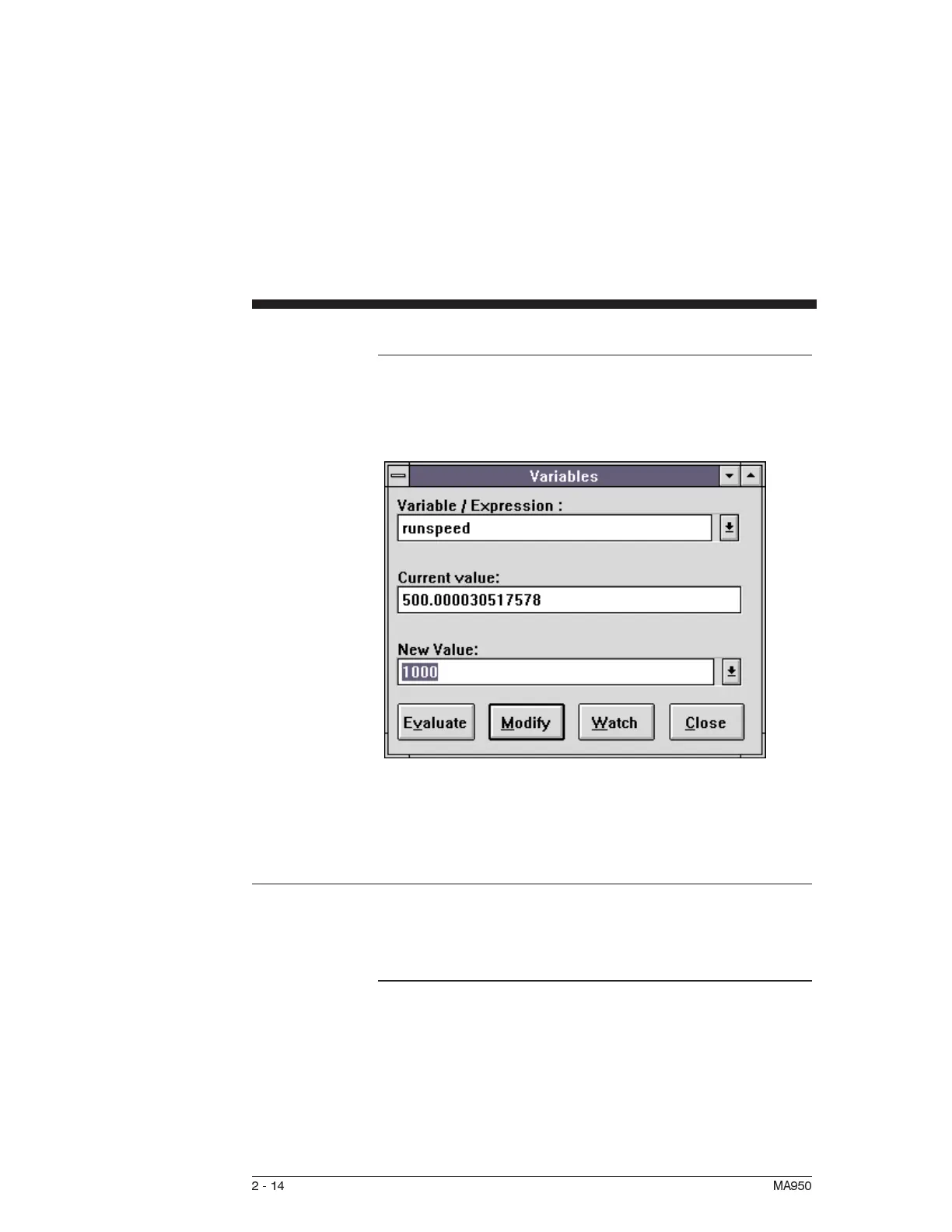
To modify the value of the runspeed, type RUNSPEED in the
Variable/expression box and press ↵ .The current value of
runspeed is displayed. To change the value <Tab> to the New
Value box and enter 1000 and click on the Modify button.
Type GOVEL in the Variable/expression box and press ↵. The
motor should now run at the new speed.
2.11 Viewing Variables
Introduction Multiple variables can be monitored using a Watch window.
Variables displayed in the watch window are updated as
breakpoints are encountered or after each single step.
Opening the
watch window
To open a Watch window:
1. Select Watch Window from the Debug menu.
2-14 MA950



 To Next Page