Adding variables
to the watch
window
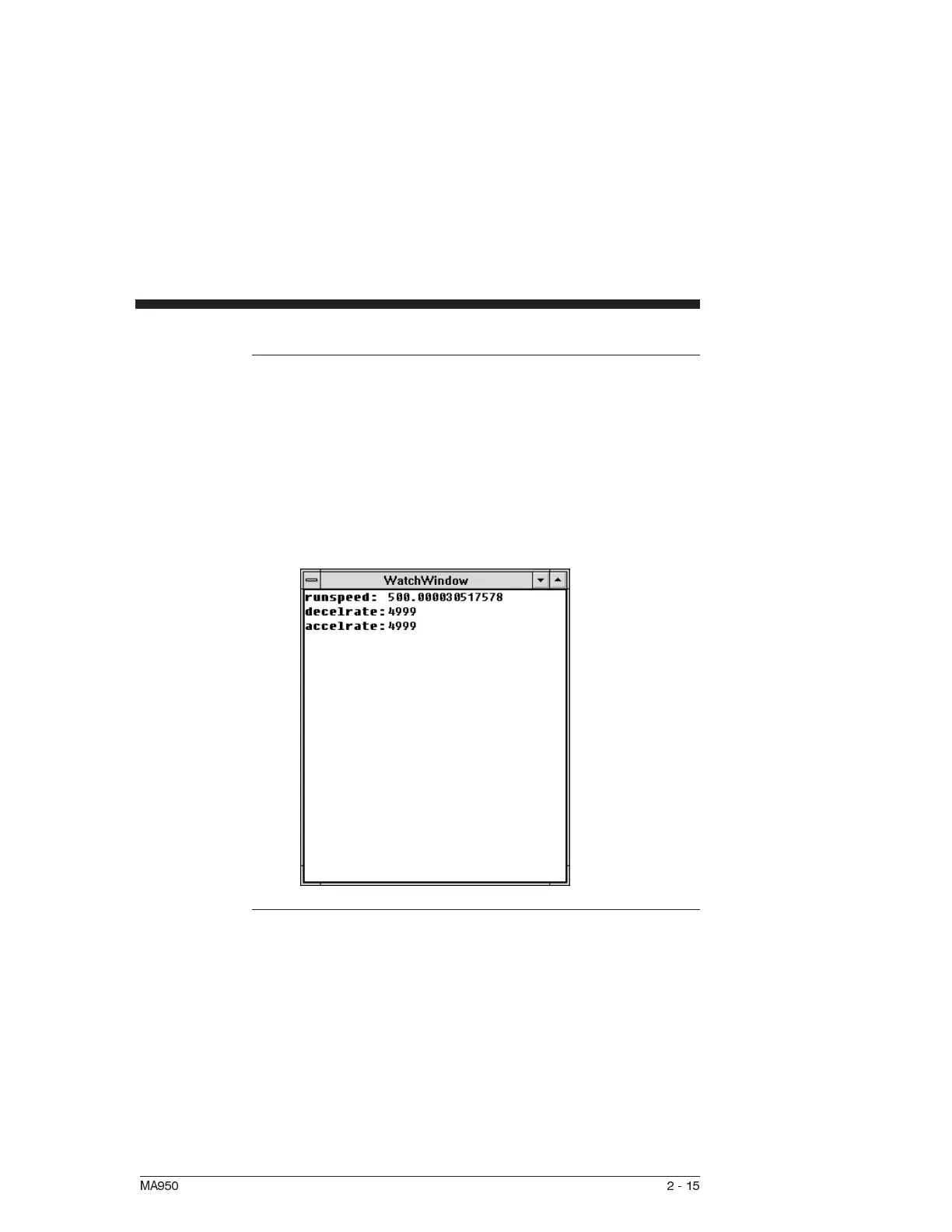
You can add variables to the watch window while a program is
not executing.
1. To access the Variables window, select Variables from the
Compile menu.
2. Type the name of the variable you which to watch in the
Variable/Expression box and then click on the Watch button.
The Variable is added to the Watch window.
Removing
variables from
Watch Window
You can remove any variable that has been added to the Watch
window. This can be done at any time.
To remove a variable from the Watch window:
1. Select the variable in the Watch window and press <delete>.
MA950 2-15



 To Next Page