If the Drive is to be used within a position loop (either with
BlkType = 2 or when using an external position drive and
BlkType = 1), KVI should be equal to or less than 0.1 times the
velocity loop bandwidth. If no position loop is used, KVI can
be set to 0.25 times the velocity loop bandwidth (or higher if
some ringing can be tolerated). In general, the response to a
velocity command step (or truncated ramp) will have velocity
overshoot for non-zero values of KVI.
4.2 Position Loop
When BlkType is set equal to 2, a position loop is configured
outside the velocity loop described in the previous section.
Figure 3 in Appendix A illustrates the structure of the position
loop. The velocity loop must be set up and evaluated in terms
of bandwidth before attempting to setup the position loop.
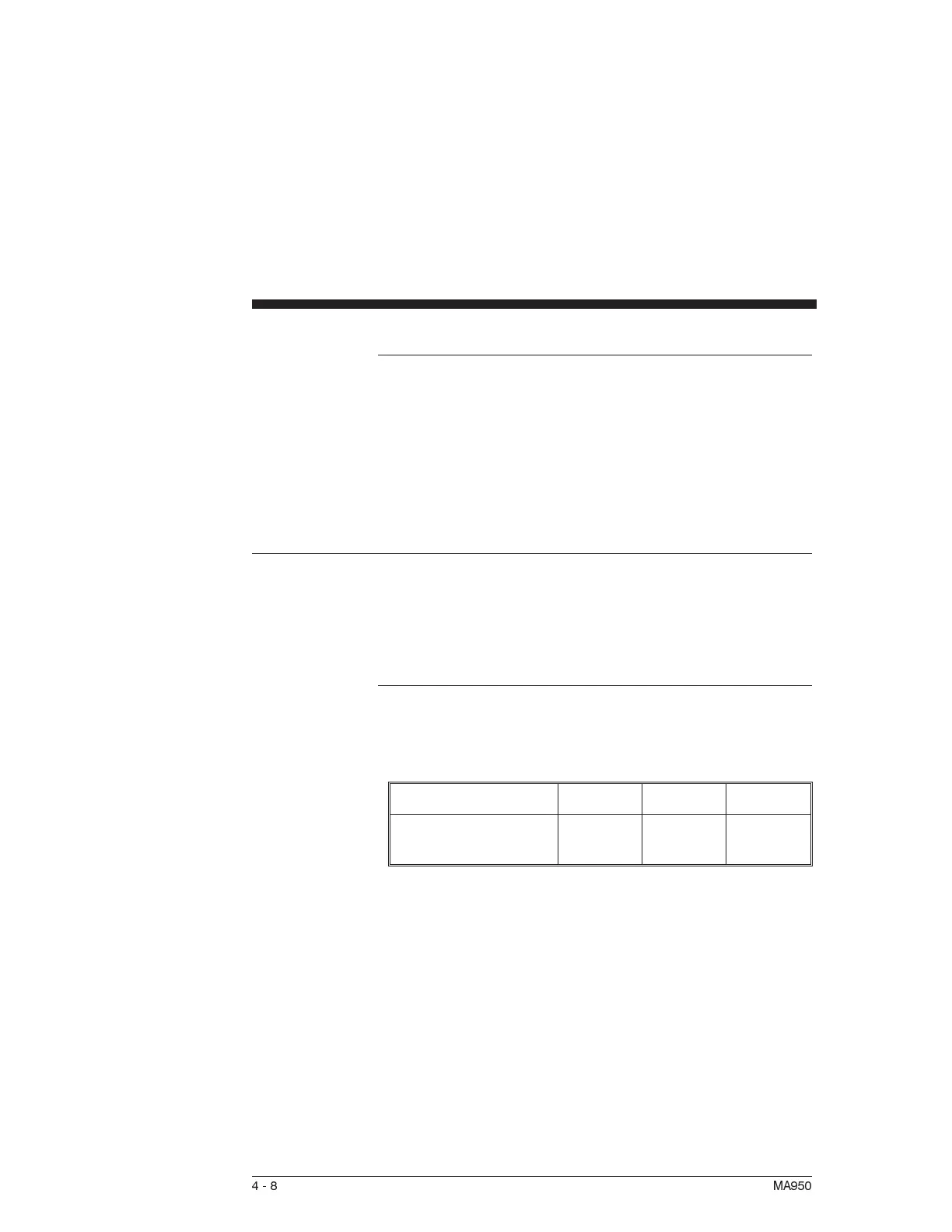
KPP The position loop proportional gain, KPP, determines the settling
time of the position loop. KPP is the bandwidth of the position
loop, in Hz, assuming an ideal velocity loop. Default values for
KPP are shown below:
Gentle Medium Stiff
KPP (Position Loop
Bandwidth (Hz))
51550
In general, the higher the value of KPP, the faster the settling
time. However, trying to set KPP to a high value with
inadequate velocity loop bandwidth results in overshoot and
ringing. A good trade off is to set KPP to 0.2 times the velocity
loop bandwidth. Slightly higher values can be used if overshoot
can be tolerated.
4-8 MA950



 To Next Page