2.6 Creating a New Program
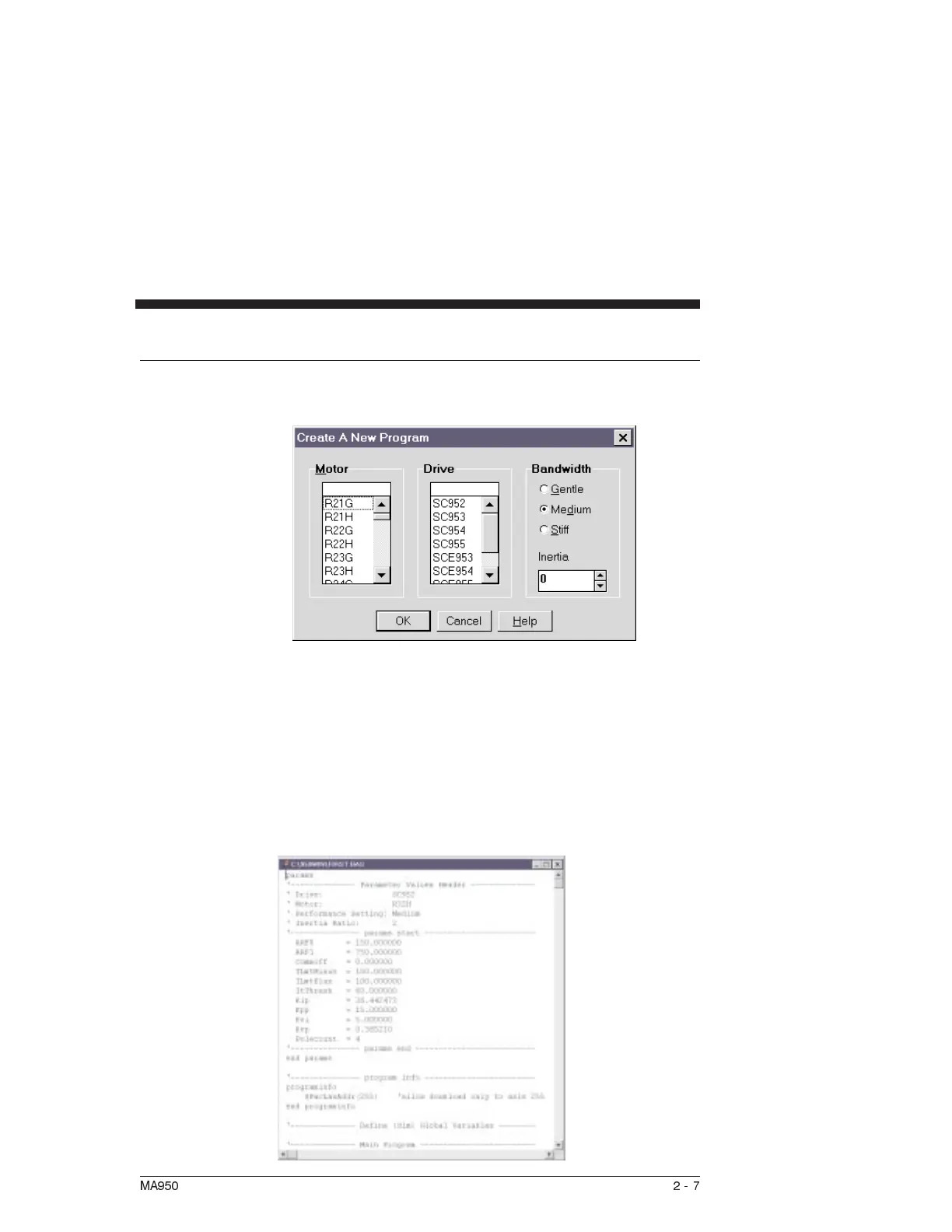
Procedure Select New from the File menu and the following dialog box will
appear:
• Select the appropriate Motor Part Number from the
dropdown menu.
•
Select the Drive you’re using (Example: SC953 )
•
Select Medium
•
Select an inertia ratio and click on OK.
•
Select a filename (with a *.BAS extension) for your new
program, click on OK, and the following window will
appear:
MA950 2-7



 To Next Page