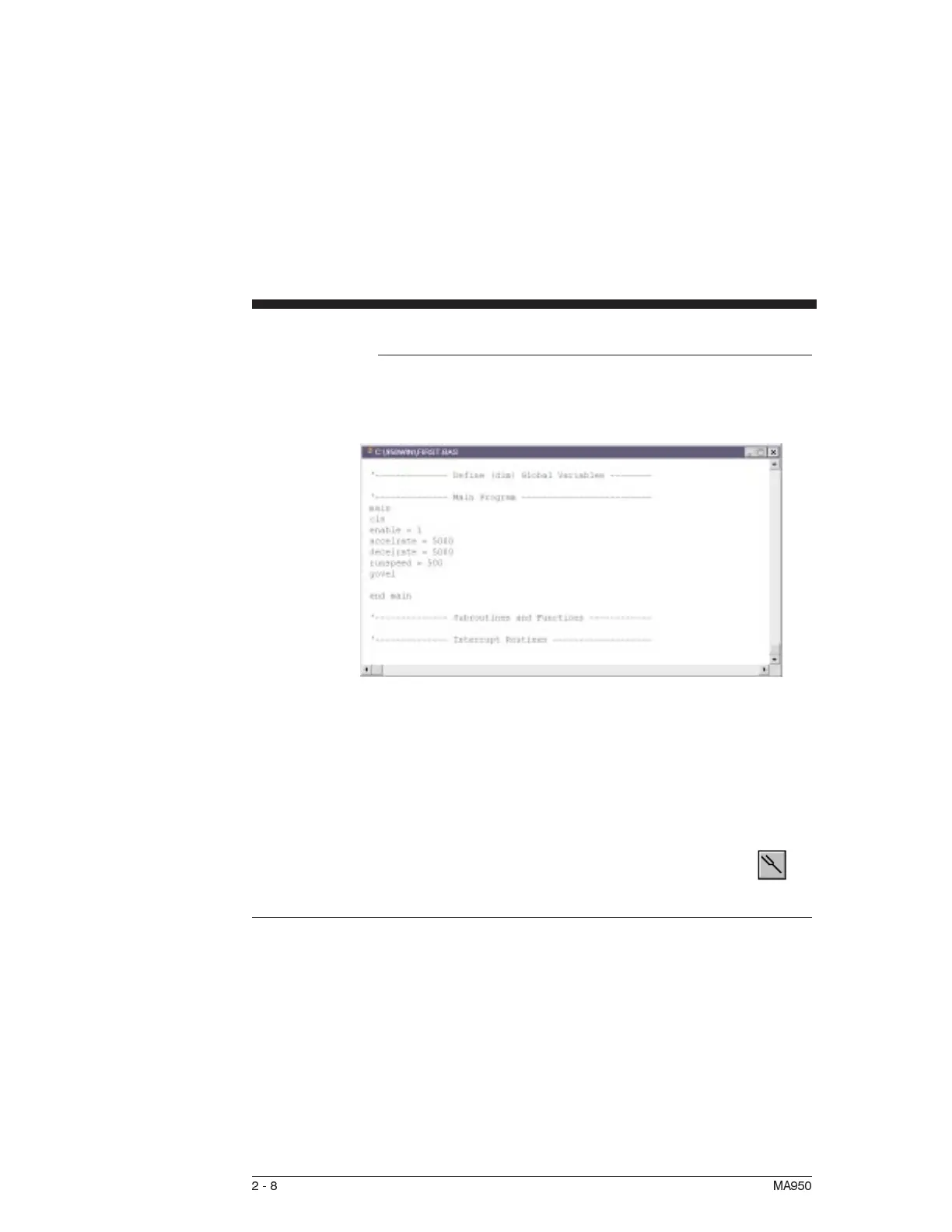
You may now begin typing in your program. To create a simple
jog move, type in the following lines:
Note: The drive status display should now show a steady
0 for
configured and not enabled.
The current loop has been properly compensated for the selected
motor, and the servo parameters have been set to a medium
response (approximately 75 Hz velocity loop bandwidth) for the
unloaded motor. Additional default settings have also been
implemented.
Note: For additional tuning, click on the on-line tuning
button in the toolbar and follow the on-line help.
2.6.1 Using Wizards
Introduction The following wizards have been added to the 950IDE to
facilitate creating programs:
•
Select Case
•
Modbus and A-B DF1 Map
•
Interrupt Handler
•
Move Command
•
Cam Setup
2-8 MA950



 To Next Page