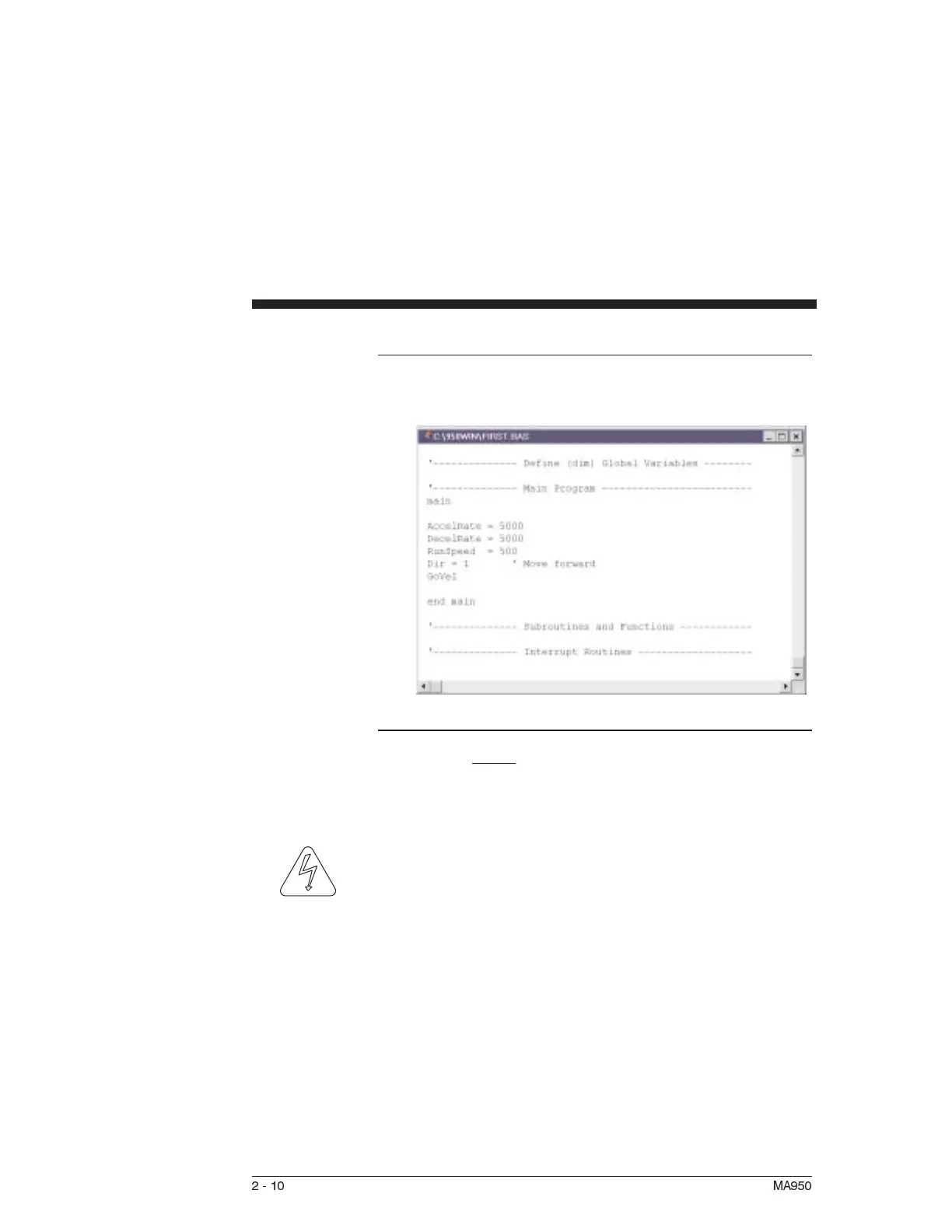
The text will be inserted in the main program, below the cursor.
Enabling Drive The controller can be enabled at this time by closing the switch
between the Enable input (J4-6) and I/O RTN (J4-5). The
commanded motor speed will be the power up default, set to 0
during configuration.
WARNING
Before proceeding, the motor may need temporarily clamped
down to prevent inertial forces from displacing the motor.
2-10 MA950



 To Next Page