21
© Pacojet International AG 2022
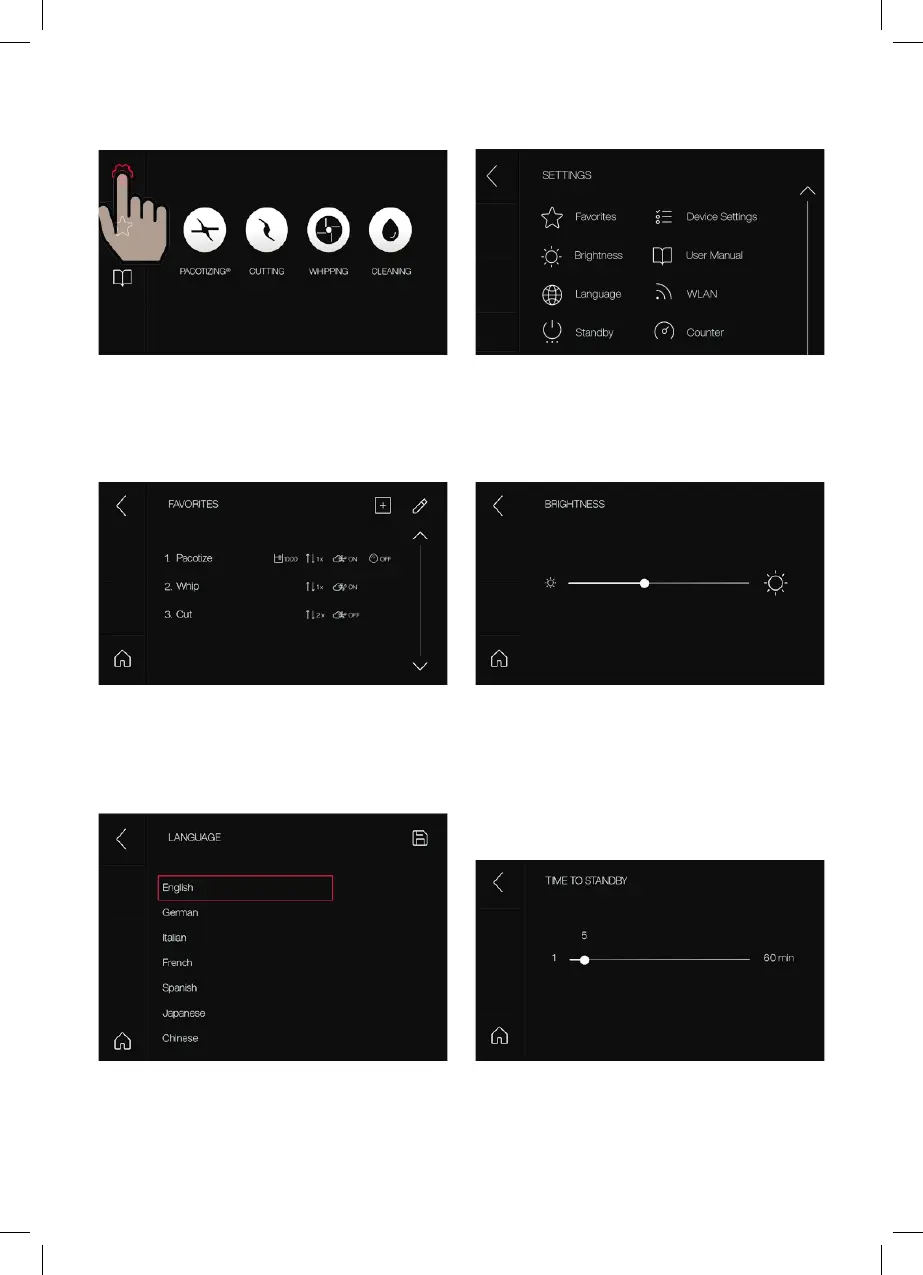
SETTINGS
Settings that can be selected from the menu.
Favorites: Your most important recipes are
saved with their processing settings (portion size,
number of repeats, normal pressure/overpressure,
rapid processing).
Brightness: Touchscreen brightness setting.
Language: You can choose from the following
languages: English, German, Italian, French,
Spanish, Japanese, Chinese.
Standby: The device switches to standby mode
after 1 to 60 minutes.
Select “Settings” in the main menu.



 To Next Page