22
© Pacojet International AG 2022
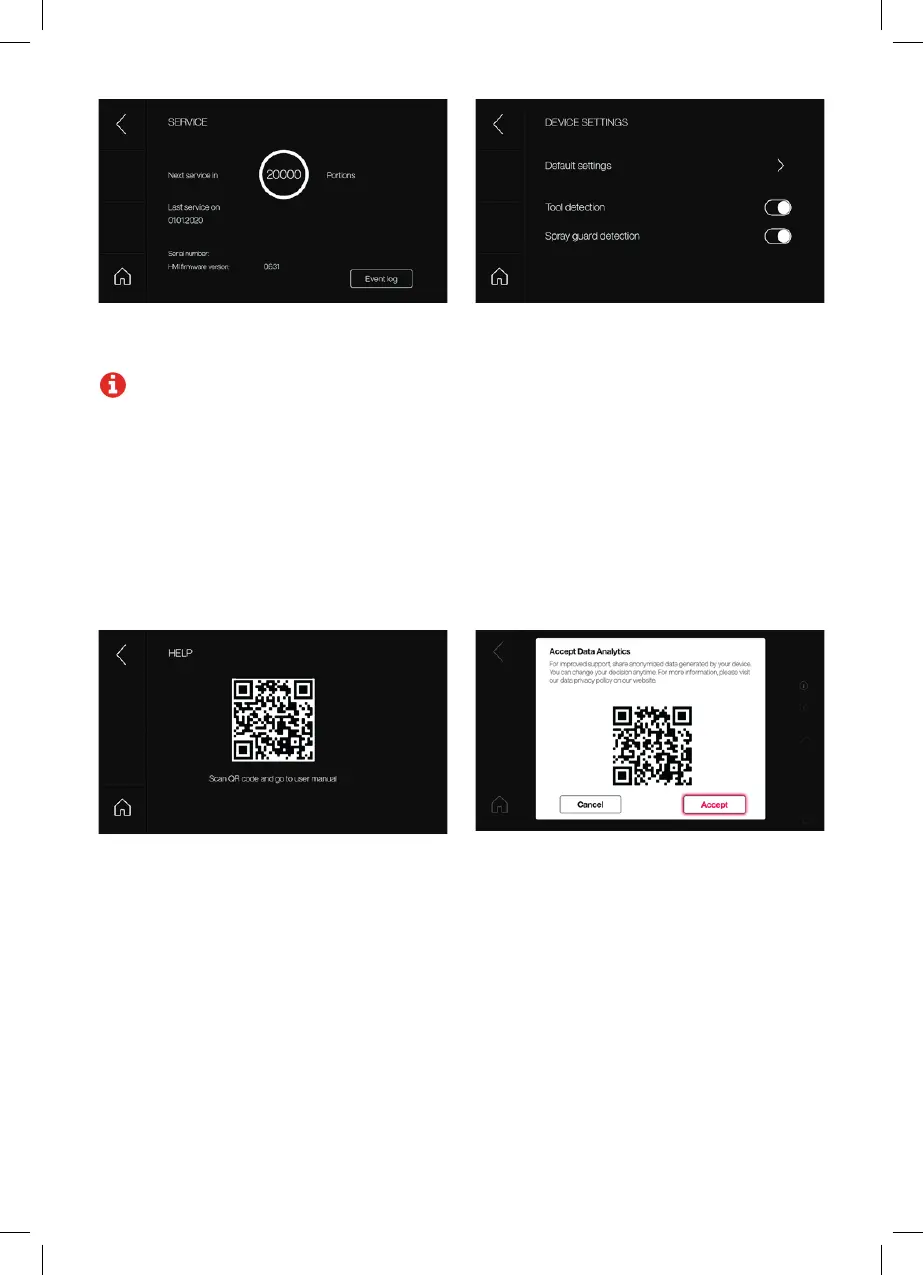
Device settings
• Default settings: Storage of a desired
processing default (portions, repeats, normal
pressure/overpressure, rapid processing
on/off) per processing operation.
• Tool detection: Activate/deactivate tool de-
tection. Please check whether this is activated
or deactivated for your device. If no tool is at-
tached, a warning will appear upon activation.
No warning will appear upon deactivation.
• Spray guard detection: Activate/deactivate
spray guard detection. Spray guard detection
is active by default. If the spray guard is
missing, a warning will be displayed.
User manual: Help with using the device and link
to the online user manual.
WLAN (1): Accept the Analytics Policy to ensure
optimal remote assistance if service is needed.
Service: Displays the time to next service, date of
the last service, and log data. Firmware version is
displayed.
Note: The “Event Log” button provides
further access for service centers.



 To Next Page