16
6.4 Connecngthedevicetothemains
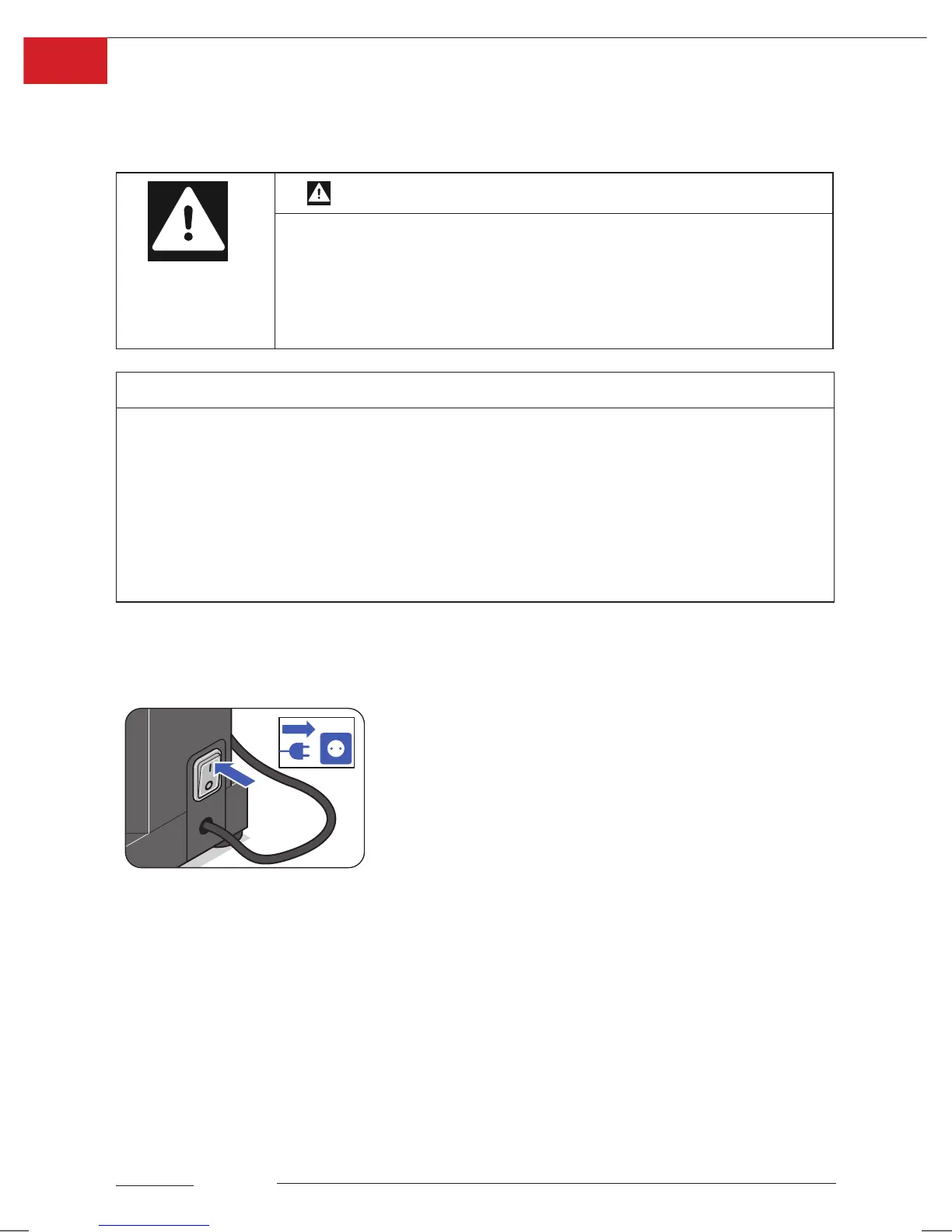
Theconnecngcableandmainsplug(6)arelocatedontheright-handsideofthedevice.
Whenusingaextensionlead,makesureitisearthedinaccordancewiththerelevant
regulaons.
Warning
Riskofsevereinjuriescausedbydefecveelectrical
components!
• Alwayscheckthedevicefordamagebeforeuse.
• Neverusethedeviceifitisdamaged.
• Alwayshavethedevicerepairedbyanocialservicepartner.
Note
Damagetopropertycausedbyincorrectelectricalconnecons!
Failureto observethenecessaryspecicaonsforelectricalconneconsmay
result in damage to the device.
• ThePacojet Juniormustalwaysbeoperatedinaccordancewiththespecicaons
forelectricalperformancelistedonthetypeplate(seealsoChapter“10.Technical
specicaons”onpage 32).
• Themainsvoltagemustneverdeviatefromthespeciedvaluebymorethan10%.
6.5 Switchingthedeviceonando
6.5.1 Switchingonthedevice
Switchonthedevicebymovingthemainsswitch(5)to
posion“I”.Thedeviceisin“operangmode”.
ThePacojet Junior can now be programmed.
6.5.2 Standbymode
Ifnoaconistakenwithin5minutes,thedeviceswitchesto“standbymode”.Whenthe
“STARTKEY”(21)isoperated,thedeviceswitchesbackto“operangmode”.
6.5.3 Switchingothedevice
Switchothedevicebymovingthemainsswitch(5)toposion“0”.
ThePOWER DISPLAY(20)goesout.



 To Next Page