Page 24 of 48
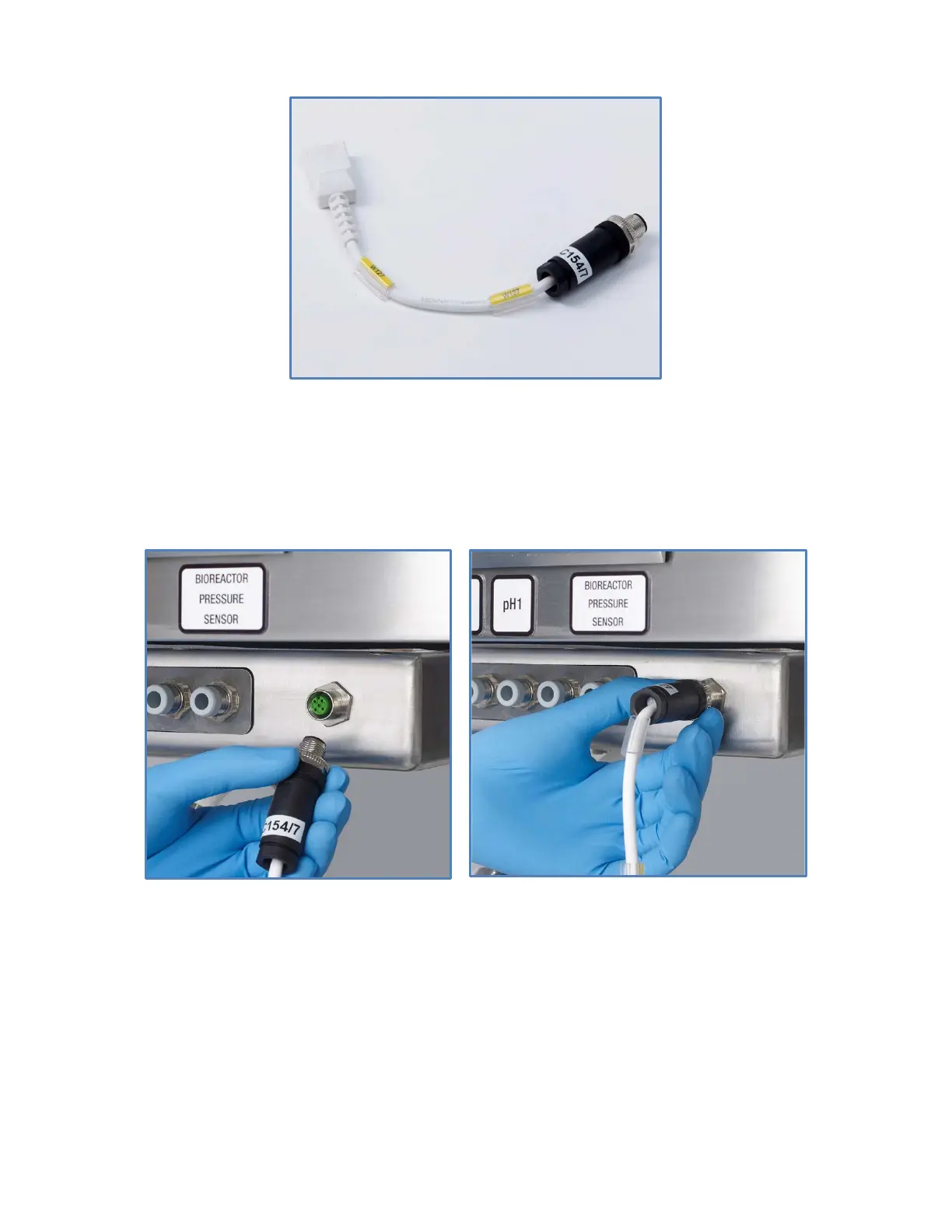
Figure 14: Bioreactor pressure sensor cable
Connect the cable to the connector labeled ‘BIOREACTOR PRESSURE SENSOR’ located on the front
of the iCELLis 500+ control system (Figure 15a). Secure the connector by turning the metallic part of
the connector (Figure 15b).
Figure 15. Bioreactor pressure sensor cable connection – a) Cable of the
pressure sensor being connected, b) Secured connection.


 To Next Page