YOUR PHOTOS, VIDEOS, AND MUSIC
POCKET TUNES
TM
DELUXE
148
7
CHAPTER
8 Select Save List.
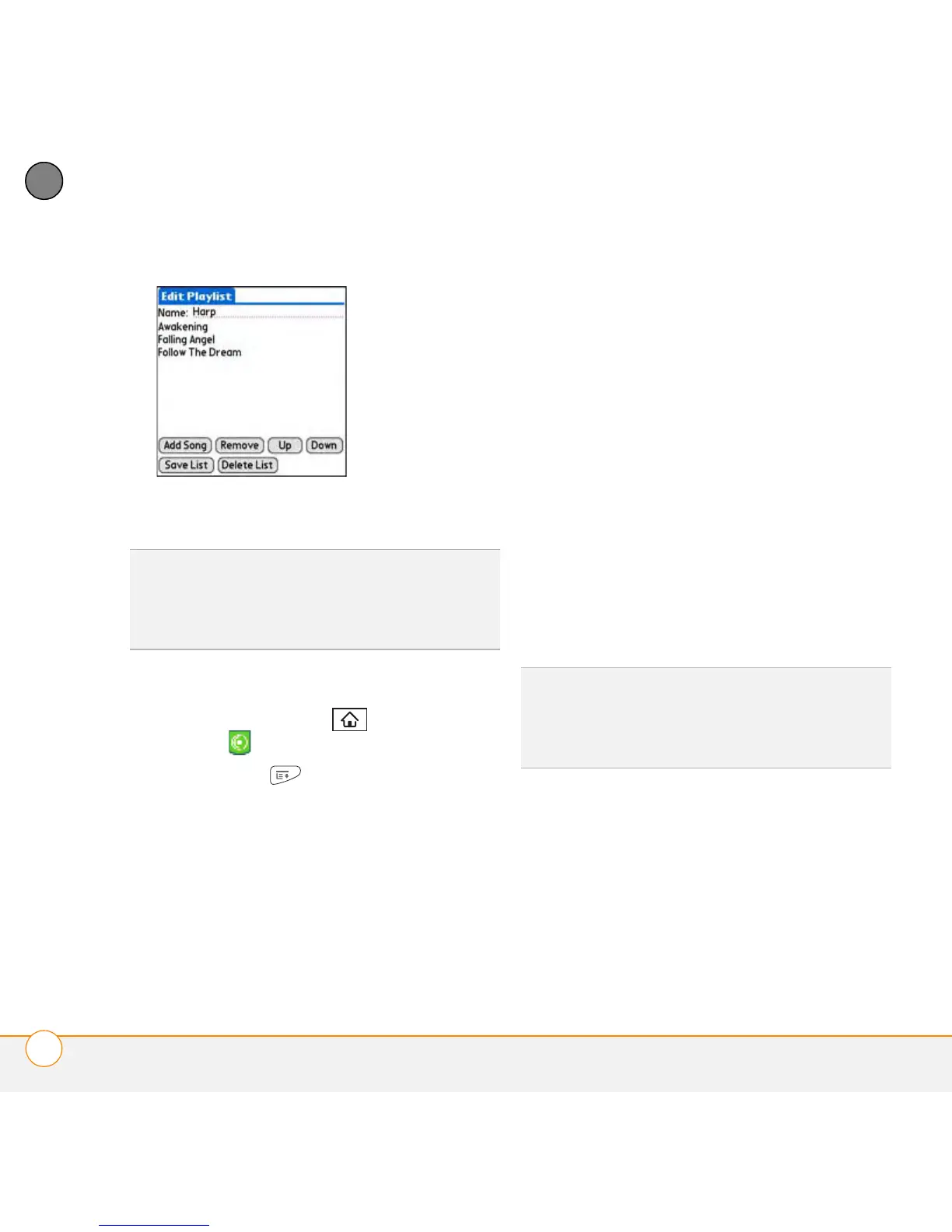
Editing a playlist
1 Press Applications and select
pTunes .
2 Press Menu .
3 Select Actions and then select Manage
Playlists.
4 Highlight a playlist and then select Edit.
5 Do any of the following:
• To delete a song from the playlist,
select the song and then select
Remove.
• To add a song, select Add Song,
select the songs you want to add, and
then select OK.
• To move a song up or down one slot,
select a song and then select Up or
Down.
6 Select Save List.
TIP
To play songs from a playlist, open Pocket
Tunes, select the Choose Songs icon, and
then select Playlists. Select the playlist you
want to play, and then select All.
TIP
To delete a playlist, select Manage
Playlists from the Actions menu, select the
playlist, and then select Delete. Select Ye s to
confirm the deletion.



 To Next Page