YOUR PERSONAL SETTINGS
LOCKING YOUR SMARTPHONE AND INFO
206
11
CHAPTER
Entries: You can mask or hide entries
marked as private and set your smartphone
to require a password for viewing them.
Locking your keyboard (Keyguard)
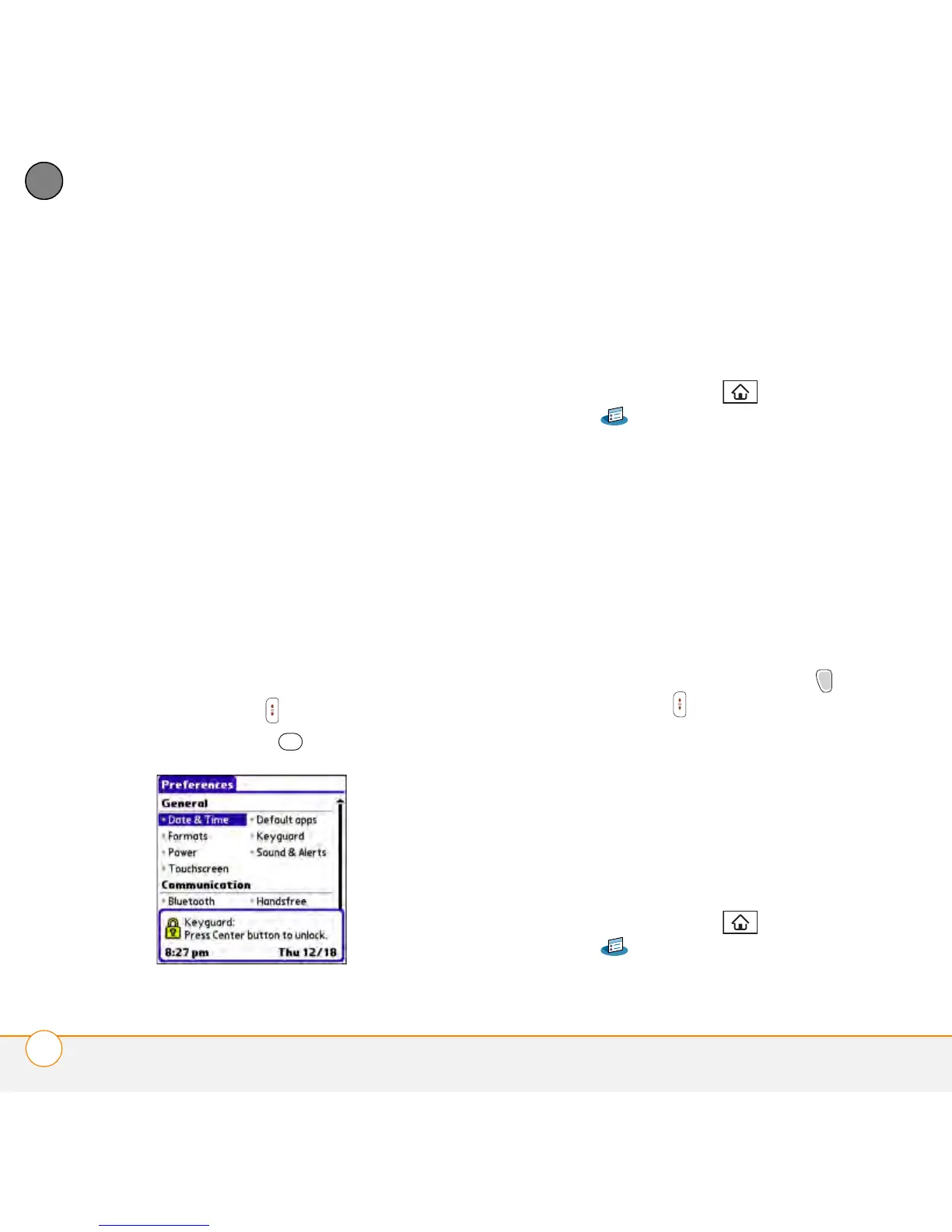
The Keyguard feature locks the keyboard so
that you don’t accidentally press buttons or
activate items on the screen while your
smartphone is in a pocket or bag.
By default, Keyguard turns on whenever
the screen is off. Each time you wake up
the screen, you must turn off Keyguard to
unlock the keyboard and use your
smartphone.
To turn off Keyguard, do the following:
1 When the screen is off, press
Power/End to wake up the screen.
2 Press Center to turn off Keyguard.
You can change how quickly Keyguard
turns on, or you can disable this feature
altogether. To change the Keyguard
settings, do the following:
3 Press Applications and select
Prefs .
4 Select Keyguard.
5 Select the Auto-Keyguard pick list, and
then do one of the following:
• Select how quickly you want Keyguard
to turn on: When power is turned
off, 5 seconds after power off, or 30
seconds after power off.
• Select Disable to completely disable
the Keyguard feature until you turn it
on again by pressing Option +
Power/End when the screen is on.
6 Select Done.
Locking your screen
You can set your smartphone to
automatically lock the screen’s
touch-sensitive features in certain
situations.
1 Press Applications and select
Prefs .



 To Next Page