YOUR PHONE
MAKING CALLS
52
4
CHAPTER
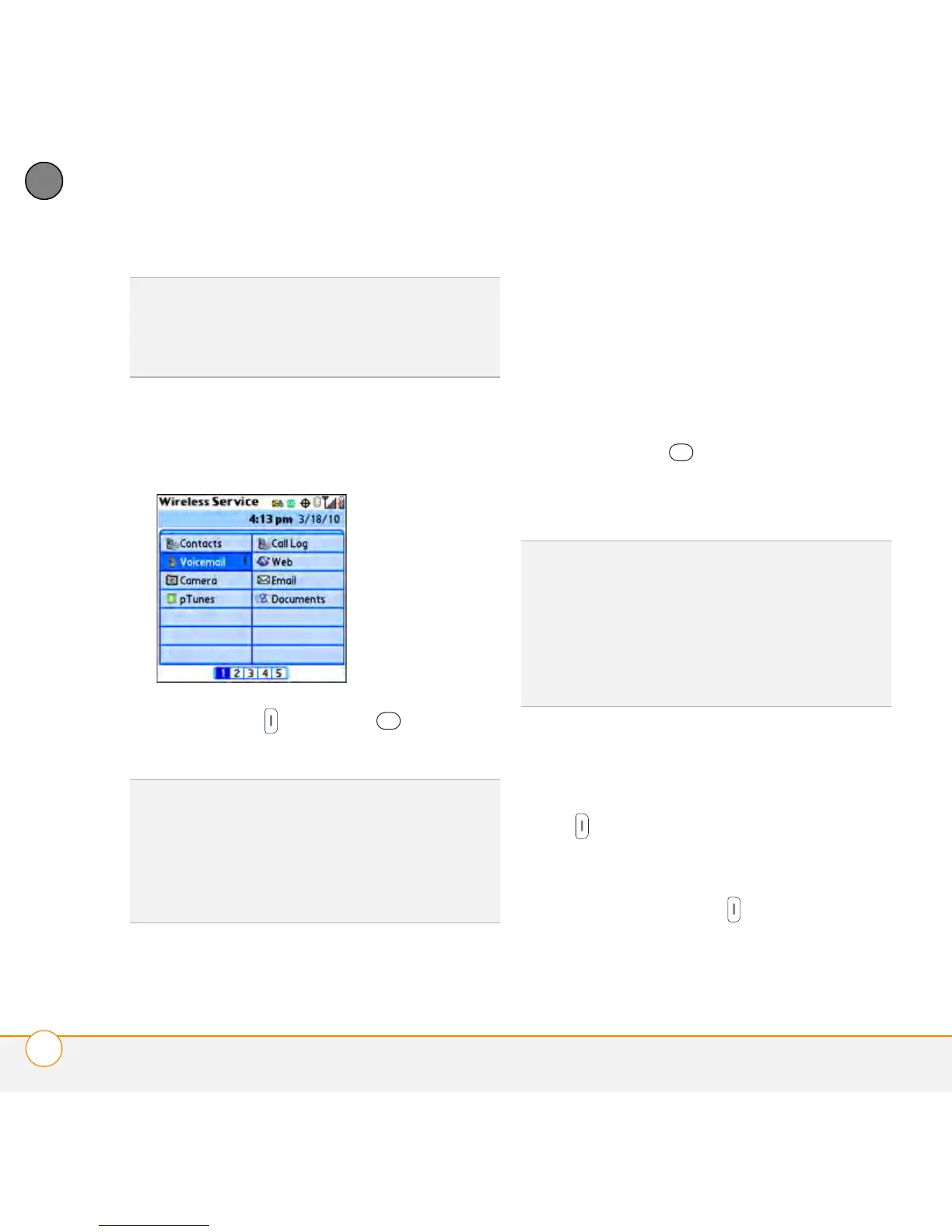
3 Select a speed-dial favorite (Voicemail
shown in the illustration is a speed-dial
favorite).
4 Press Send or Center to make
the call.
Dialing from a web page or message
Your smartphone recognizes most phone
numbers that appear on web pages or in
text or email messages.
1 Select the phone number on the web
page or in the message.
2 Press Center to open the Dial
Number dialog box.
3 Select Dial to make the call.
Redialing a recently called number
To dial the last number: From the Phone
application’s Main View, press and hold
Send to dial the last number you called.
To select from your most recently dialed
numbers: From the Phone application’s
Main View, press Send to open the
Redial list, highlight the number you want
TIP
Tap the numbers at the bottom of the
screen to go to more pages of favorite
buttons. You can also press Down or Right on
the 5-way to move through favorites.
DID
YOU
KNOW
?
If you select a contact from
your Contacts list when you create a
speed-dial favorite, you can see all the
numbers for that contact. Highlight that
contact’s speed-dial favorite button, and
press Space on the keyboard.
TIP
If you can’t use the 5-way or stylus to
highlight and dial a phone number on a web
page or in a message, it means that your
smartphone doesn’t recognize the number as
a phone number. You can still use the menus
to copy and paste the number into the Dial
Pad.



 To Next Page