LifeDrive from palmOne 99
CHAPTER 7 Your Notes and Memos
Viewing and editing a note
0
1 Go to Applications and select Note Pad .
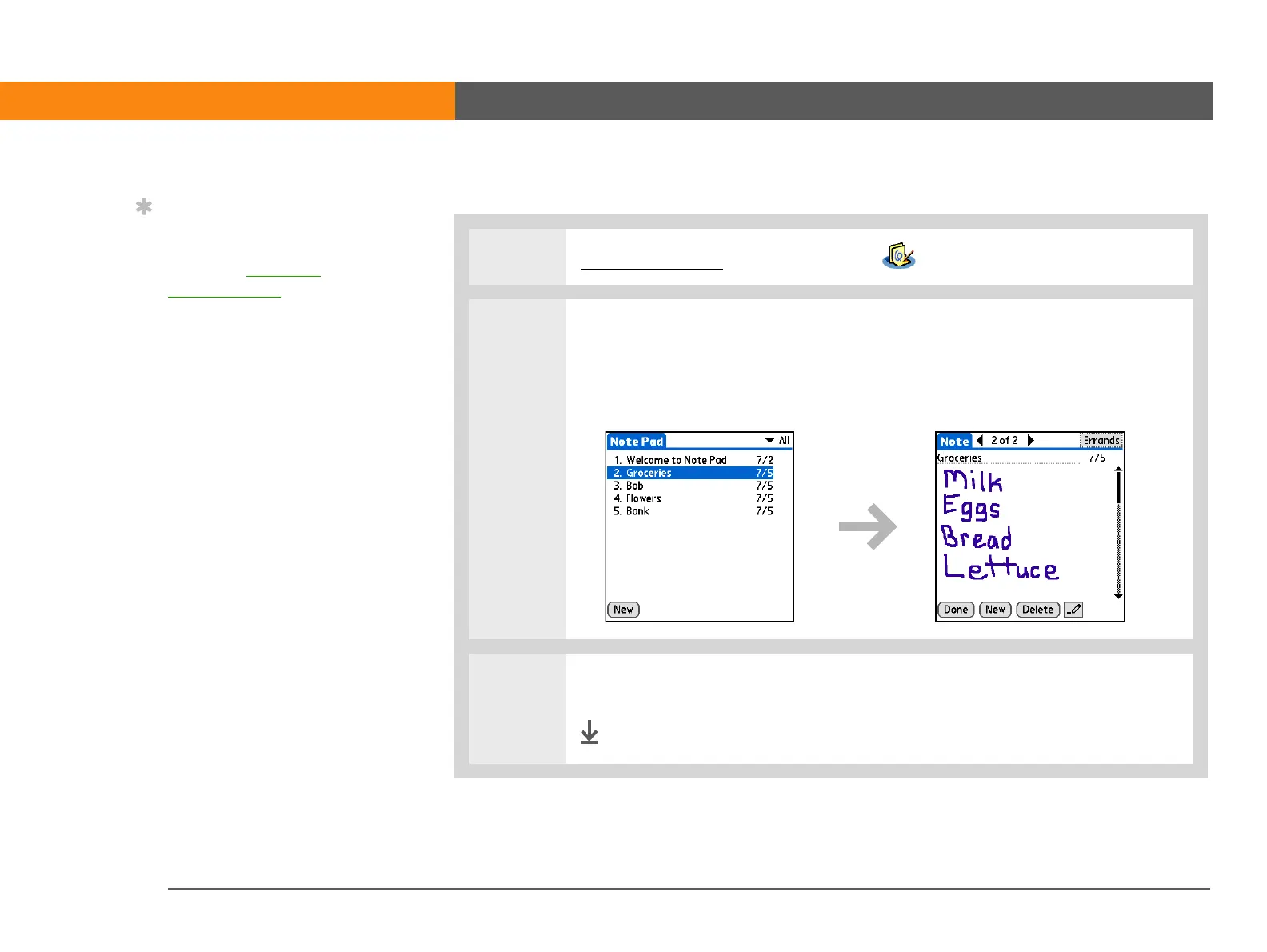
2 Open the note:
a. Select Done to display the Note Pad list.
b. Select the note you want to view or edit.
3 Read or edit the note, and then select Done.
Done
Tip
Sort the Note Pad list
alphabetically, by date, or
manually. Open the
Options menu, select
Preferences, and then
select the Sort by pick list.
If you sort manually, you
can rearrange the list by
dragging notes to
another position in the
list.



 To Next Page