LifeDrive from palmOne 19
CHAPTER 1 Your Mobile Manager
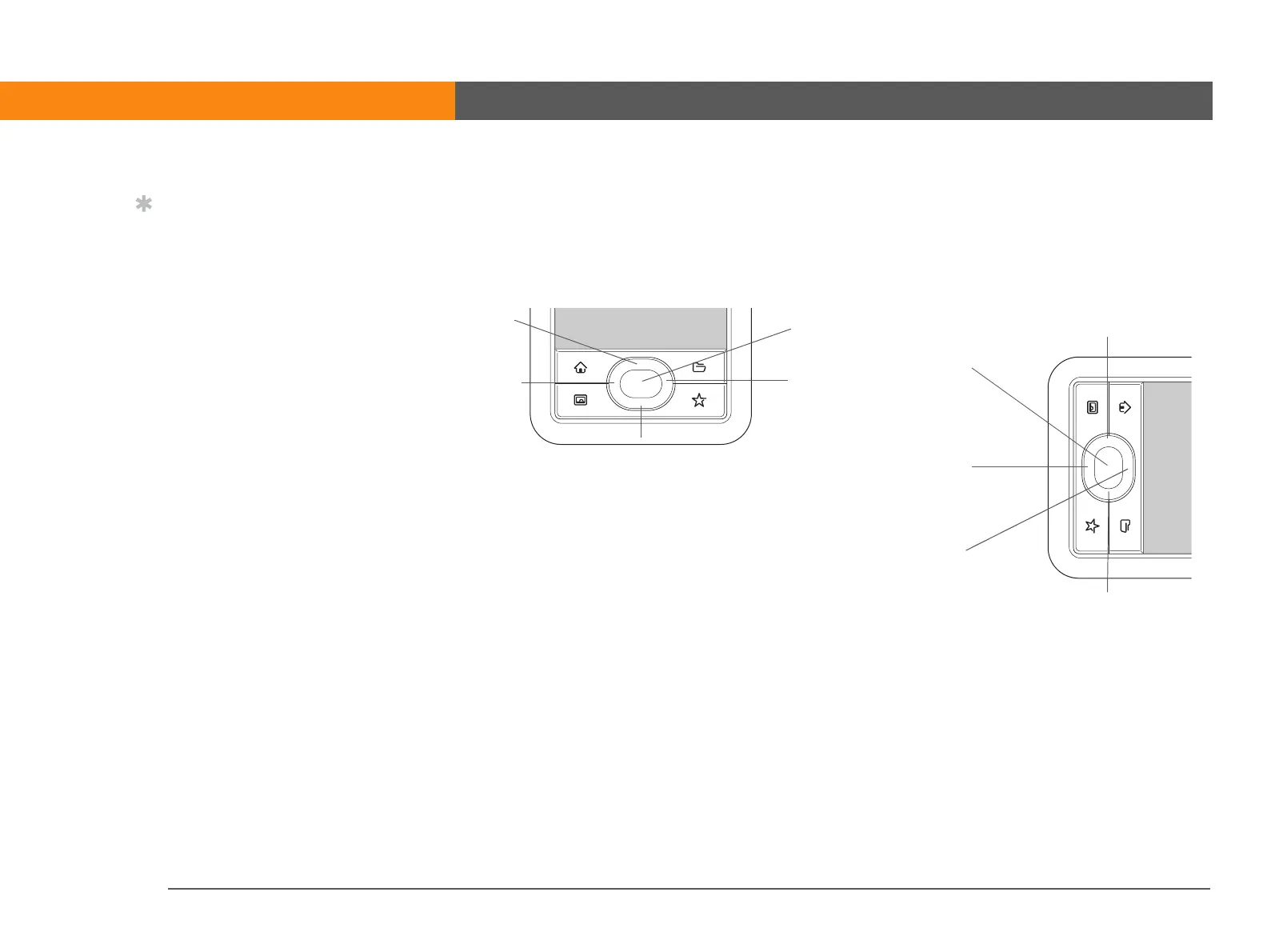
Using the 5-way navigator
The 5-way navigator lets you access information quickly with one hand and without the stylus. The
5-way does various things based on which type of screen you’re on. To use the 5-way, press Up,
Down, Right, Left, or Center.
Tip
In landscape view, not
only does screen
orientation change, but
so does the orientation of
the 5-way. For example,
in right-handed
landscape view, what was
Up in portrait view
becomes Right in
landscape view.
Up
Down
Right
Left
Center
Up
Center
Left
Right
Down
Portrait view
Right-handed
landscape view



 To Next Page