LifeDrive from palmOne 16
CHAPTER 1 Your Mobile Manager
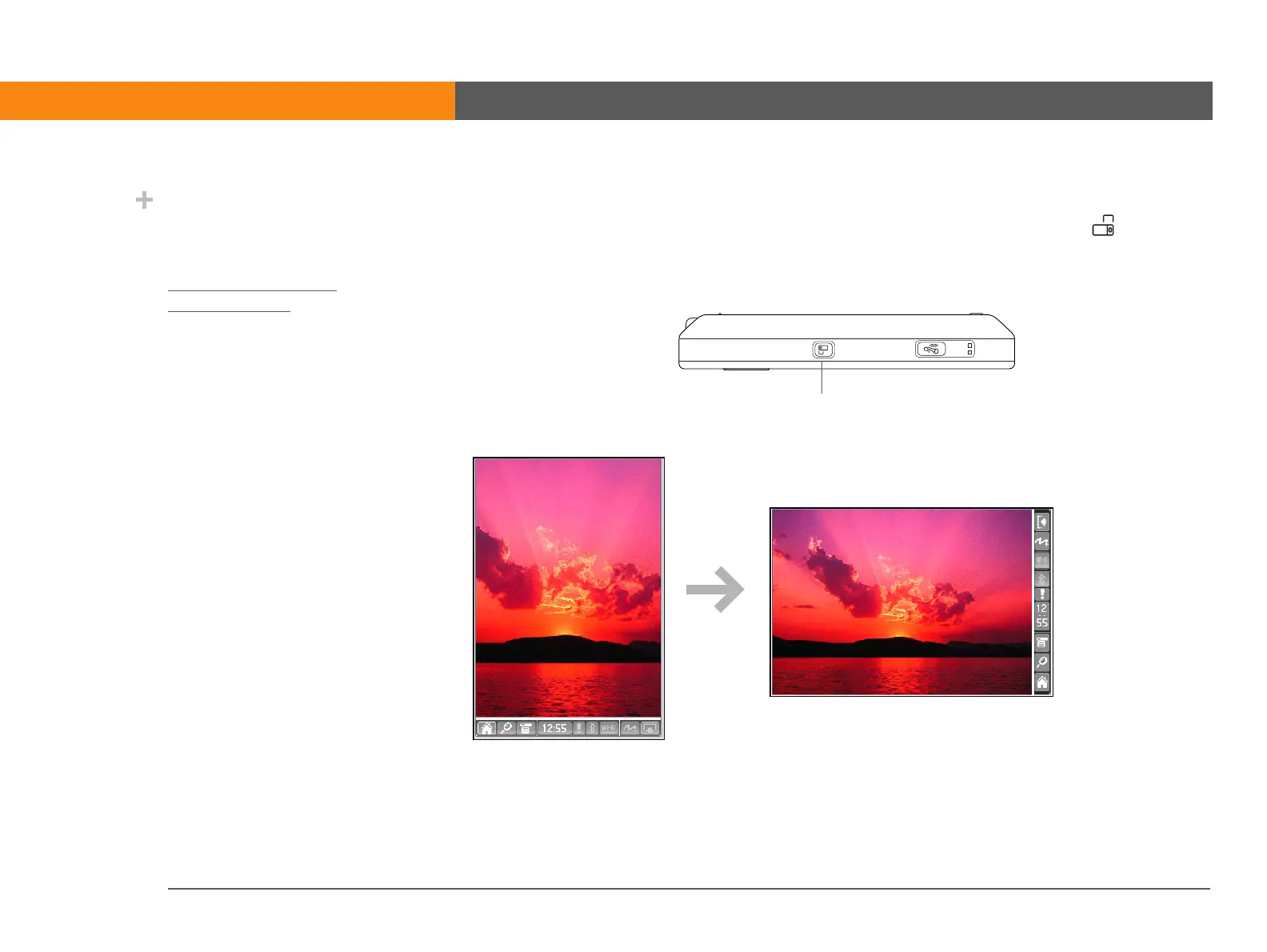
Rotating the screen
You can switch between landscape and portrait views by pressing Screen rotation on the side
of your device. Landscape view is useful for viewing spreadsheets, email, web pages, and photos.
Did You Know?
You can customize which
way the screen rotates in
landscape mode by
choosing right- or left-
handed rotation.
Screen rotation button



 To Next Page