LifeDrive from palmOne 2
CHAPTER 1 Your Mobile Manager
What’s on my device?
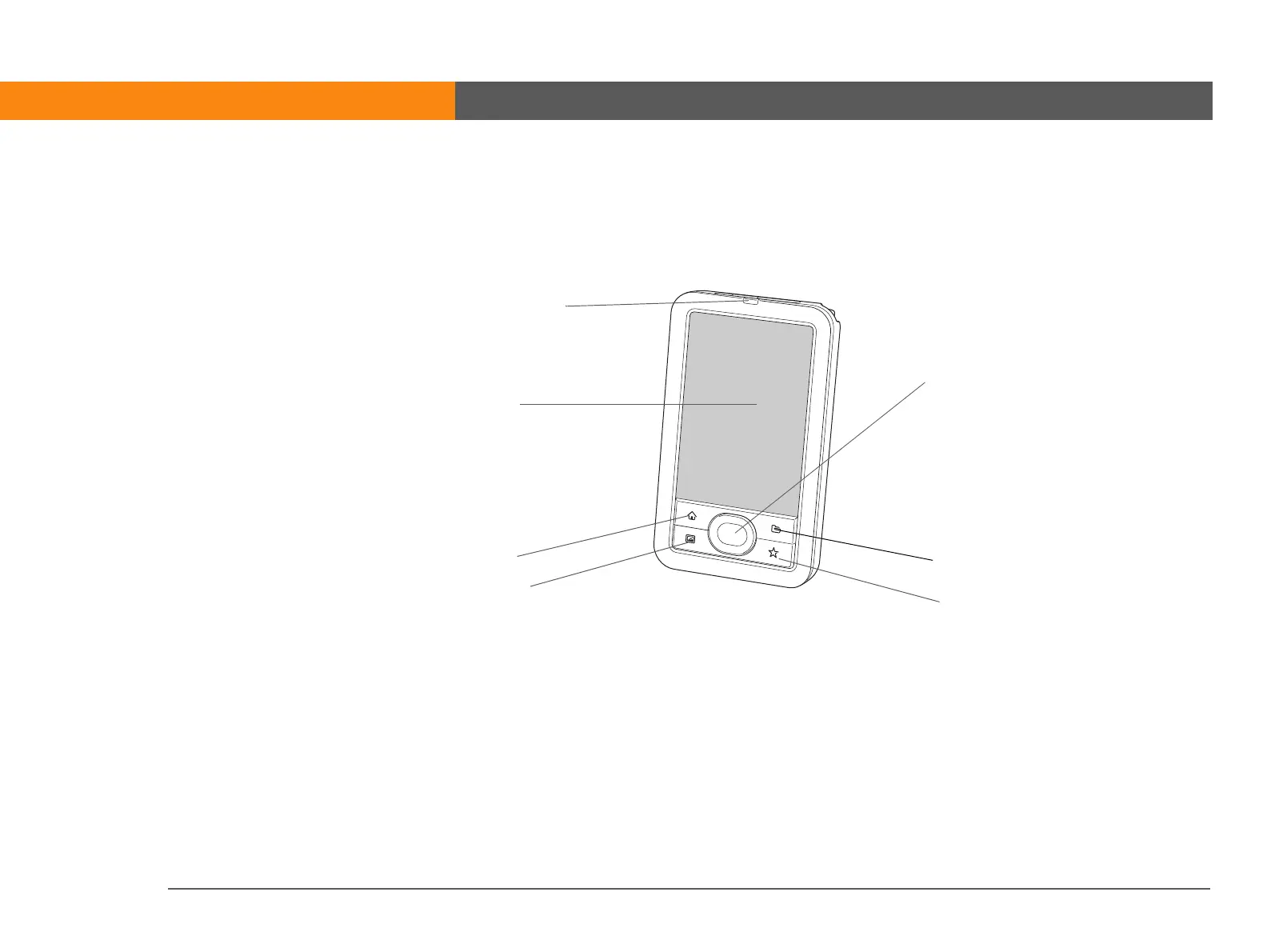
Front
Indicator light Notifies you of various functions. A solid amber light indicates that the
device is charging; a solid green light indicates that the device is fully
charged.
A flashing amber light indicates that the device’s hard drive is currently
processing information—opening a file, saving changes, and so on. Be
especially careful not to drop, bang, or otherwise cause a strong
impact to your device while the indicator light is blinking—you may
damage the hard drive.
Screen
5-way navigator
Home
Media
Files
Star
Quick buttons
Indicator light



 To Next Page