LifeDrive from palmOne 101
CHAPTER 7 Your Notes and Memos
Listening to a voice memo
0
1 Go to Applications and select Voice Memo .
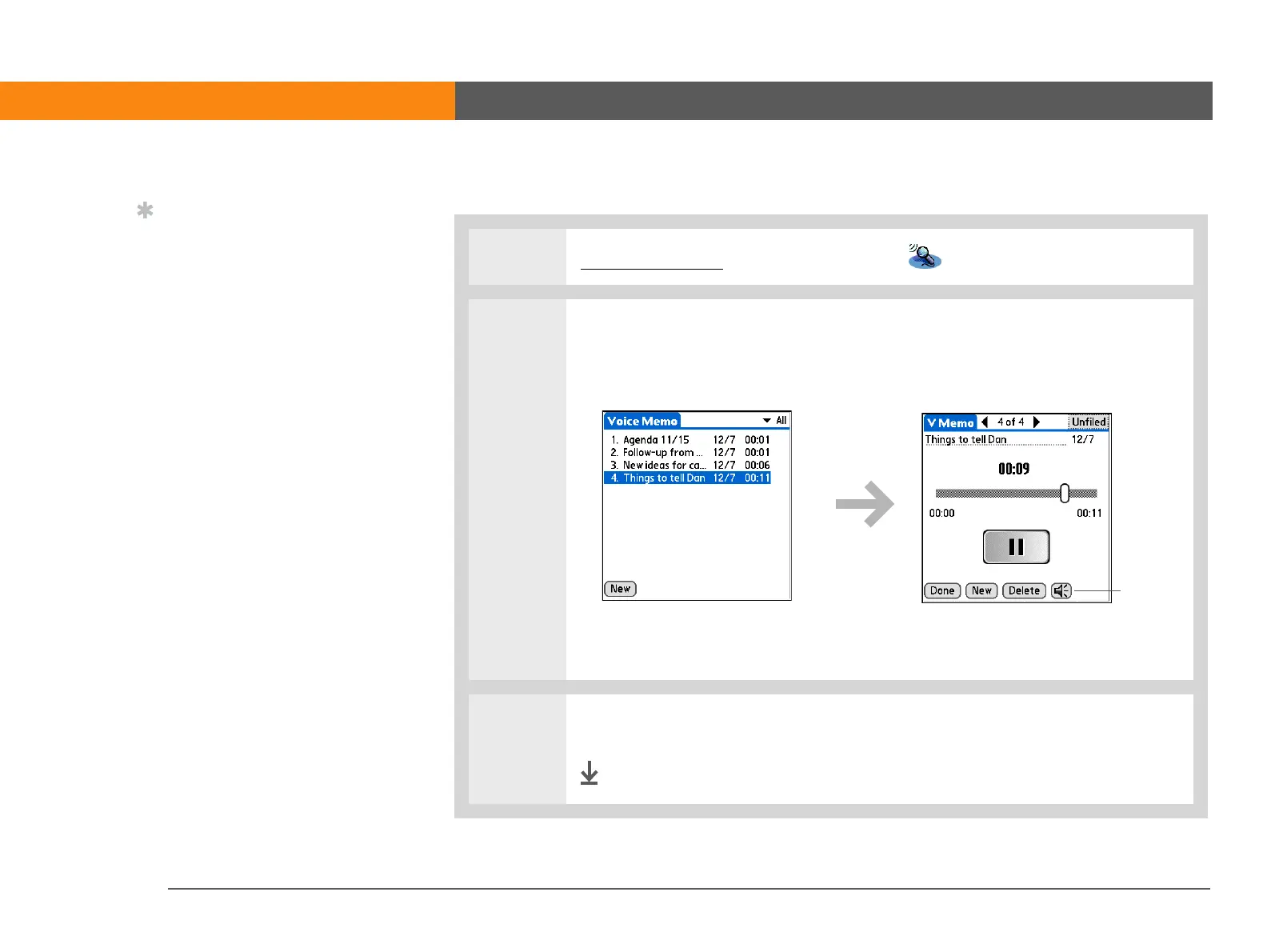
2 Listen to the voice memo:
a. In the Voice Memo list, select the voice memo title. The voice memo begins
to play after a few seconds.
b. Press Right or Left on the navigator to listen to the next or previous voice
memo.
3 When you have finished listening to all voice memos, select Done.
Done
Tip
Select the Speaker icon
and press Up or Down on
the navigator to adjust
the volume when
listening to a voice
memo.
Adjust
volume



 To Next Page