LifeDrive from palmOne 110
CHAPTER 8 Your Wireless Connection
8
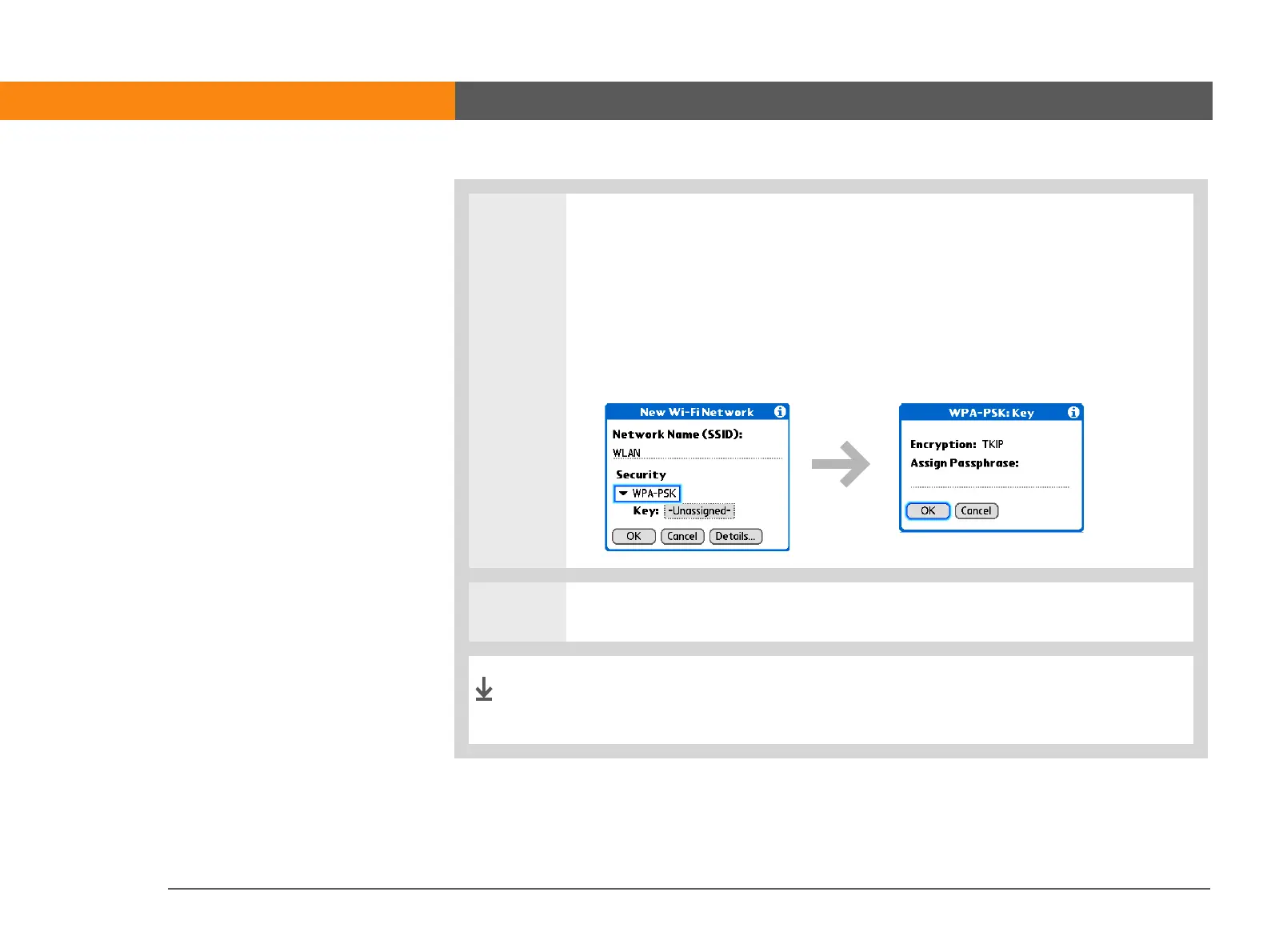
If you selected WPA-PSK in step 6:
a. Check the WPA-PSK box.
b. Tap the Key box.
c. Assign a passphrase.
d. Select OK.
9
Select OK and then select Done.
You can now connect to the network any time you are within
range of the access point.
Done



 To Next Page