LifeDrive from palmOne 112
CHAPTER 8 Your Wireless Connection
4
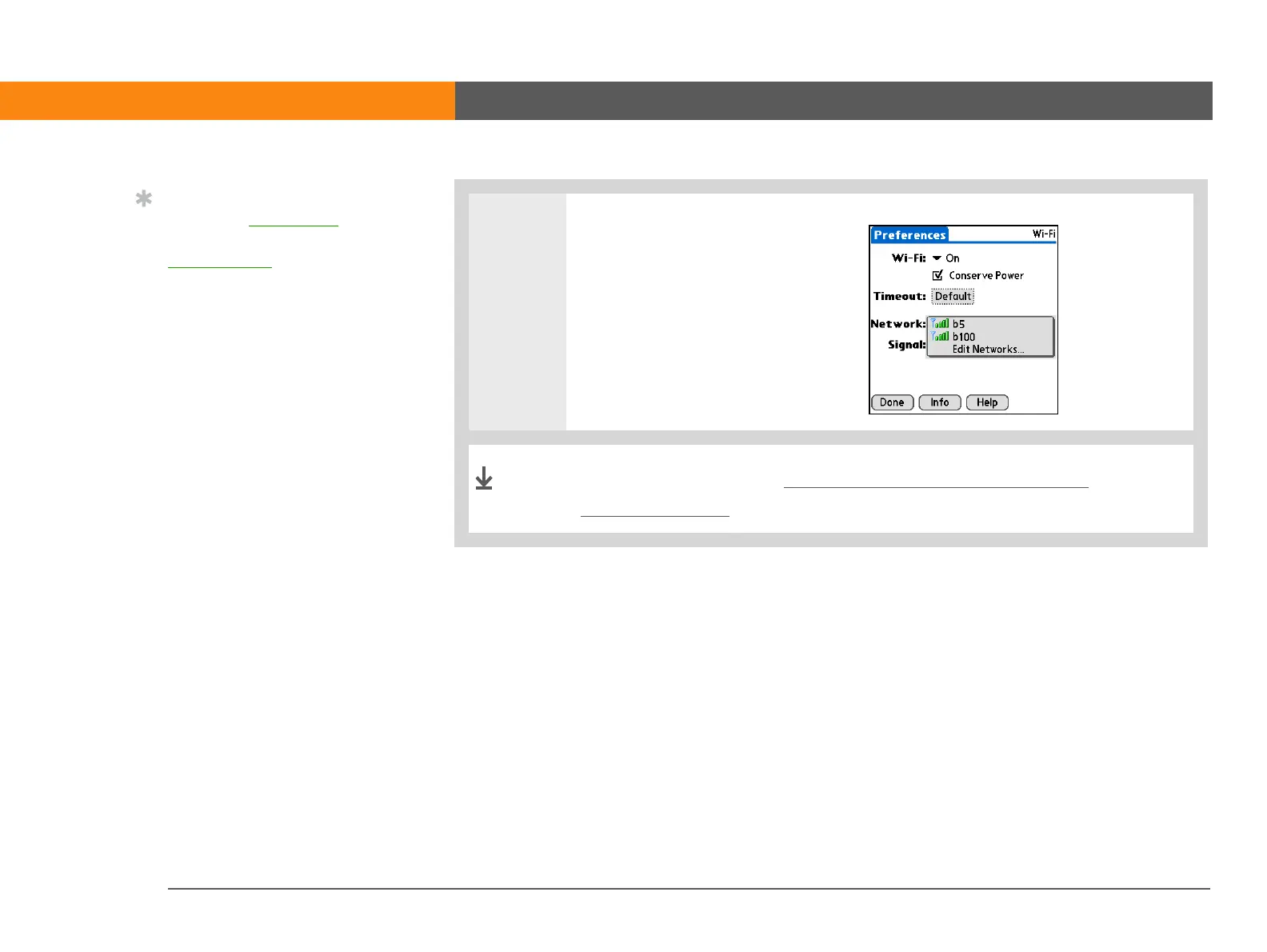
Connect to the Wi-Fi network:
a. Select a Network from the
Network pick list.
b. Wait for the connection to
complete and then select
Done.
You are now ready to send and receive email messages or to
browse the web.
Tip
When you enter a URL in
the web browser or select
Get and Send
in the
VersaMail
®
application,
a connection is
automatically initiated
with the last used service.
Done



 To Next Page