LifeDrive from palmOne 4
CHAPTER 1 Your Mobile Manager
To p
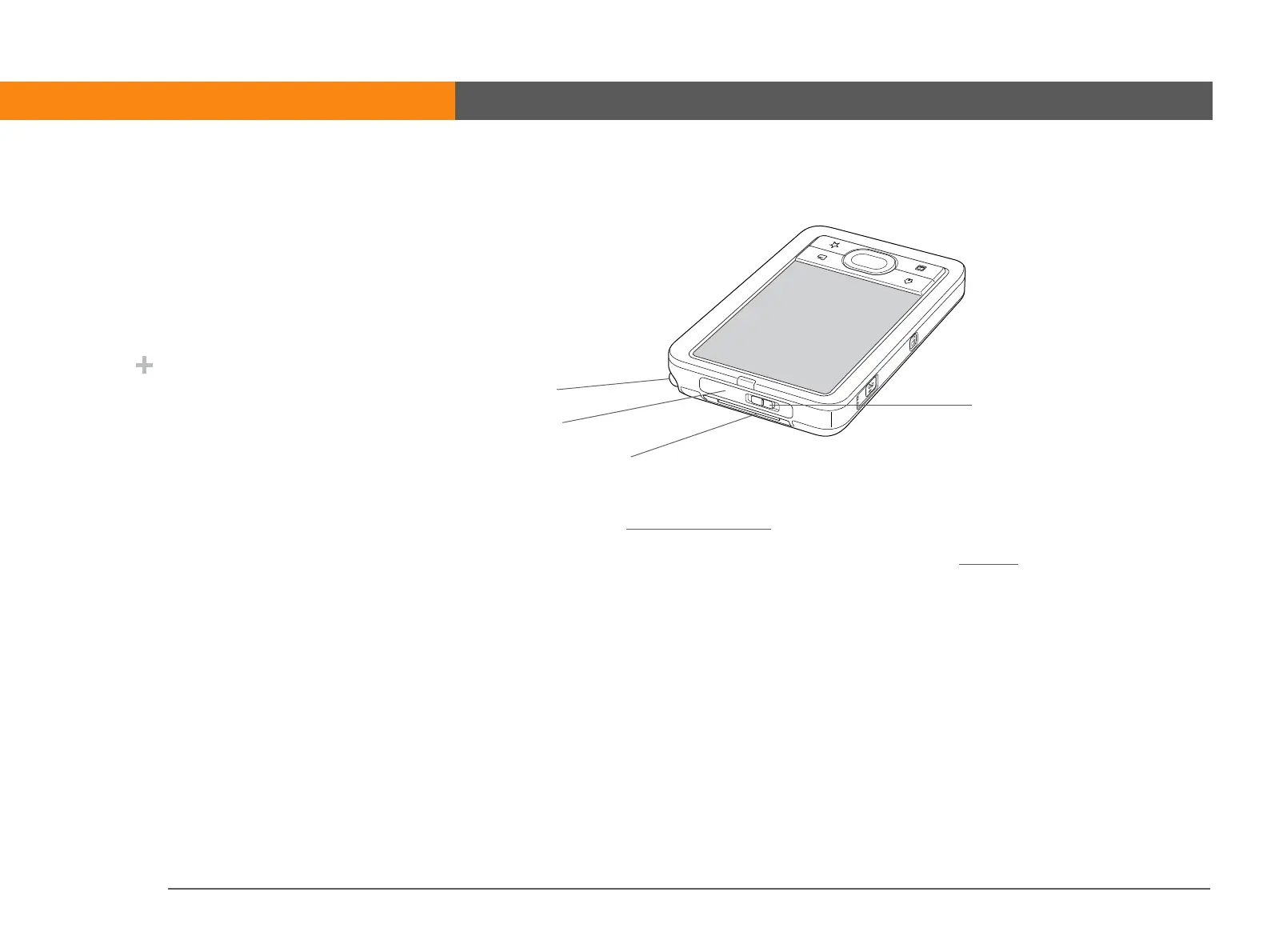
IR port Beams information to and from other devices that have an IR port.
Power switch Turns your device on or off and lets you turn Keylock
on. A red indicator is
displayed on the switch when Keylock is on.
Stylus Lets you enter information on your device by writing or tapping. To use
the stylus, press down on the top, release to let it pop out of the slot, and
then slide it out. Hold the stylus as you would a pen or pencil. Using your
fingertip instead of the stylus is OK, but don’t use your fingernail, a real
pen, or any other sharp object to touch the screen.
Expansion card
slot
Lets you insert an expansion card (sold separately) to back up info and
add memory, applications, and accessories to your device.
»
Key Term
IR Short for infrared.
Beaming uses infrared
technology to send
information between two
IR ports that are within a
few feet of each other.
Did You Know?
Beaming lets you quickly
share appointments,
addresses, phone
numbers, files, photos,
and more.
Stylus
Three-position
power switch
IR port
Expansion card slot



 To Next Page