LifeDrive from palmOne 44
CHAPTER 2 Your 4GB Hard Drive
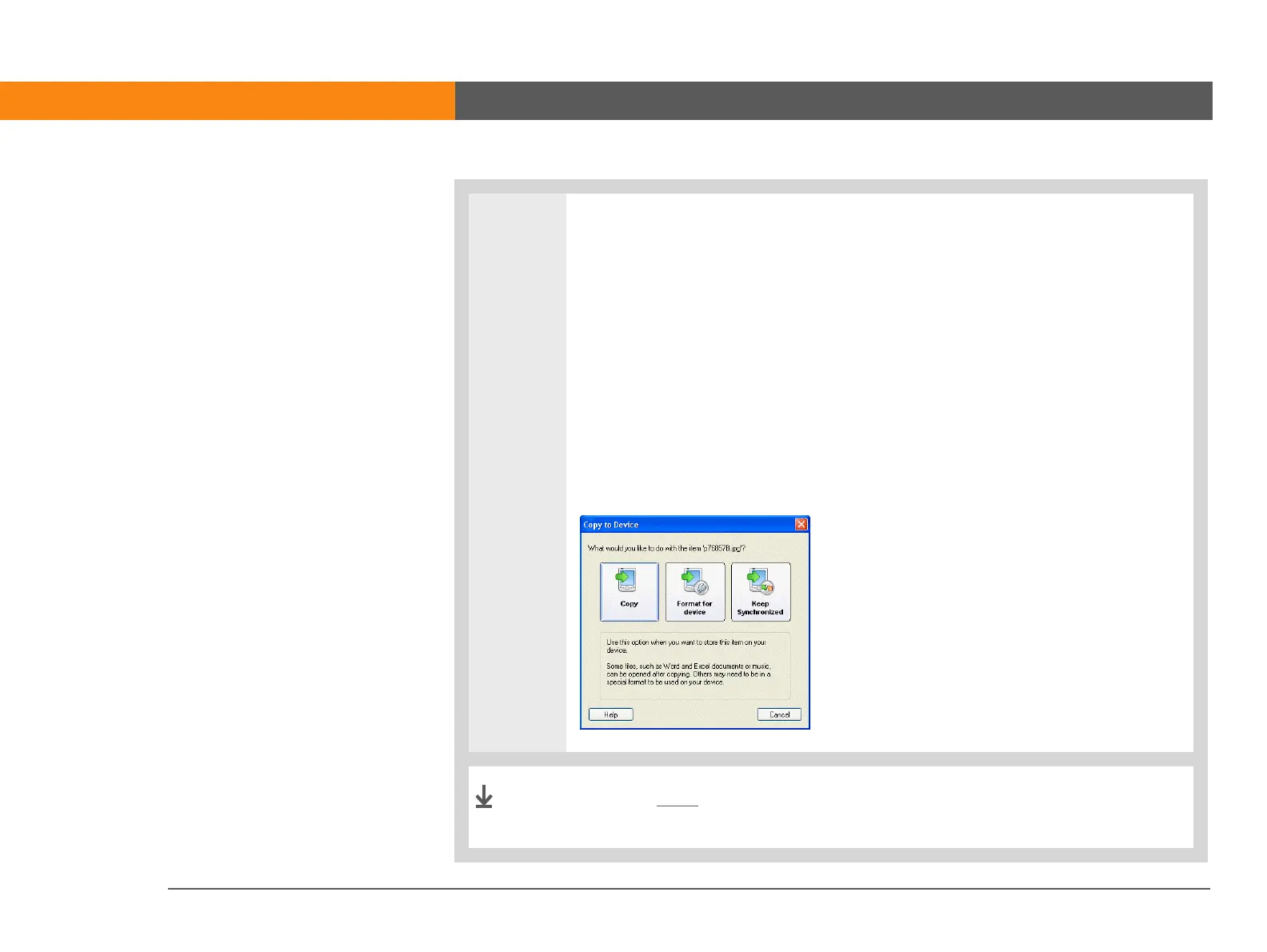
3 Choose one of the following options:
Copy The items are copied to the location you specify. With this option,
photos and videos are transferred in their original format.
Format for device Photos and videos are converted to a format that works best
on your device. This option is available only if the files or folders you are
transferring include one or more photos or videos.
Keep synchronized The items are copied to the root level of your device’s
drive and are included in synchronization. This means that when an item is
updated on your device, it is automatically updated on your computer, and vice
versa. This option is available only if you are transferring files or folders to the
root level of your device’s drive.
Use the Files application on your device to work with the
transferred files and folders.
Done



 To Next Page