LifeDrive from palmOne 63
CHAPTER 3 Your Photo and Video Organizer
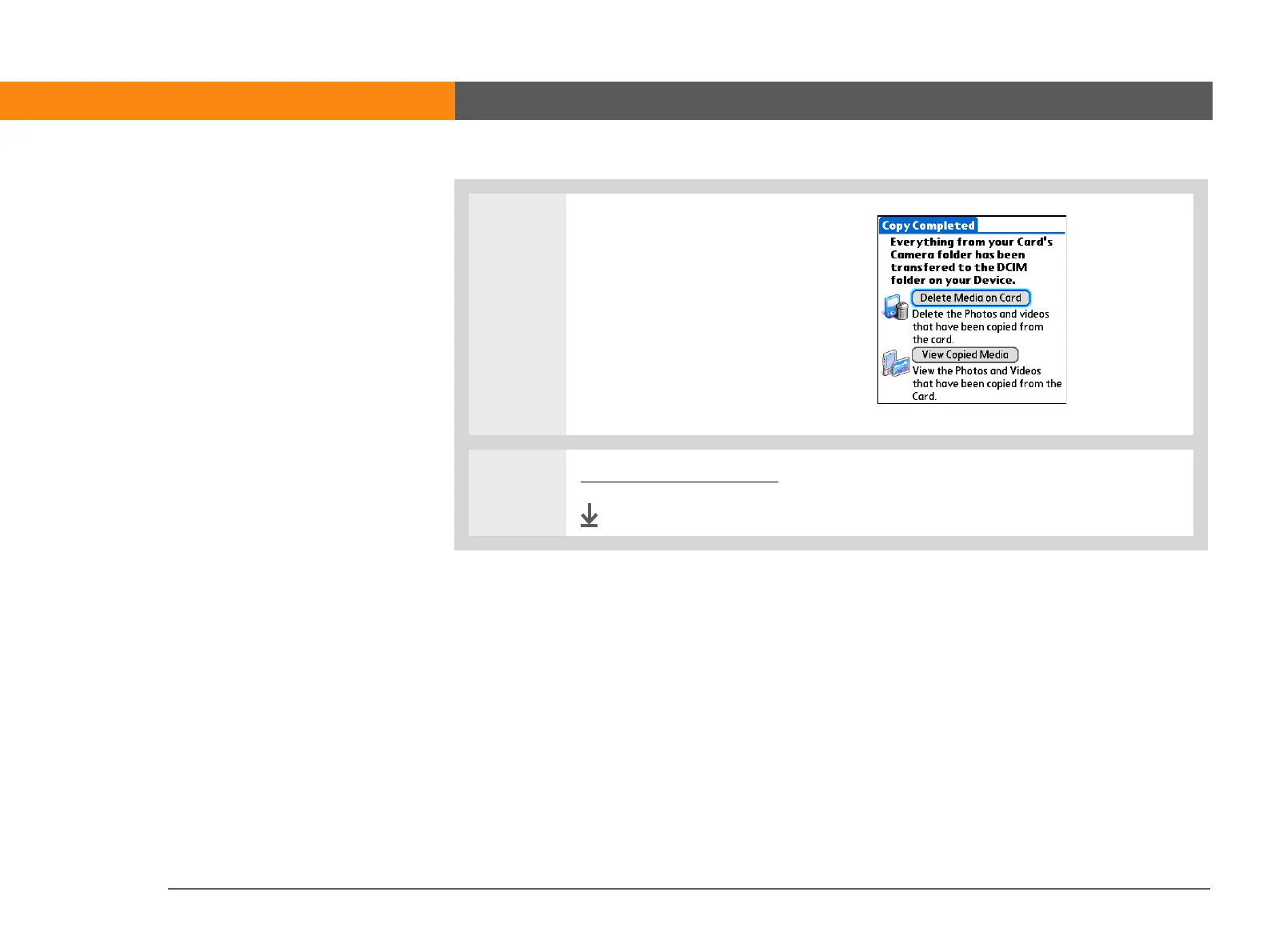
3 [ & ] OPTIONAL If you selected
Copy to Device, you can perform
Delete Media on Card Deletes
the contents of your camera card
so that your card is immediately
available for more photos or
videos.
View Copied Media View the
photos and videos that you
copied to your device.
4 Remove your camera card.
Done



 To Next Page