28
DV CMD SEL:
This item sets the record function performed by the backup unit when
the START/STOP button on the camcorder is pressed. There are two choices
REC_P:
Allows switching between recording and pause.
STOP: Allows switching between recording and stop.
Note:
Used when backup unit does not have a pause mode
.
Rec Lamp:
this item allows the user to control the tally lights, OFF turns both tally lights
off. The Front tally lamp selection allows the front tally lamp to function only. Rear selec-
tion allows the rear tally lamp to function only. Both allows both tally lamps to function.
Note: The tally lamps supply you with additional information:
Beep sound
this item allows the user to turn the beep sound ON or OFF. When the
beep tone is sounded the audio signals from the output connectors are muted, and the
beep tone is output instead. When turned on, the beep tone have different meanings.
Clock Set
This item allows the user to set the internal time and calendar of the Camcor-
der. The Year, Month, day, Hour and minutes. Which is held by an internal battery.
Time Shift
When you travel, this item allows the user to set the time for different time
zones and countries without changing his original home time (CLOCK SETTING) setting.
This item effects both the viewfinder, LCD and the clock time recorded on the tape. This
adjustment is done in 1 hour increments, from +23 to –23 Hours and also a OFF position
which is the factory default.
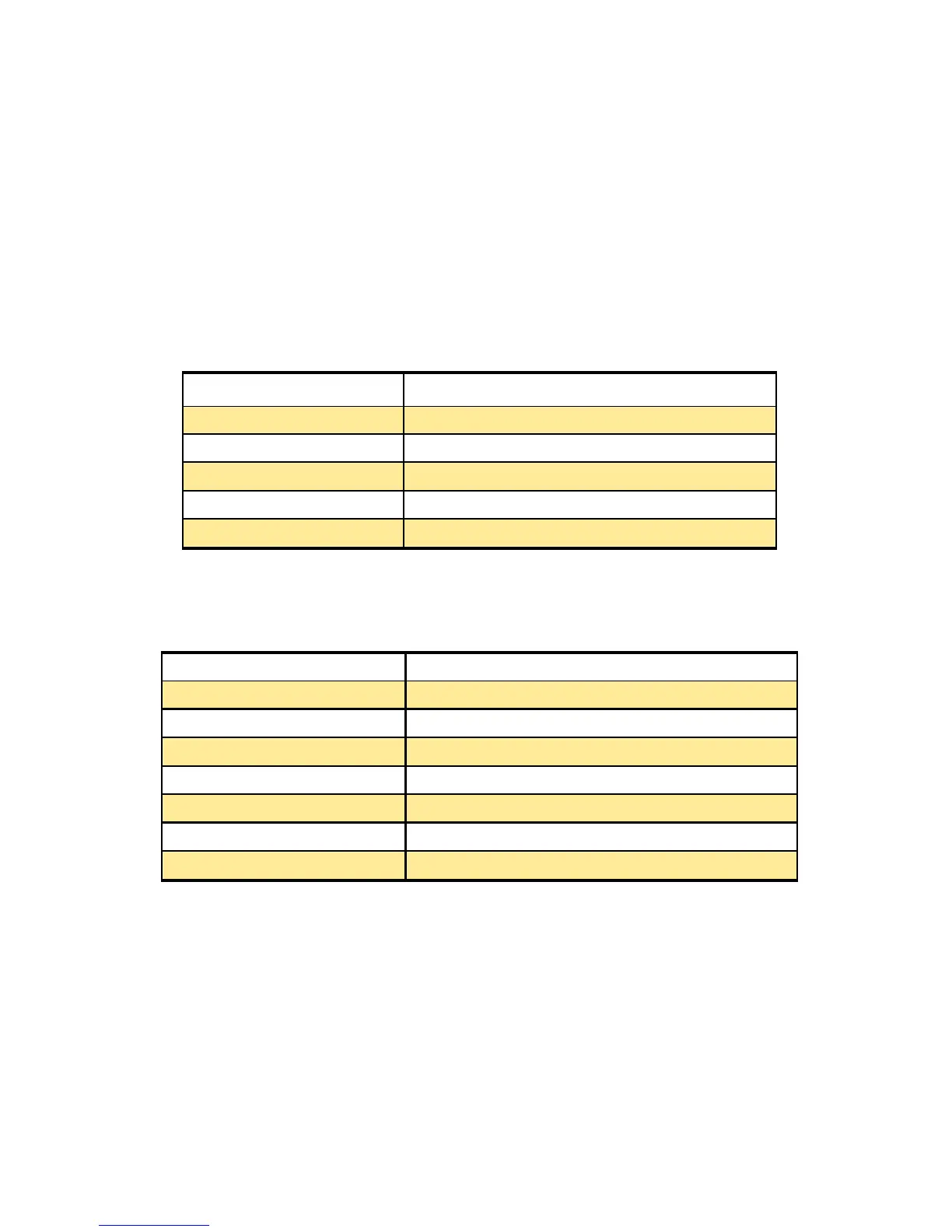
Tally Lamp Operation
8 blinks per second When a remote operation has been received.
8 blinks per second When Recording has started.
4 blinks per second When the video tape has come to the end.
4 blinks per second When a problem has arisen in the tape transport.
1 blink per second When there is little tape or battery charge remaining.
Beeps Operation
1 beep Sound When the power has been turned on.
1 beep Sound When you start to record.
2 beep Sounds When recording has been temporarily stopped.
10 beep Sounds When the cassette tape has not been inserted.
10 beep Sounds When the unit is in the pause mode.
10 beep Sounds When condensation has formed inside the Camcorder.
10 beep Sounds When a problem has occurred in the Camcorder.













 To Next Page