17
1
E
N
G
L
I
S
H
CQ-C5403U/C5303U
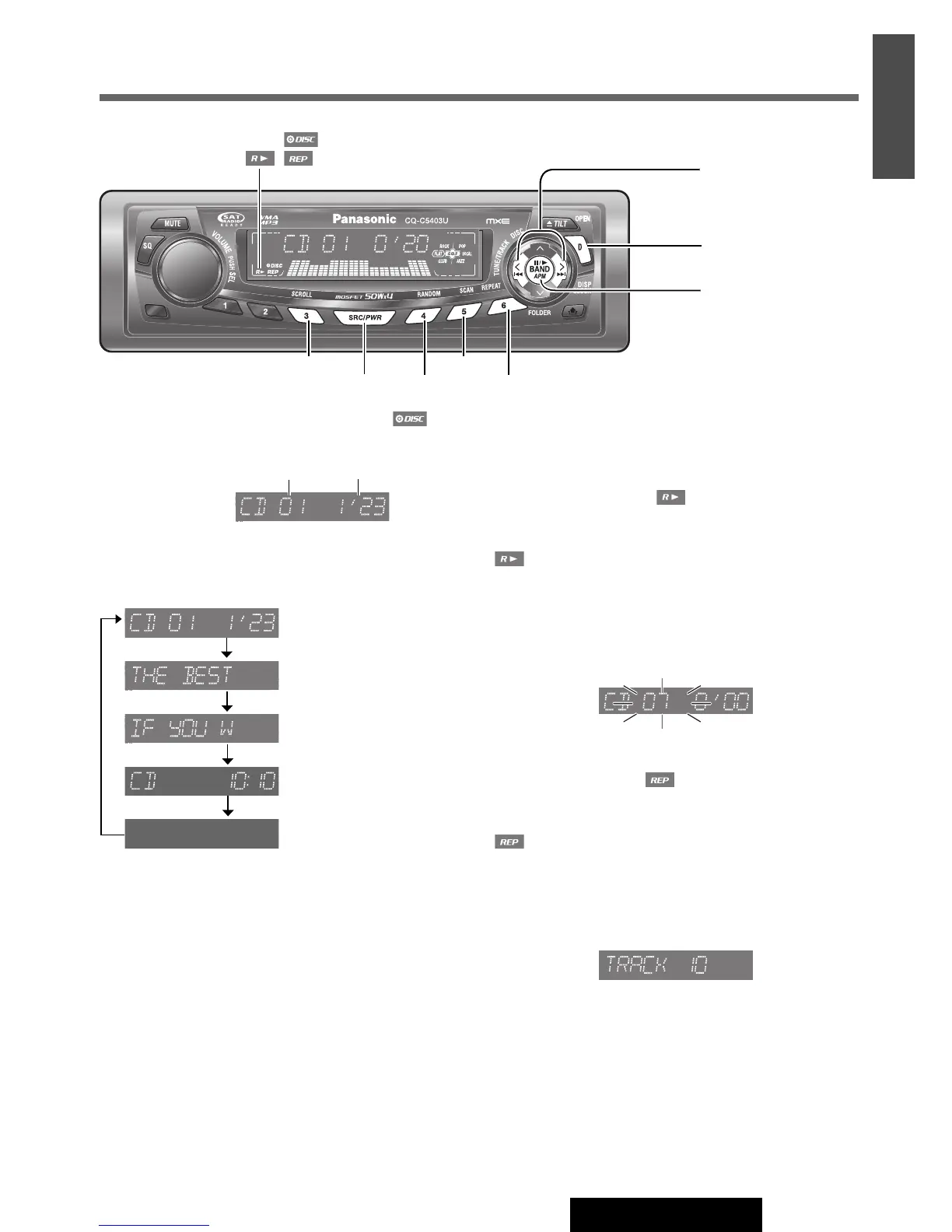
When CD is in the player
Press [SRC/PWR] to select the CD player mode and play-
back starts.
Display Change
Press [D] (DISP).
Track/Play time
Disc title
Track title
Clock time
Display off
Note:
¡
“
NO TEXT
”
is displayed when there is no information on
the disc.
¡ To have another circle scroll while a title is displayed,
press [3] (SCROLL). If the number of displayed char-
acters is 8 or less, the characters do not scroll.
Track Selection
[d]: Next track
[s]: Beginning of the current track
For the previous track, press twice.
Fast Forward/Fast Reverse
Press and hold
[d] (f): Fast forward
[s] (a): Fast reverse
Release to resume normal playback.
Pause (y / 5)
Press [BAND] (y / 5).
Press [BAND] (y / 5) again to cancel.
Random Play
All the available tracks are played in a random sequence.
Press [4] (RANDOM).
lights.
Press
[4] (RANDOM) again to cancel.
Scan Play
The first 10 seconds of each track is played in sequence.
Press [5] (SCAN).
Press [5] (SCAN) again to cancel.
Repeat Play
The current track is repeated.
Press [6] (REPEAT).
lights.
Press
[6] (REPEAT) again to cancel.
Direct Track Selection
(Only for remote control unit)
Example: Track number 10
q Press [#].
w Press [1] [0].
e Press [BAND] (SET).
Note:
¡ To suspend direct selection, press [DISP].
¡ Random, Scan and Repeat plays are canceled once [#]
is pressed.
16
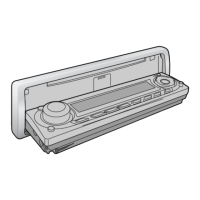
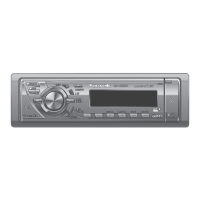
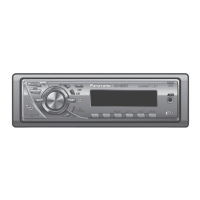
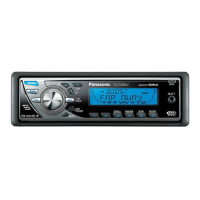
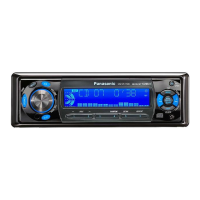
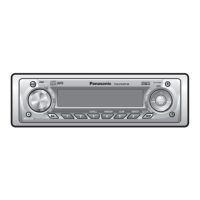
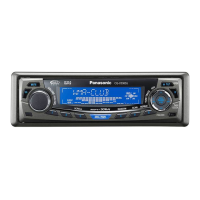
CD Player
[BAND] (y / 5:
Pause/play)
[D] (DISP) (Display)
[SRC/PWR] (Source)
[s] / [d] (a / f)
(Track selection/fast for-
ward/fast reverse)
[3] (SCROLL)
[4] (RANDOM)
[5] (SCAN)
[6] (REPEAT)
Track Play time
indicator



 To Next Page